> ## Documentation Index
> Fetch the complete documentation index at: https://docs.truu.ai/llms.txt
> Use this file to discover all available pages before exploring further.
# Badgeless (Physical)
> TruU’s Badgeless capabilities allows you to use your mobile device for physical access in place of a badge. Credentials are automatically provisioned from the organization to your device, and are available through the TruU Mobile App.
**TruU Badgeless User Guide**
Prerequisites
* Mobile Device:
* **iPhone:** iPhone 6s or newer with iOS 14 or greater
* **Android:** Android O/S 7 or greater with biometric capability
* TruU Fluid Identity mobile app installed and enrolled to your organization
* Bluetooth is enabled on the device
**Getting Started**
1. Ensure the TruU Mobile App is running (active or in the background) on your phone, and Bluetooth is enabled
2. Bring your phone near the reader to unlock the door
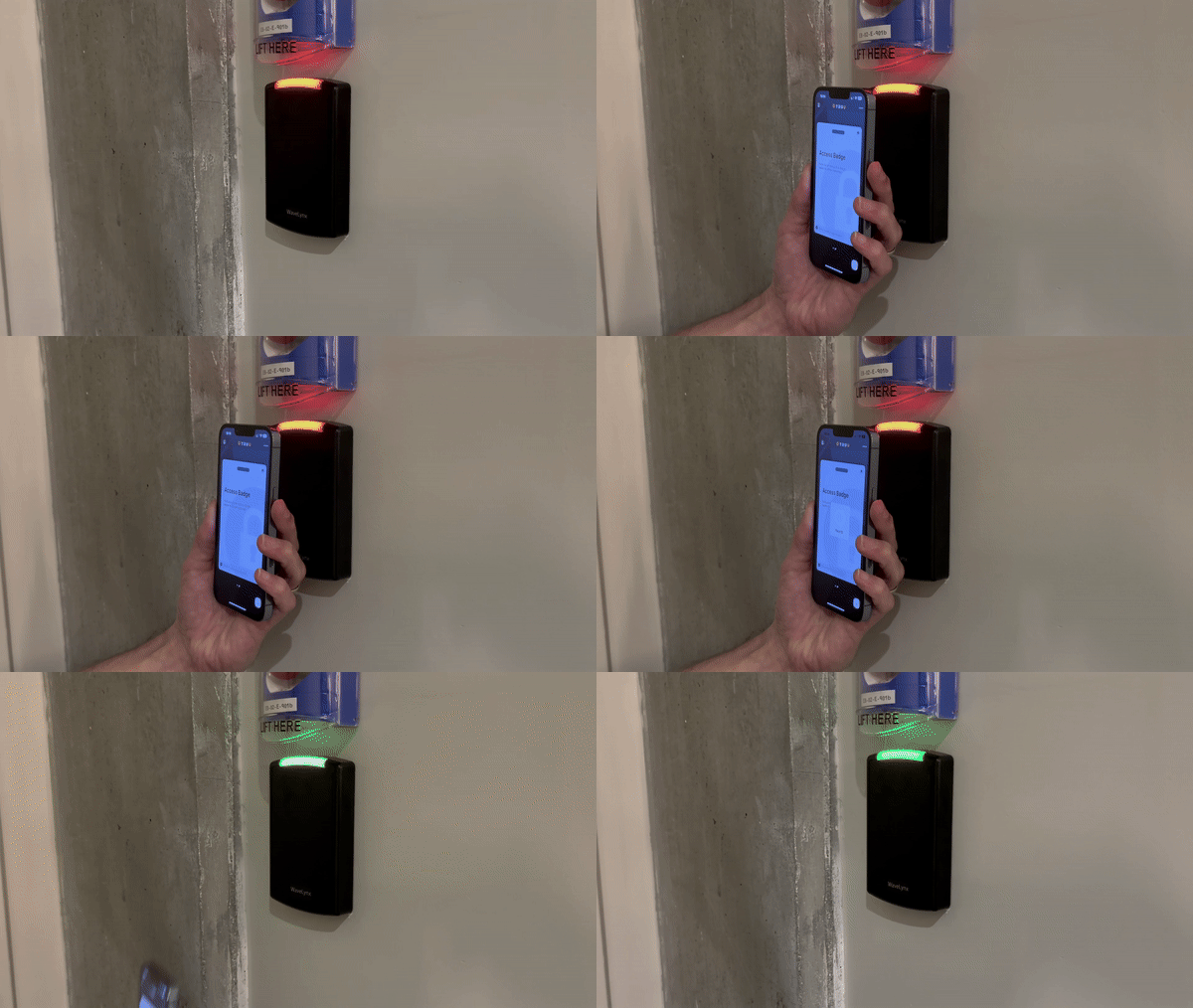
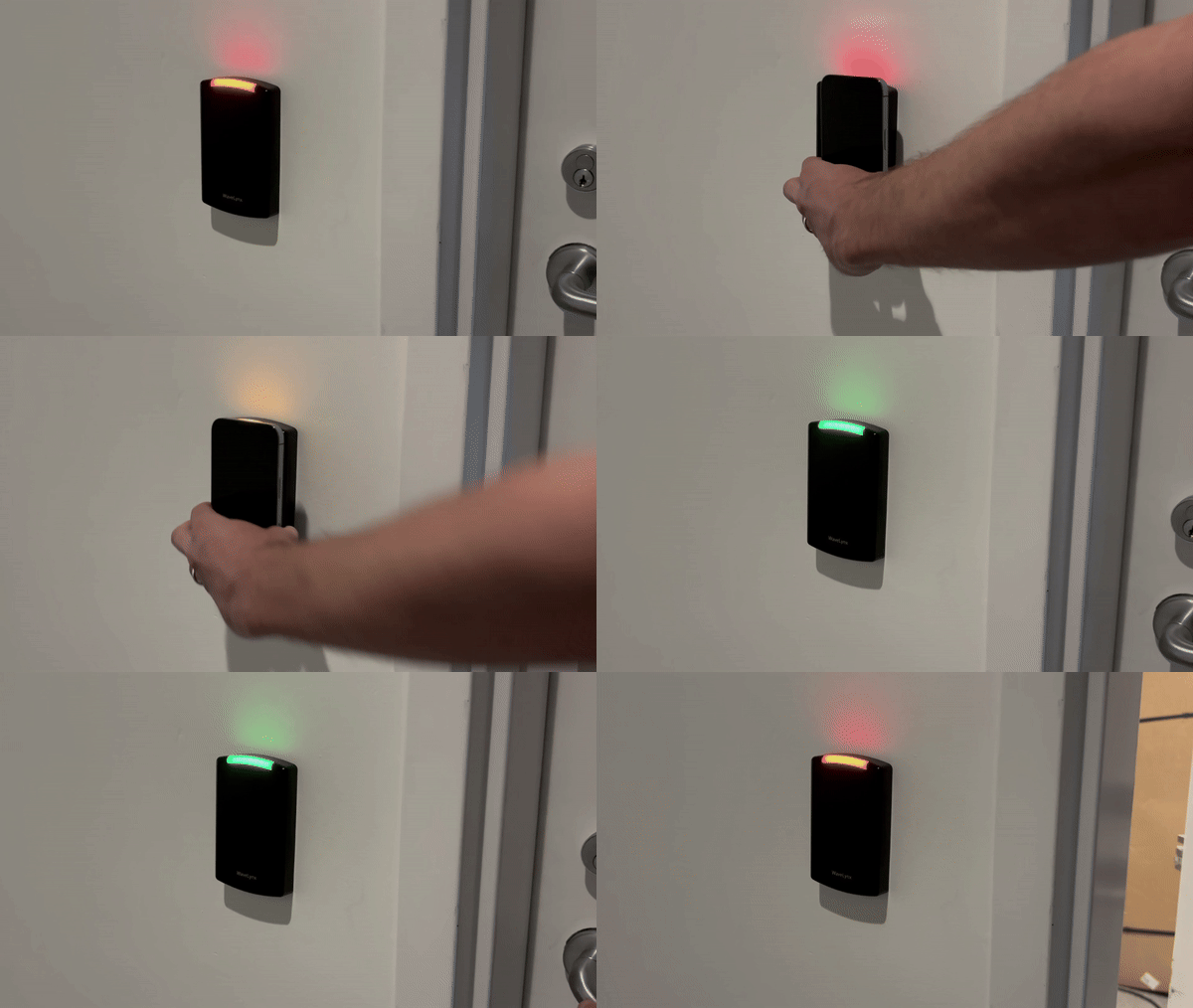 3. Bring your phone near the reader, then provide your biometrics (or device PIN) to unlock the door
Note: Some doors may require additional verification
3. Bring your phone near the reader, then provide your biometrics (or device PIN) to unlock the door
Note: Some doors may require additional verification
 ***
[Security Key User Guide](/docs/security-key-user-guide)
[Shared Workstation](/docs/shared-workstation)
***
[Security Key User Guide](/docs/security-key-user-guide)
[Shared Workstation](/docs/shared-workstation)