> ## Documentation Index
> Fetch the complete documentation index at: https://docs.truu.ai/llms.txt
> Use this file to discover all available pages before exploring further.
# macOS Workstation Login
> This guide provides a step-by-step tutorial on how to login on your Mac device enrolled utilizing TruU.
1. Use **TruU PIN** or **Touch ID** to log in
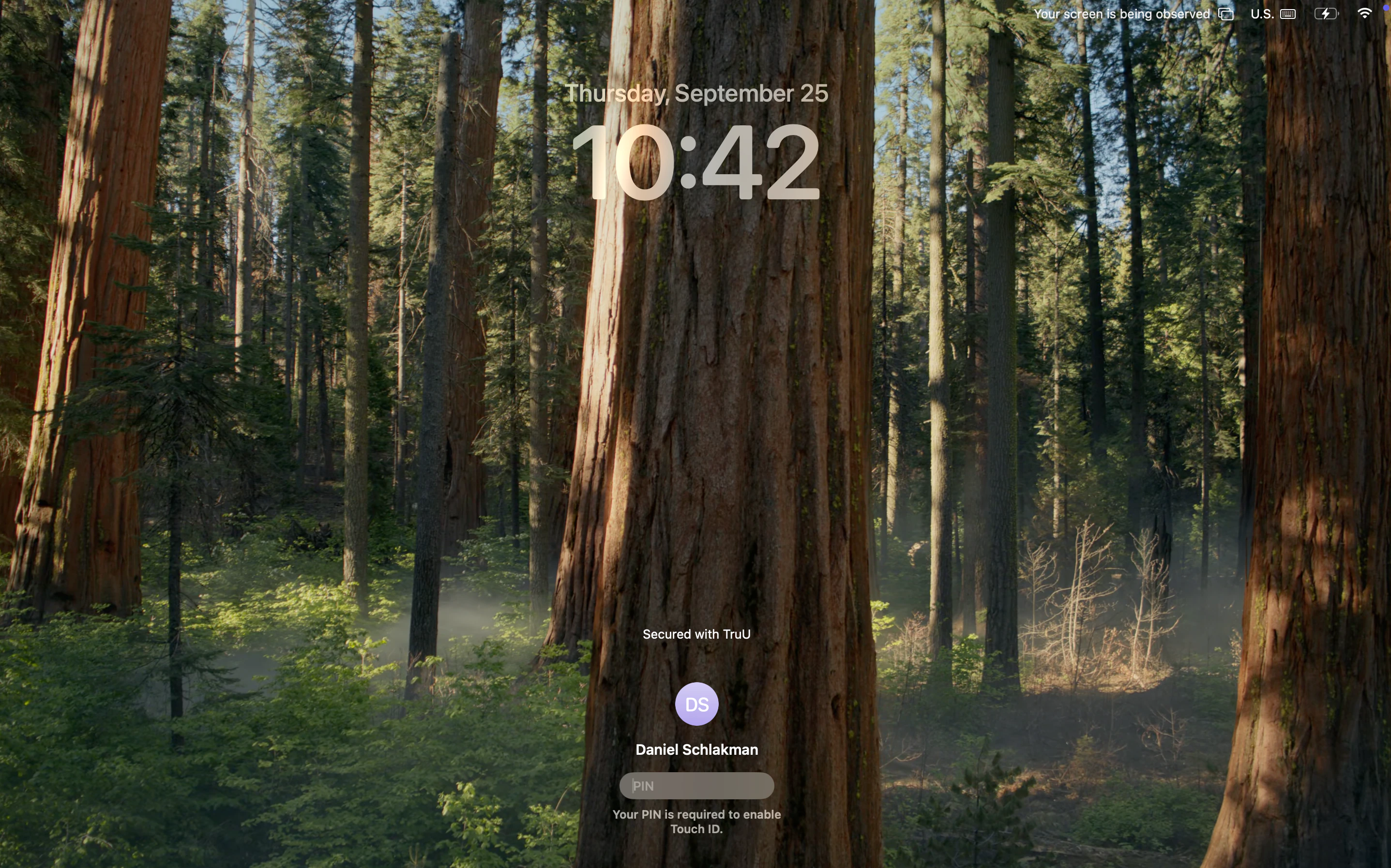 Note: On first-time login after the enrollment, you will be prompted to enter the keychain password. Enter your **TruU PIN**
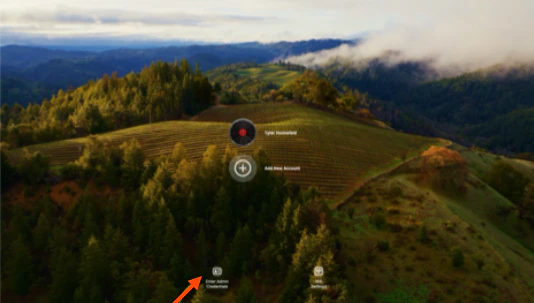
 2. You are also able to add a local Admin to the Workstation Login to a hidden Admin account with a username and password
 ***
[Enroll your Mac](/docs/enroll-your-mac)
[Enroll Touch ID](/docs/enroll-touch-id)
***
[Enroll your Mac](/docs/enroll-your-mac)
[Enroll Touch ID](/docs/enroll-touch-id)