> ## Documentation Index
> Fetch the complete documentation index at: https://docs.truu.ai/llms.txt
> Use this file to discover all available pages before exploring further.
# Global Attributes
> Configure the Primary User Identifier and connect your directory to TruU Identity Servers.
1. Go to the *Global Attributes* tab and click the **Gear icon** in the top-right corner. Select your **Primary User Identifier** and click **Save**.
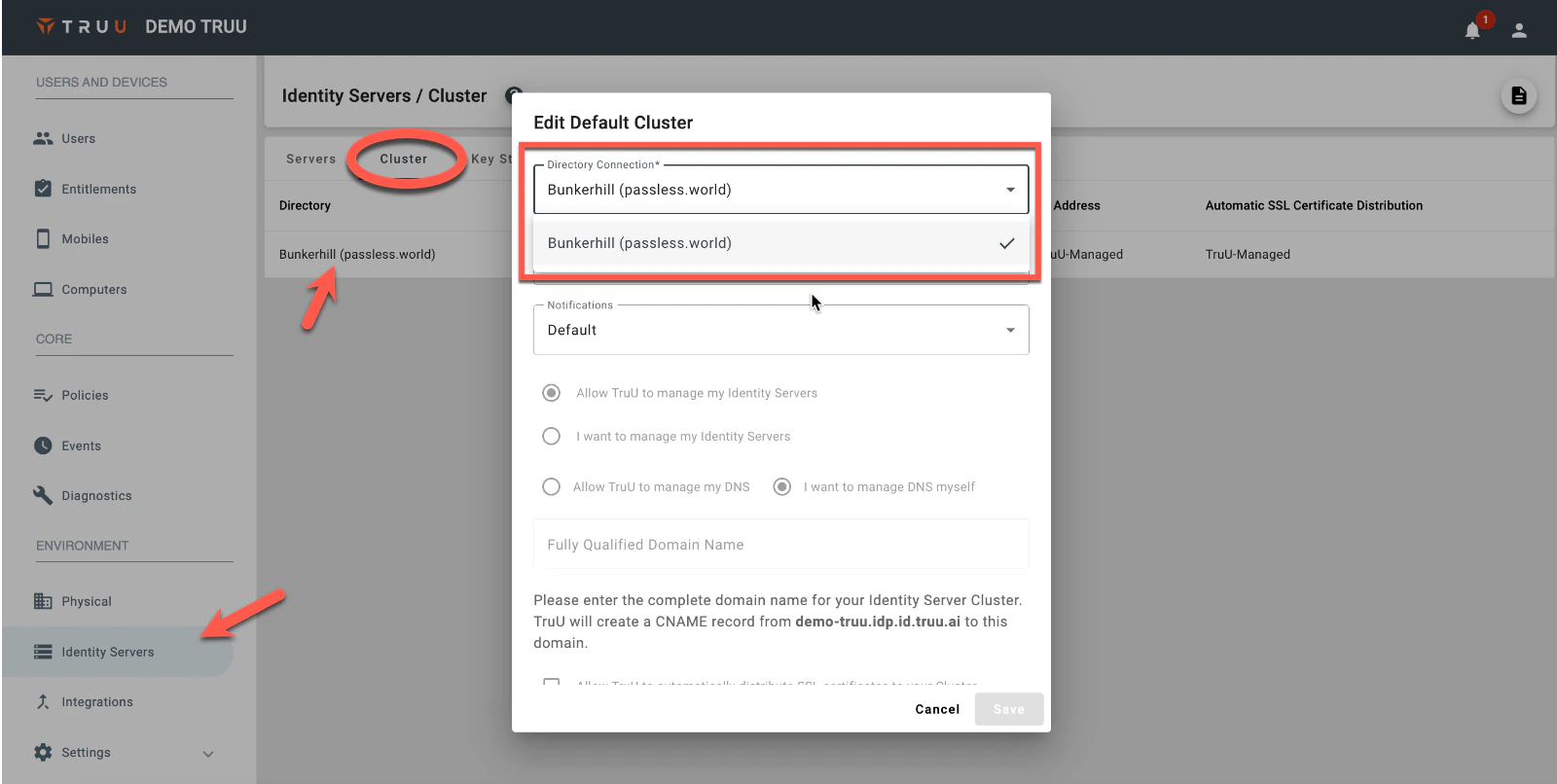
 2. Go to **Environment > Identity Servers**, click the **Cluster** tab, select your directory, and choose your directory configuration from the **Directory Connection** drop-down.
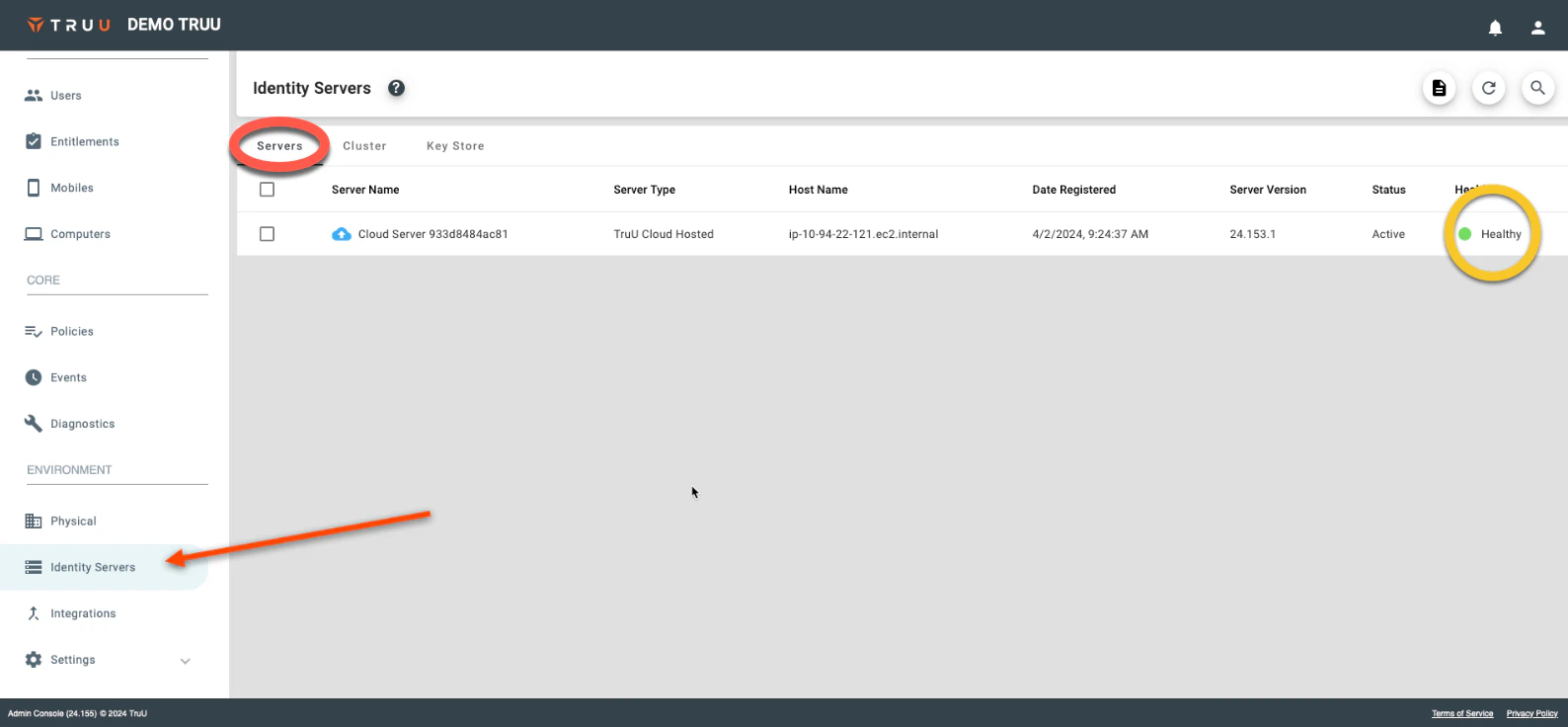
 3. Allow 2–3 minutes for diagnostics. Once the status shows **Healthy**, the directory is configured.