> ## Documentation Index
> Fetch the complete documentation index at: https://docs.truu.ai/llms.txt
> Use this file to discover all available pages before exploring further.
# Global Search
Global Search is the primary entry point for asking questions about your security events in natural language. It queries across your event data so you can investigate without building filters first.
## Overview
You describe what you want in plain English; the system interprets the request and returns relevant security events and context. Search is intended for open-ended investigation, triage support, and follow-up questions as you work.
## The Search Interface
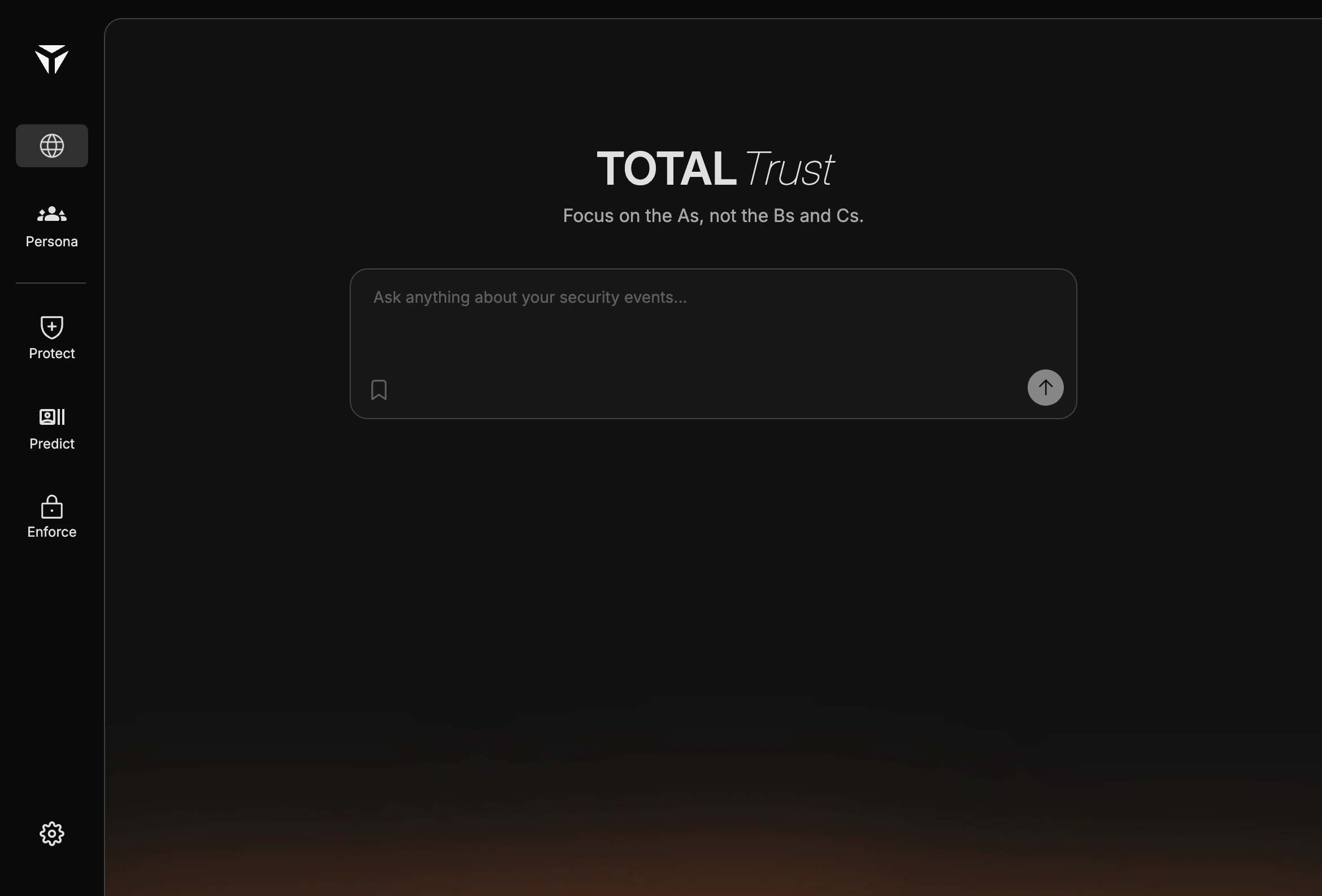
The Search (Home) page shows the **TOTAL Trust**, a large prompt field labeled for asking about security events, a bookmark control to save the query, and a **Send** control to submit it. The left sidebar lists the main app areas and highlights Home (Globe Icon) while you are on this page.
 ## Asking Questions
Phrase questions the way you would to a colleague: by actor, time, risk, or outcome. Examples: events for a specific user in the last day, failed authentications from a region, or unusual access patterns for an application.
Refine with follow-up prompts if results are too broad or narrow. There is no separate query language; clarity and specificity in natural language usually improve results.
## Saved Searches
Use the bookmark icon next to the search field to save the current query to **Saved** for later reuse. Saved searches help you return to recurring investigations without retyping the same prompt.
For how search relates to moving around the product and the sidebar, see [Navigation via Search](/navigation).
Built with [Mintlify](https://mintlify.com).
## Asking Questions
Phrase questions the way you would to a colleague: by actor, time, risk, or outcome. Examples: events for a specific user in the last day, failed authentications from a region, or unusual access patterns for an application.
Refine with follow-up prompts if results are too broad or narrow. There is no separate query language; clarity and specificity in natural language usually improve results.
## Saved Searches
Use the bookmark icon next to the search field to save the current query to **Saved** for later reuse. Saved searches help you return to recurring investigations without retyping the same prompt.
For how search relates to moving around the product and the sidebar, see [Navigation via Search](/navigation).
Built with [Mintlify](https://mintlify.com).