> ## Documentation Index
> Fetch the complete documentation index at: https://docs.truu.ai/llms.txt
> Use this file to discover all available pages before exploring further.
# Swiping Actions
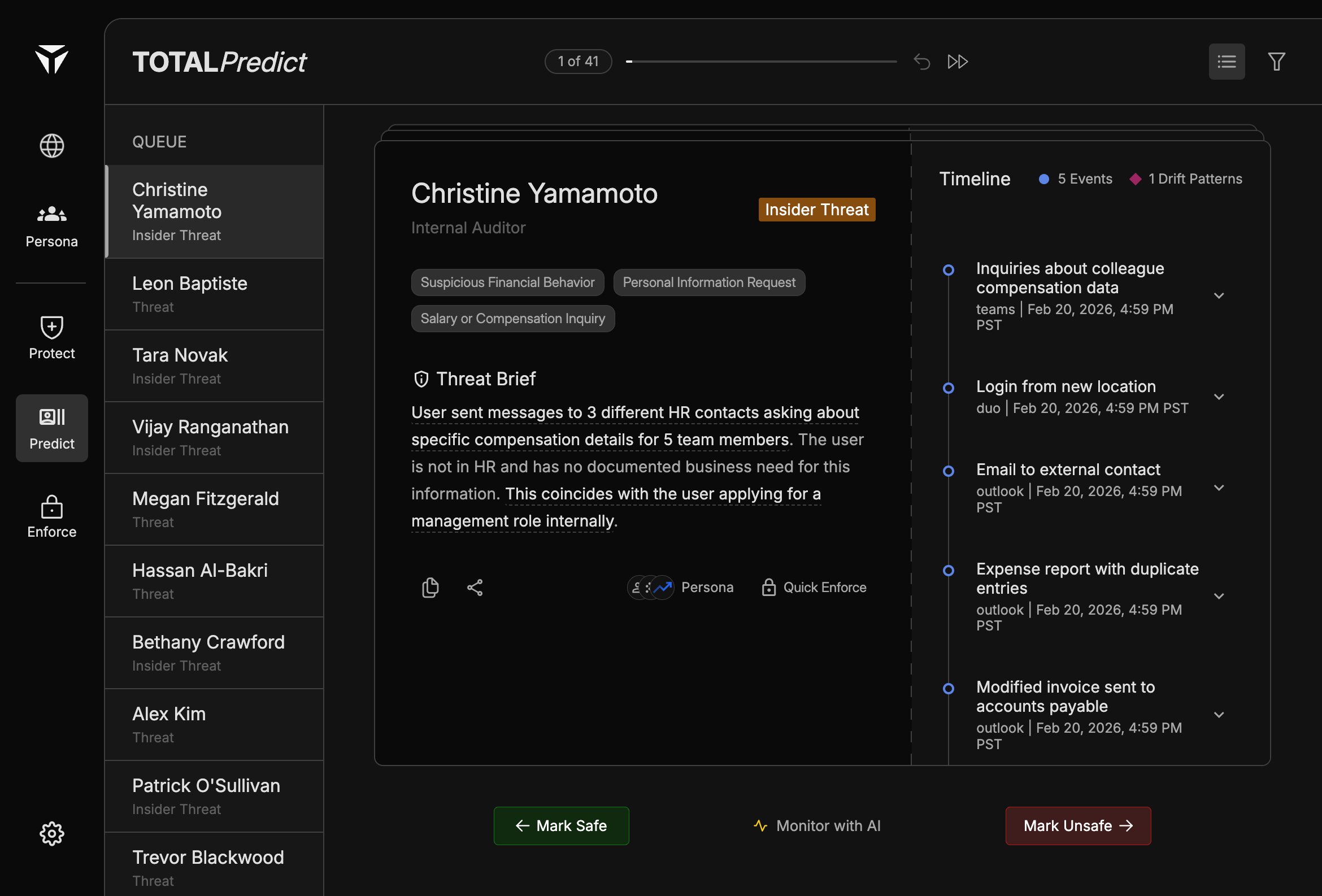
The bottom action bar finishes each Predict triage step. After you review the [Predict Card](/predict-card), [Threat Brief](/threat-brief), and [Timeline](/timeline), you record an outcome with one of three controls.
 ## Overview
The bar is a **linear triage workflow**: left and right actions resolve or escalate; the center action **holds** the case open for continued analysis. Icons reinforce direction: \
\
**Left** to Mark Safe, **Right** to Mark Unsafe, **Center** to Monitor with AI.
## Mark Safe
**Mark Safe** dismisses the current case as a false positive or acceptable behavior. The queue advances so you can continue with the next person. Use it when the [Threat Brief](/threat-brief) and timeline do not support continued concern.
## Monitor with AI
Monitor with AI keeps the identity under automated watch without closing the case as safe or escalating as unsafe. See [Monitor with AI](/monitor-with-ai) for when and how to use it.
## Mark Unsafe
Mark Unsafe indicates the case warrants human follow-up or escalation—for example investigation, enforcement, or handoff. Pair with [Quick Enforce](/quick-enforce) when you need immediate technical or organizational actions.
## Overview
The bar is a **linear triage workflow**: left and right actions resolve or escalate; the center action **holds** the case open for continued analysis. Icons reinforce direction: \
\
**Left** to Mark Safe, **Right** to Mark Unsafe, **Center** to Monitor with AI.
## Mark Safe
**Mark Safe** dismisses the current case as a false positive or acceptable behavior. The queue advances so you can continue with the next person. Use it when the [Threat Brief](/threat-brief) and timeline do not support continued concern.
## Monitor with AI
Monitor with AI keeps the identity under automated watch without closing the case as safe or escalating as unsafe. See [Monitor with AI](/monitor-with-ai) for when and how to use it.
## Mark Unsafe
Mark Unsafe indicates the case warrants human follow-up or escalation—for example investigation, enforcement, or handoff. Pair with [Quick Enforce](/quick-enforce) when you need immediate technical or organizational actions.