

The Persona Directory is the entry point for browsing all enrolled Identity Personas and their Clusters. Switch between a sortable list and a cluster-oriented grid to match how you triage volume vs cohort structure.

List View

The list shows one row per Persona with key columns such as user, position, groups, and open threat cases. Use it for scanning many identities and jumping into a single Persona page.
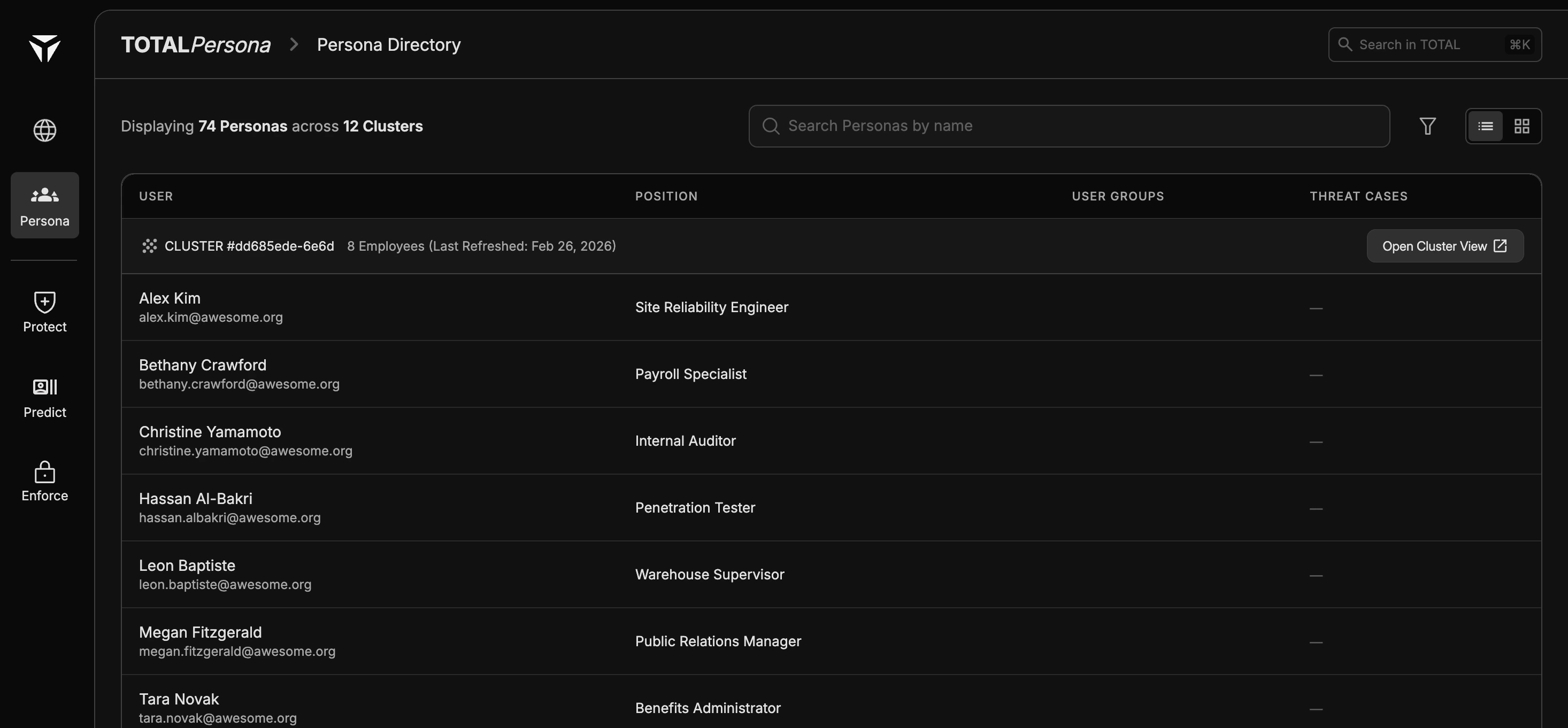
Screenshot2026 03 26at5 04 28PM

Cluster View

The grid presents Clusters as cards with member counts, so you can see how identities distribute across cyber-behavior cohorts at a glance.
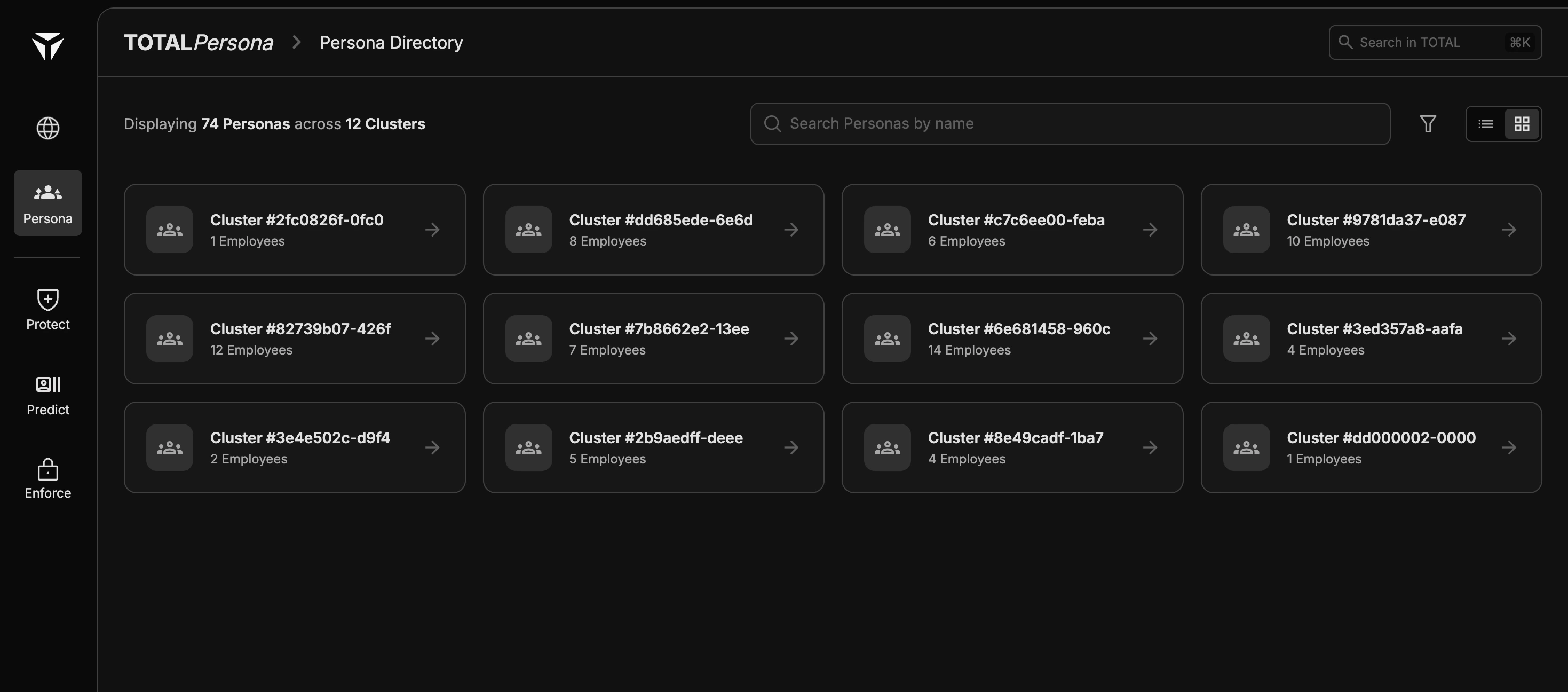
Screenshot2026 03 26at5 04 28PM 1
For what defines a cluster and how shared attributes appear on a cluster detail page, see Clusters. For what defines a cluster and how shared attributes appear on a cluster detail page, see Clusters.

Searching and Filtering

Use search and filters to narrow by name, role, group, threat state, or other directory fields (exact controls depend on your deployment). Results apply to the active view—list or cluster grid—so you can focus a review set before opening individual Personas. Related: Personas overview, Persona Signals, Drift Insights.