Overview
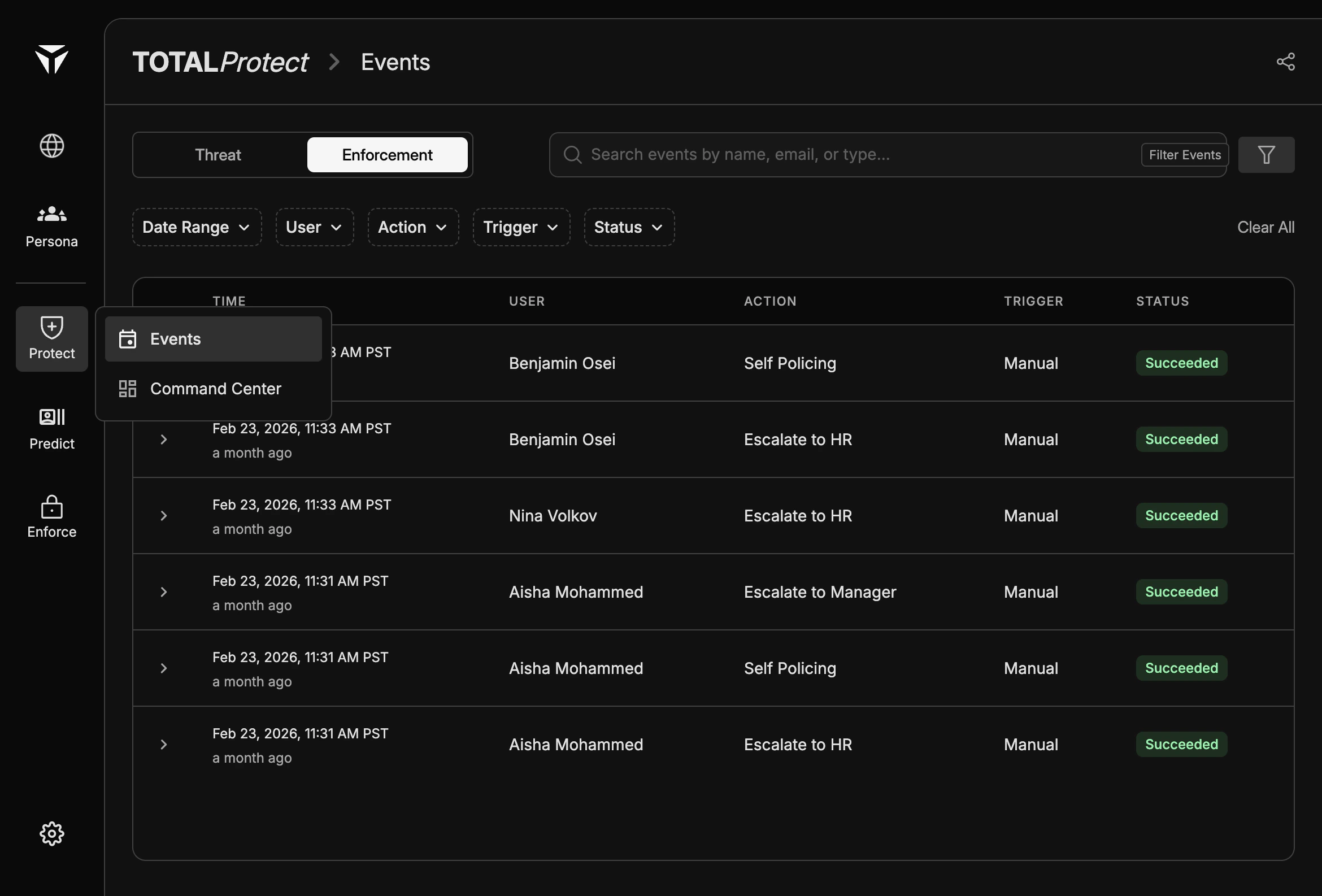
Filters reduce noise when you are investigating a user, a time window, or a specific outcome. They work together: multiple criteria combine so only rows matching all selected filters remain visible. After filtering, you can still expand rows for full event or enforcement detail. For what each tab shows, see Threat events and Enforce events.Available Filters
Filter chips or dropdowns typically include Date Range, User, Action, Trigger, and Status. The exact set may vary slightly by tab; for example, threat-focused dimensions align with threat columns, while enforcement dimensions align with enforcement columns.