

-
Mobile Device:
- iPhone: iPhone 6s or newer with iOS 14 or greater
- Android: Android O/S 7 or greater with biometric capability
- TruU Fluid Identity mobile app installed and enrolled to your organization
- Bluetooth is enabled on the device
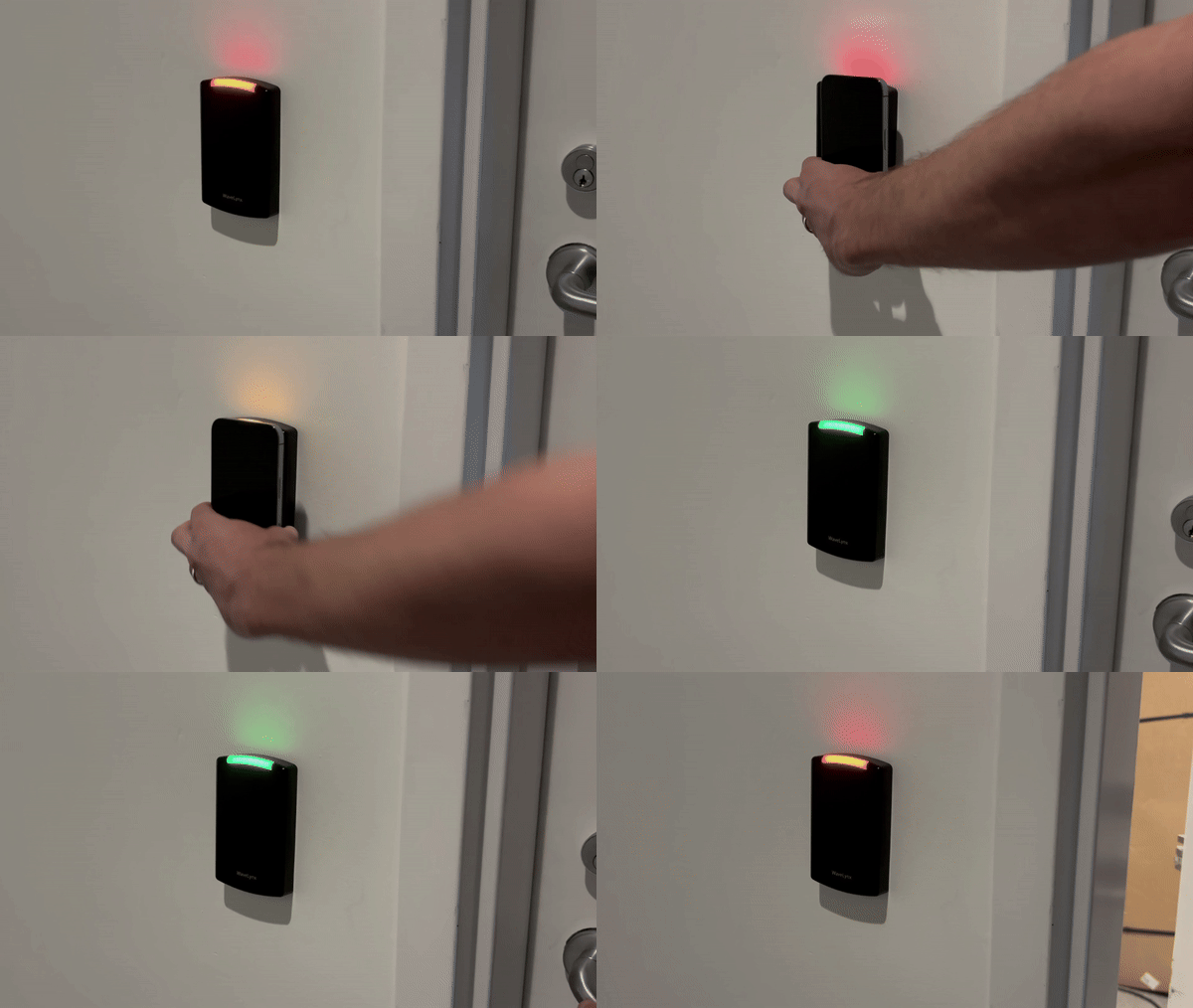
- Ensure the TruU Mobile App is running (active or in the background) on your phone, and Bluetooth is enabled
- Bring your phone near the reader to unlock the door
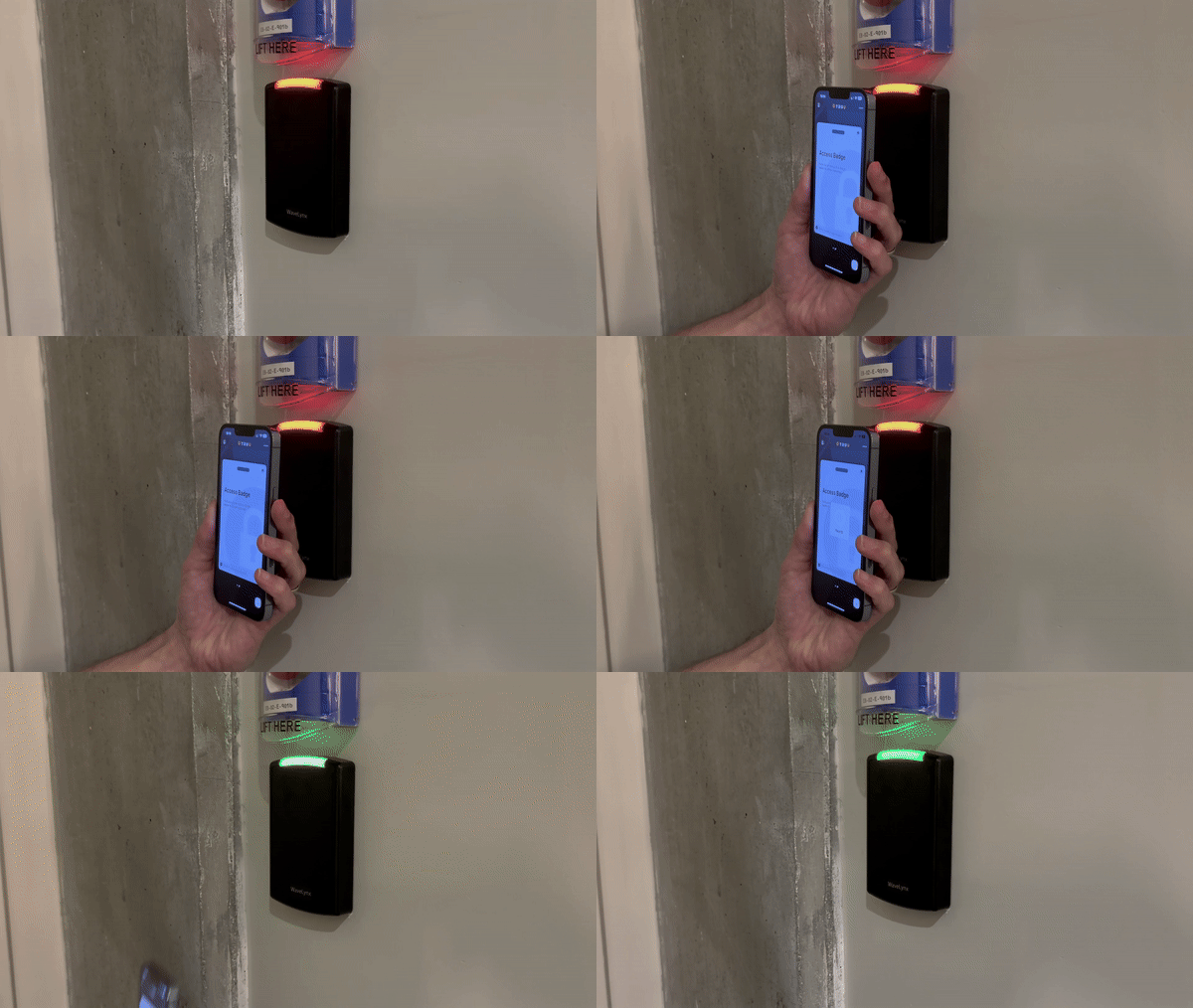
- Bring your phone near the reader, then provide your biometrics (or device PIN) to unlock the door
Security Key User Guide Shared Workstation