

Prerequisites
- .NET: Requires .NET 4.8 or higher.
- CA Adapter Service Account: Username and Password
Downloading the latest CA Adapter installer
- Logon to your CA Adapter Server.
- Log in to the TruU Admin Console.
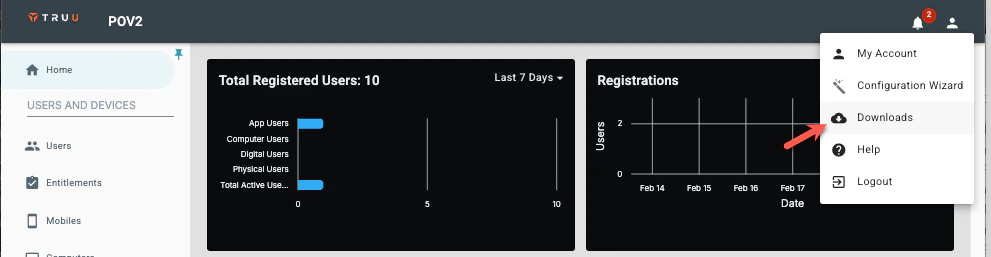
- Navigate to Profile Menu → Downloads.
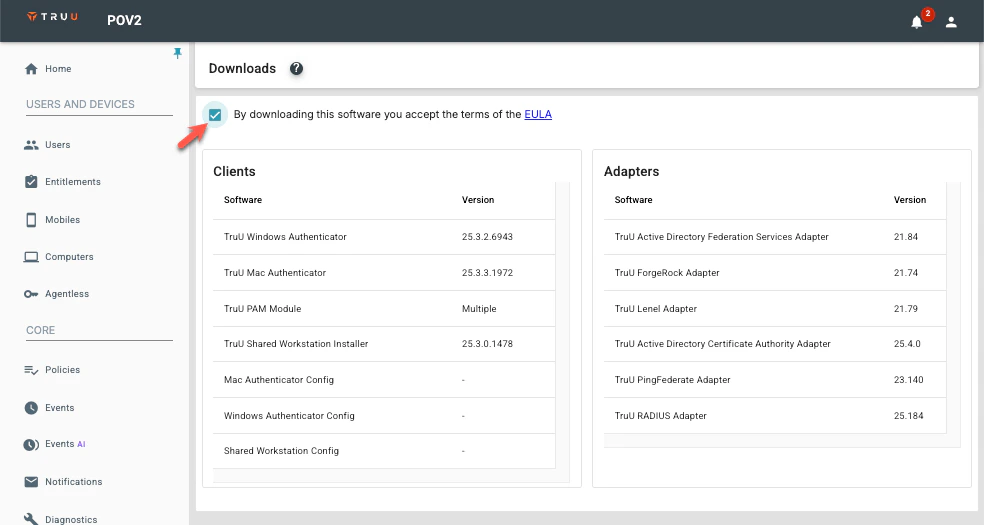
- Accept the EULA.
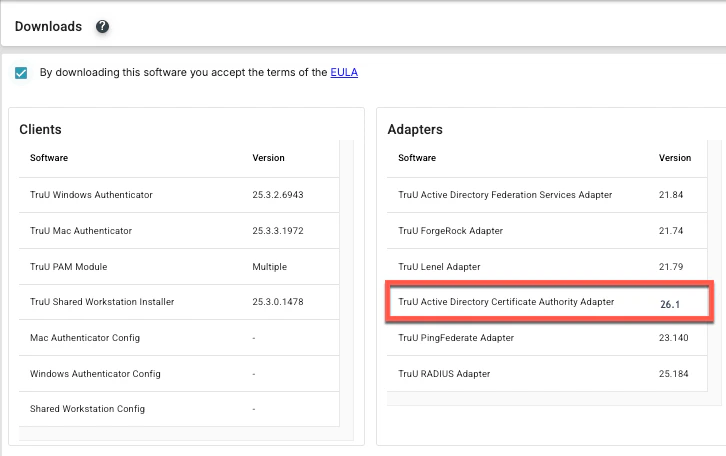
- Click on the TruU Active Directory Certificate Authority Adapter. This will download a .zip file
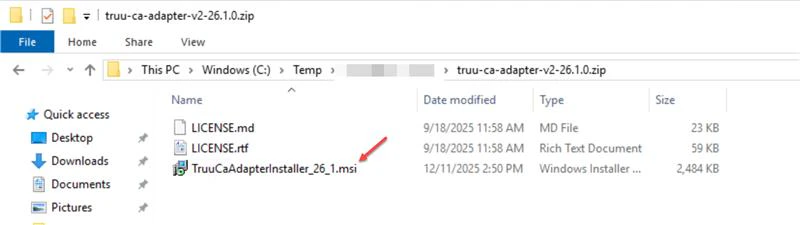
- Extract the ZIP file and Double-click the TruuCaAdapterInstaller_26_1.msi
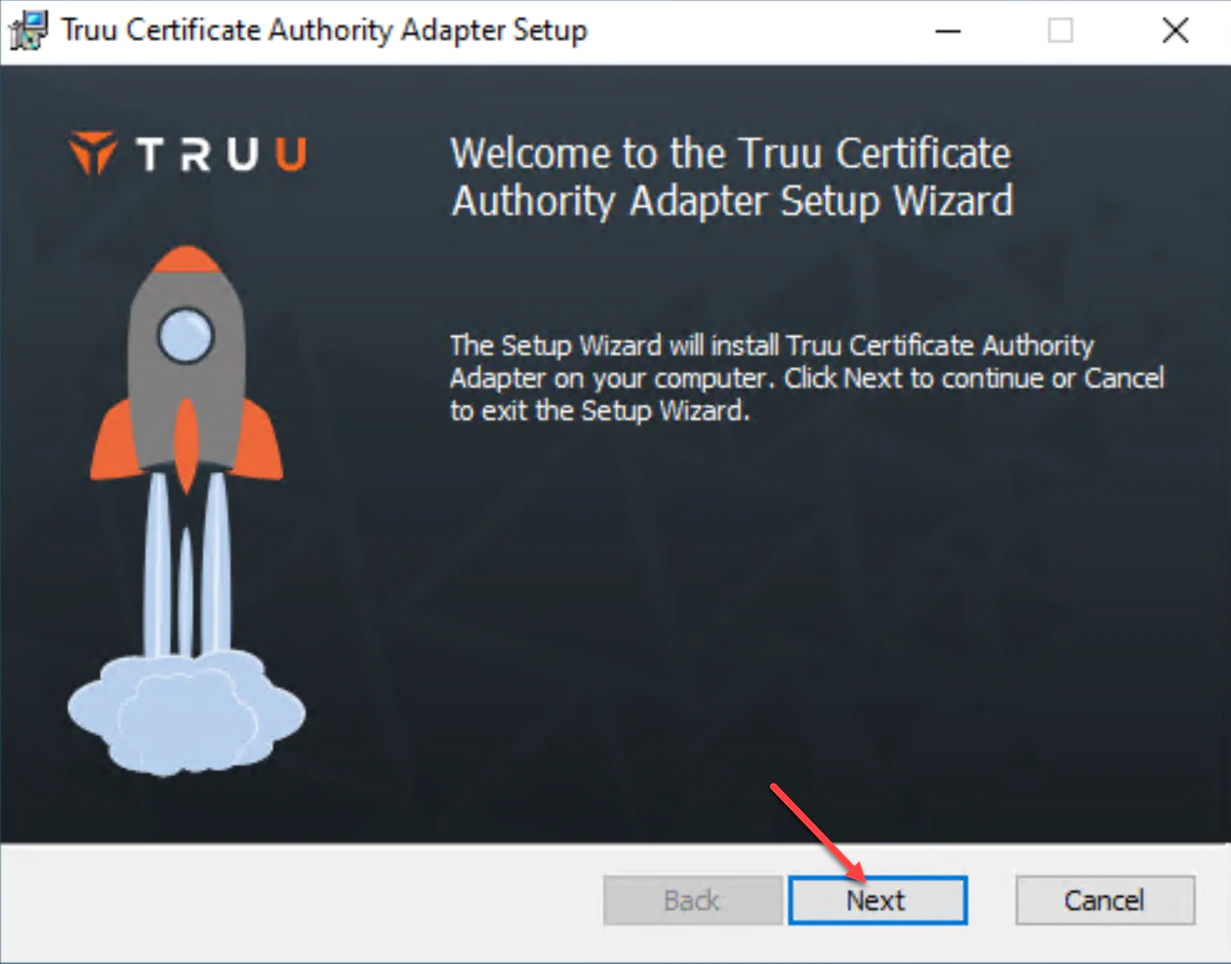
- Once the Installer launches, Click Next.
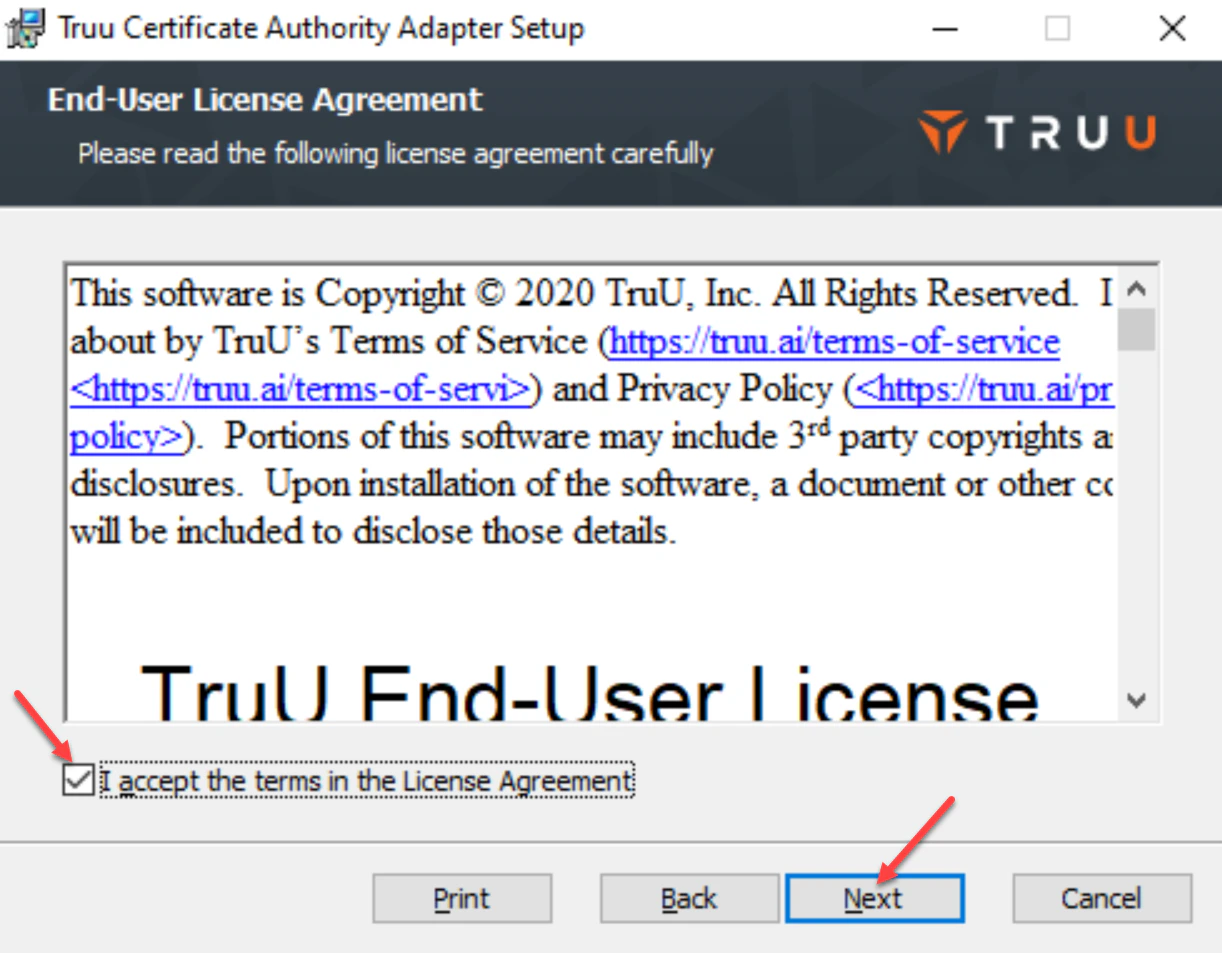
- Review and accept the License Agreement, then click Next to continue.
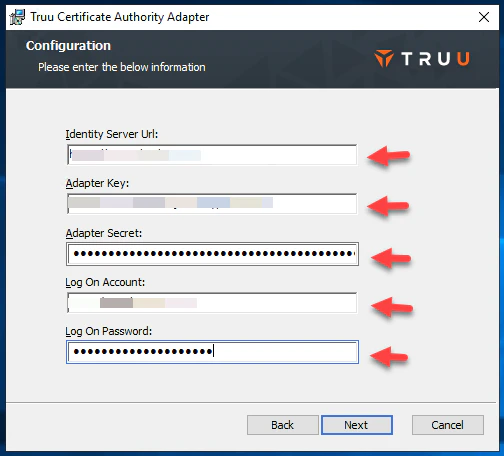
- The existing TruU adapter configuration will already have the following information populated
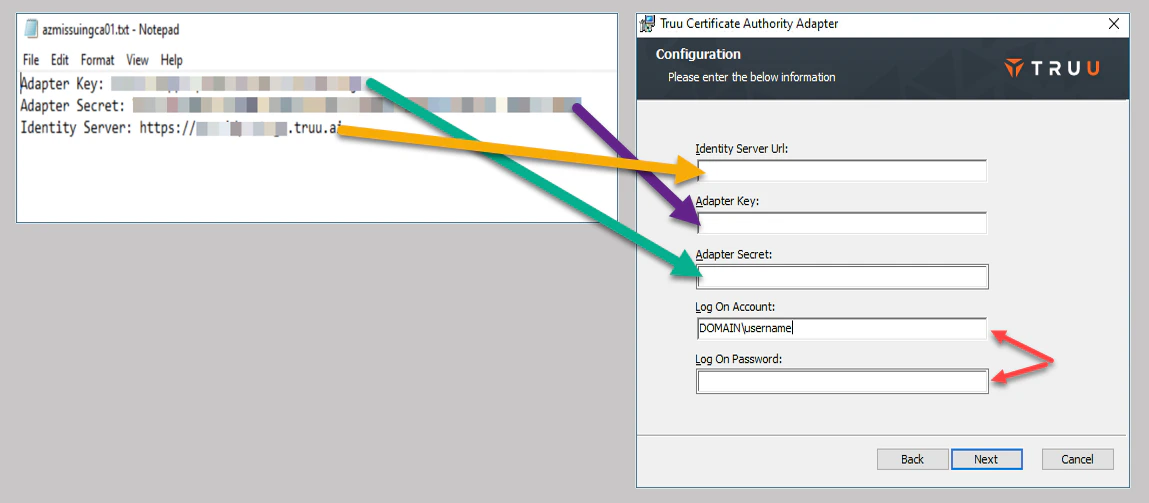
If you close the wizard, the above information will be removed. In such case, you will need the previous CA Adapter Configuration TXT file. *If you can not locate your previous CA Adapter Configuration TXT file, you would need to create a new adapter in the Admin ConsoleAfter you locate the TXT file:
- Add the Identity Server URL (Identity Server load-balancer URL), Adapter Key and Adapter Secret
- For Log On Account and Log On Password, enter the service account username and password as shown in the image.
-
Once entered, click Next to continue.
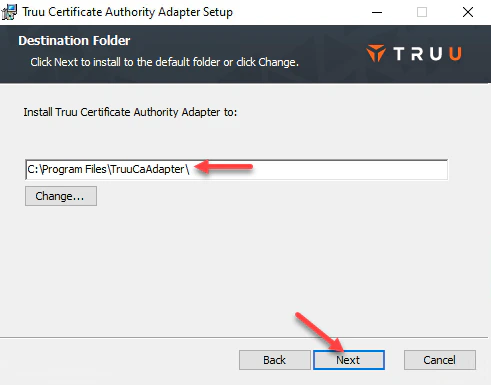
- Confirm the CA Adapter’s installation path, then click Next to continue.
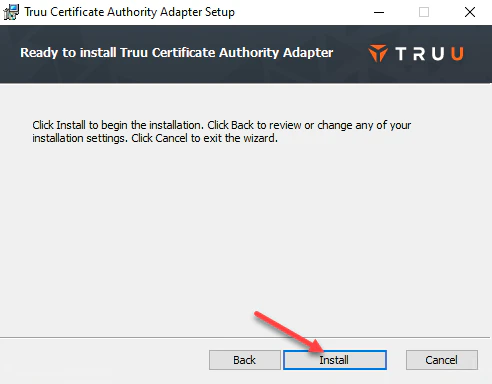
- Click Install to initiate the installation.
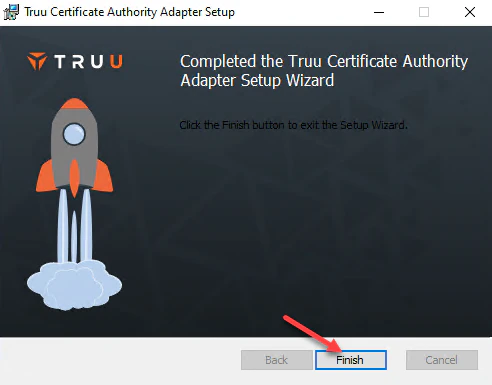
- Click Finish once to complete installation and close installer window.
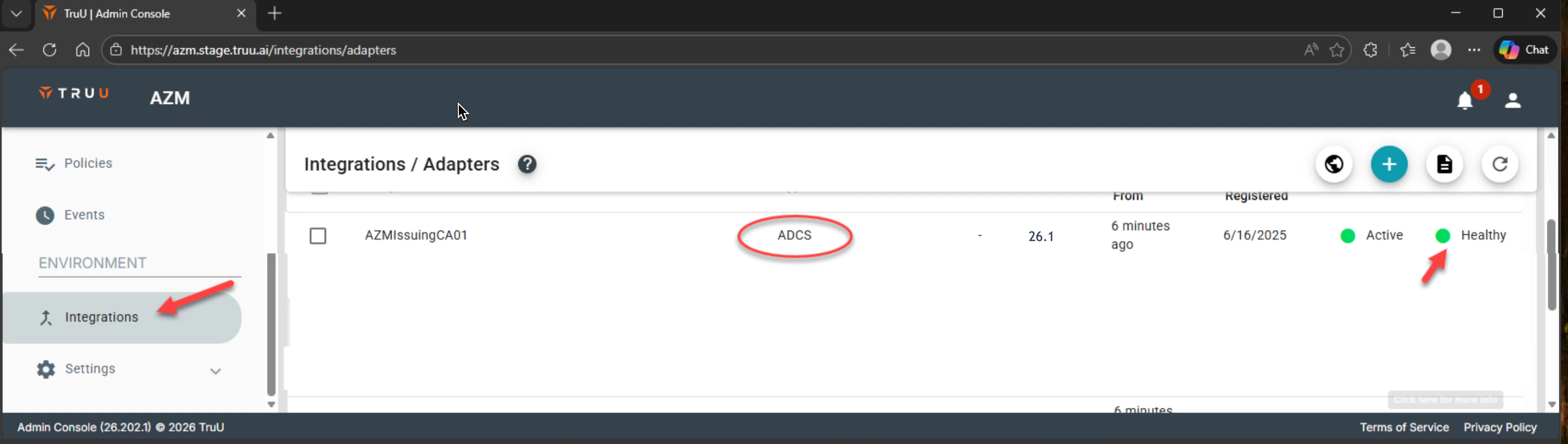
- In your TruU Admin Console, Go toIntegrations > Adapters to confirm that the updated adapter isHealthy.
- Test enrollments to ensure that the adapter is working properly.
Change PIN - Shared Workstation Establish Cloud Kerberos Key Trust - for Entra Joined Devices