

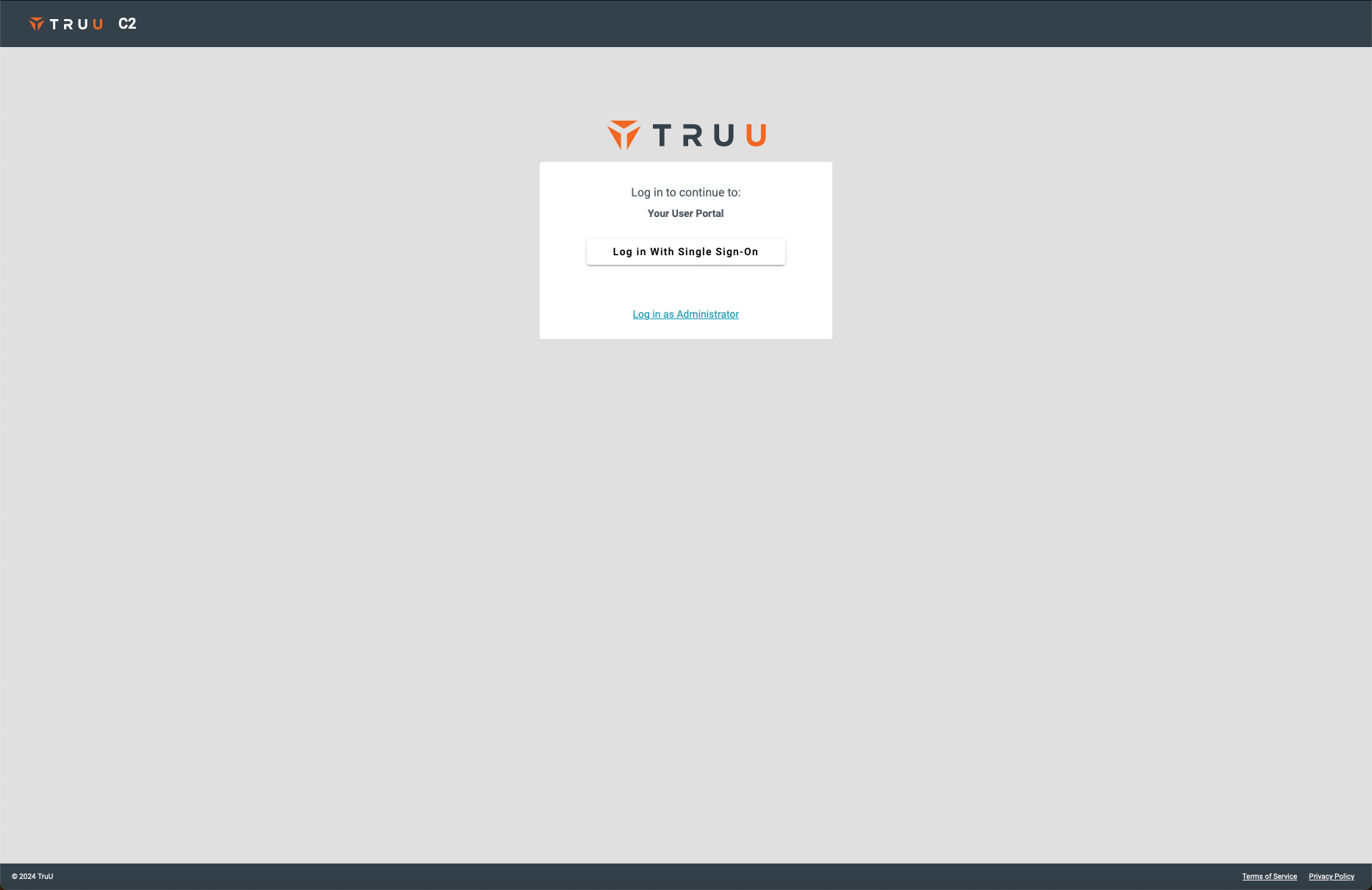
- Login to the TruU User Portal
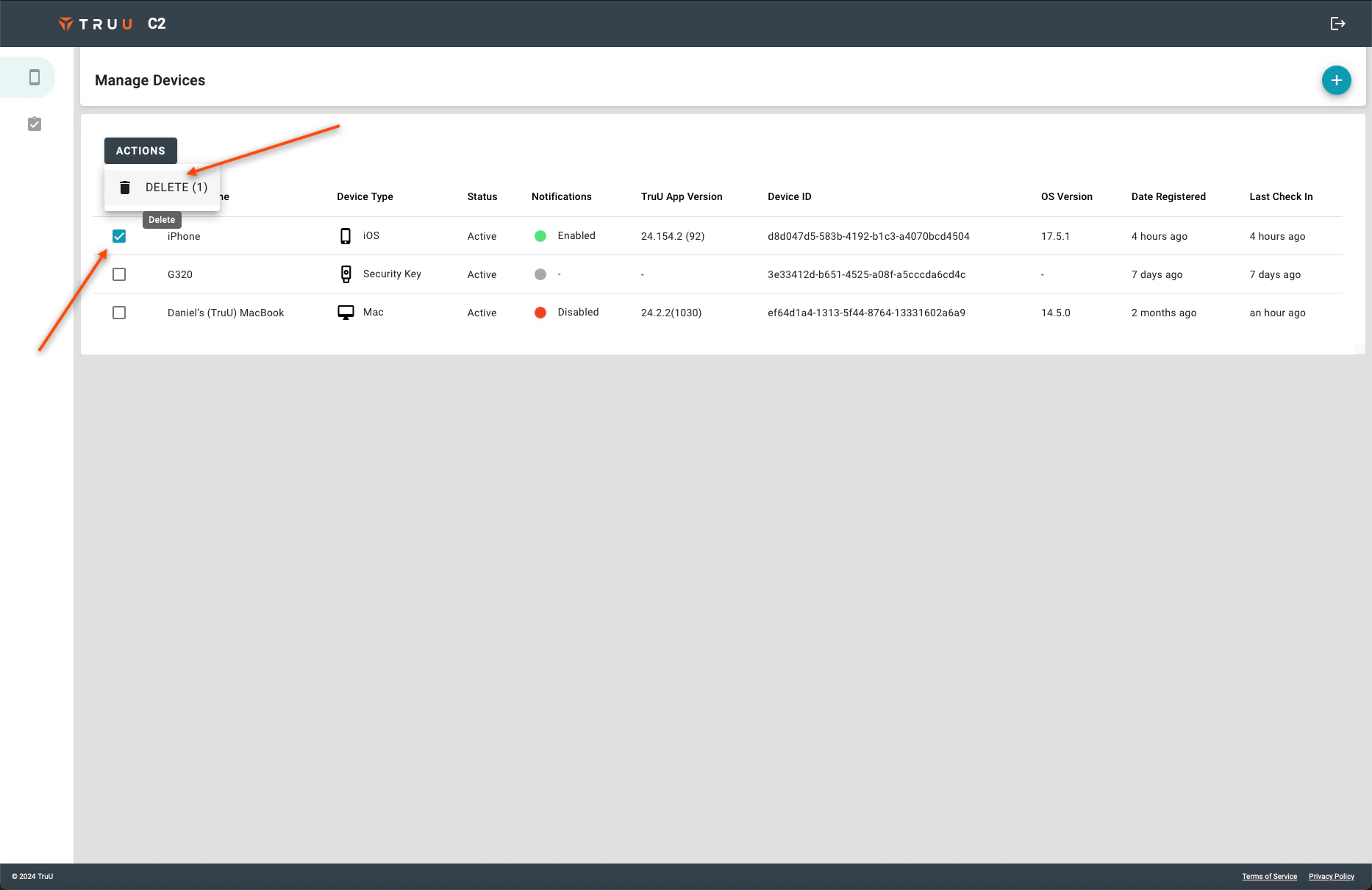
- Navigate to the “Manage Devices” tab, select the device you wish to delete, click Actions, and select Delete.
- Login to the TruU User Portal
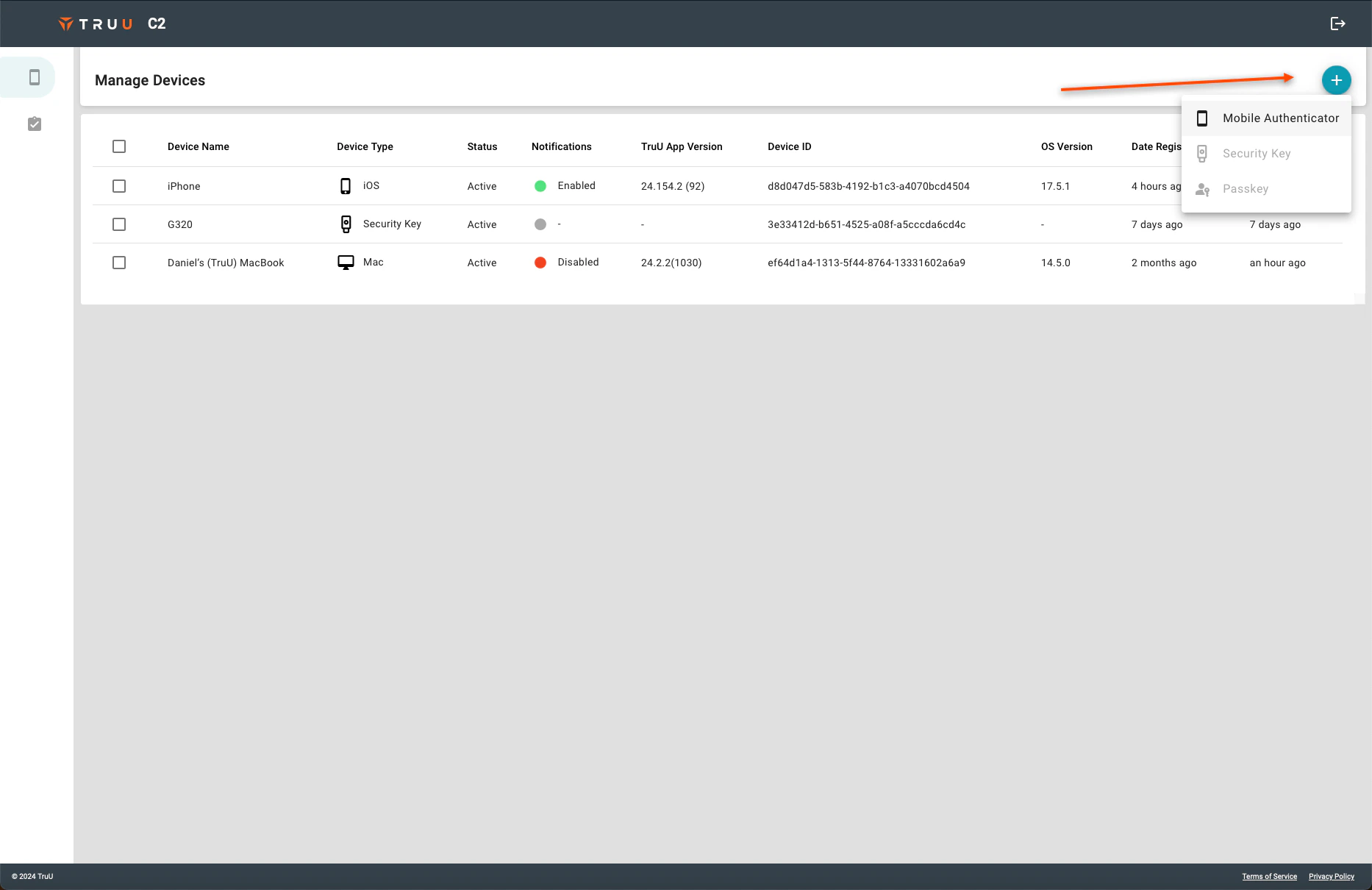
- On the right side of the screen, click the blue (+) and then select which type of device you wish to add
Install SW via TruU Admin Console Manager’s Approval