

Highlights
- Improved Unenrollment from Admin Console
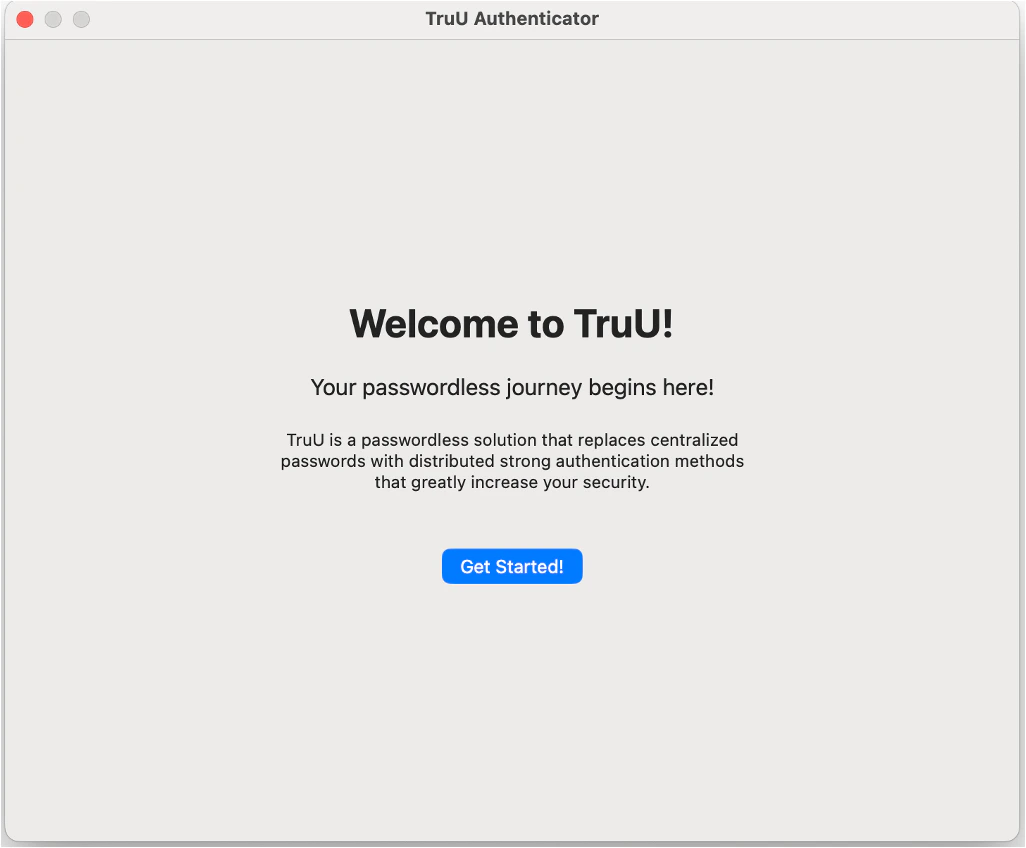
- Updated Enrollment Wizard Welcome Screen
- Improved Security
Enhancements
Improved Unenrollment from Admin Console
- If a Mac Authenticator checks in with the TruU Platform and the computer (the Mac itself) or an account (a particular user enrolled on the Mac) has been deleted from the Admin Console the Mac Authenticator will properly remove the existing enrollment(s) from the Mac.
Updated Enrollment Wizard Welcome Screen
- The enrollment wizard welcome screen has been updated to simply include a text screen with no images to present a cleaner first impression.
Improved Security
- We have improved the security of the Mac Authenticator to make sure that all communication with the TruU platform goes through a trusted Identity Server and cannot be intercepted through a man-in-the-middle attack.
- NOTE: due to this change, customers must be using a 24.164 (or higher) Identity Server to use the new Mac Authenticator.
Bug Fixes
- Fixed an issue that prevented Touch ID setup from being included when using Setup Assistant when installed TruU through ADE.
- Fixed an issue that would occasionally prevent use of the PIN after computer sleeps.
- Fixed issue where Mac policy prevents use of TruU by disallowing a smart card. TruU now updates the system’s smart card preferences to allow the use of a smart card so that TruU can unlock the computer.
- Fixed issue to prevent entering a null PIN to prevent lockouts in the event that an empty PIN is submitted repeatedly.
- Improved interoperability with Apple Keychain for PIN creation and use.
- Removed blank dialog box that would appear in the profile setup prior to desktop login during ADE enrollment.
Known Issues
MA 24.5.1 Release Notes MA 24.4.1 Release Notes