

Highlights
- Updated PIN creation UI
- Updated Diagnostics UI
- Events for Incorrect PIN Attempts on Login Screen
- Ability to disable browser certificate authentication, and web SSO features
- Bug Fixes
Enhancements
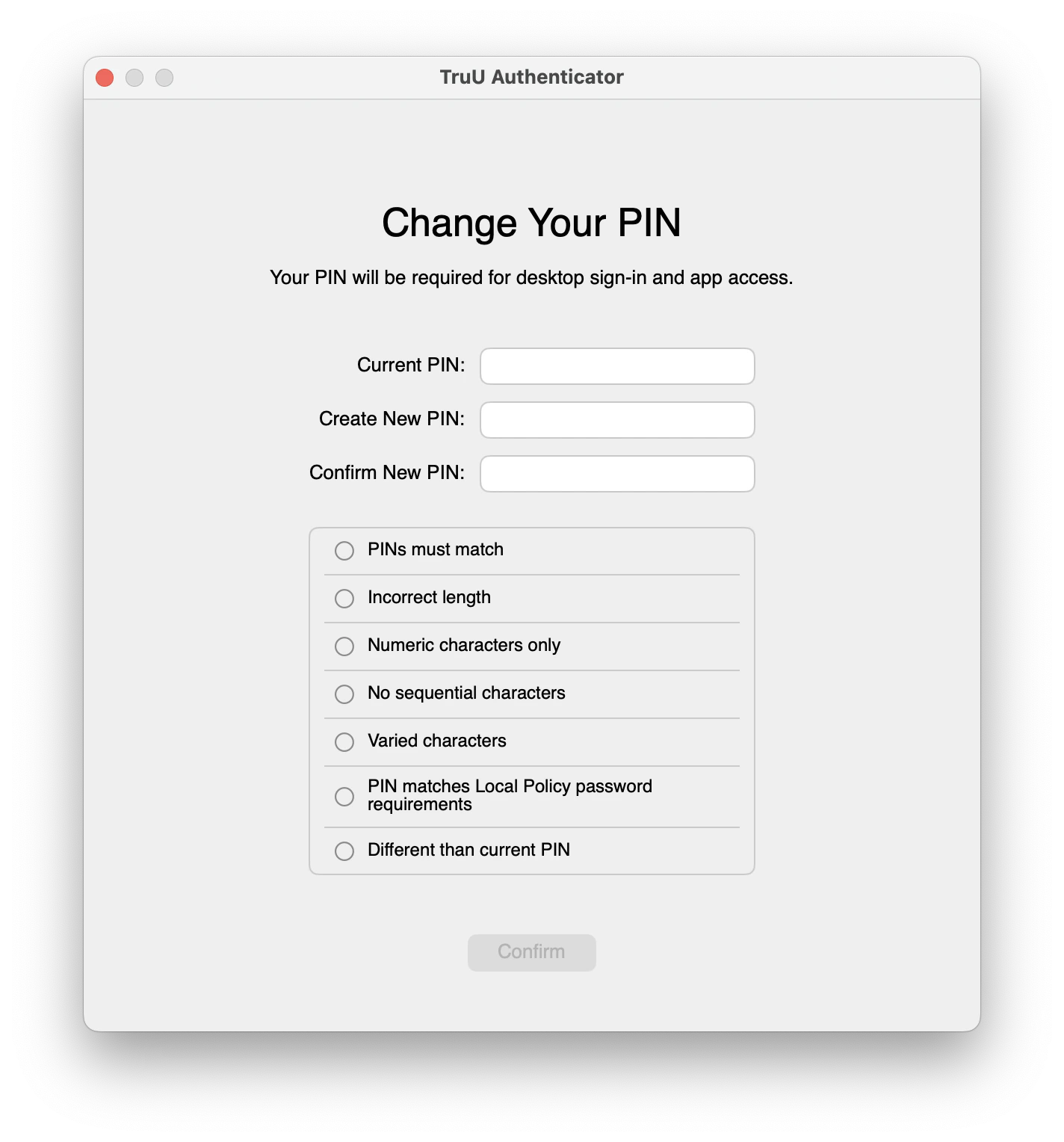
Updated PIN creation UI
- The interface for creating or changing a PIN has been updated. The functionality remains the same, but the screen now provides an intuitive and attractive interface for changing of a user’s PIN (suggesting checks and baselines for the PIN change).
Updated Diagnostics UI
- The diagnostics view has also been updated. It is now more consistent with other parts of the TruU Authenticator. It also adds a possible informational status icon to items that are not positive or negative, but rather information that is useful to have.
Events for Incorrect PIN Attempts on Login Screen
- Administrators will now be able to see events in the Admin Console when a user incorrectly enters their PIN while logging in. Previously, events were only sent when a user unlocked their screen.
Ability to disable both browser certificate authentication and web SSO features
- Administrators will be able to disable certificate authentication in browsers or TruU’s web SSO features if they do not wish to use them. This is done by adding the values of
"cba"and"webSSO"to the array"disabledFeatures"in the configuration file.
Bug Fixes
- Some views such as “Preparing your desktop” and “Enable certificate trust” had incorrect alignment of certain elements when running macOS Sequoia. These have been fixed and these views should display correctly on all supported versions of macOS.
- While proceeding through the ADE process, users would receive notifications to enroll even though enrollment was already completed. The user will not longer see invalid notifications when completing the ADE process.
- Users previously were unable to report an issue before they were enrolled. If they were having problems with enrollment, this left them without a way to report their problems. This has been changed, and users will now be able to submit an issue regardless of their enrollment status.
- Users that tried to interact with the WiFi control on the login screen could experience the interface becoming unresponsive while the system scanned for available networks. This has been improved and the interface should remain responsive while searching, and joining a WiFi network on the login screen.
Known Issues
MA 25.3.3 Release Notes MA 25.2 Release Notes