

Highlights
- Touch ID Permissions
- Enrollment Events
- Endpoint Security
- Updates to the Status Bar Menu
- Localized Diagnostics View
- Bug Fixes
Enhancements
Touch ID Permissions
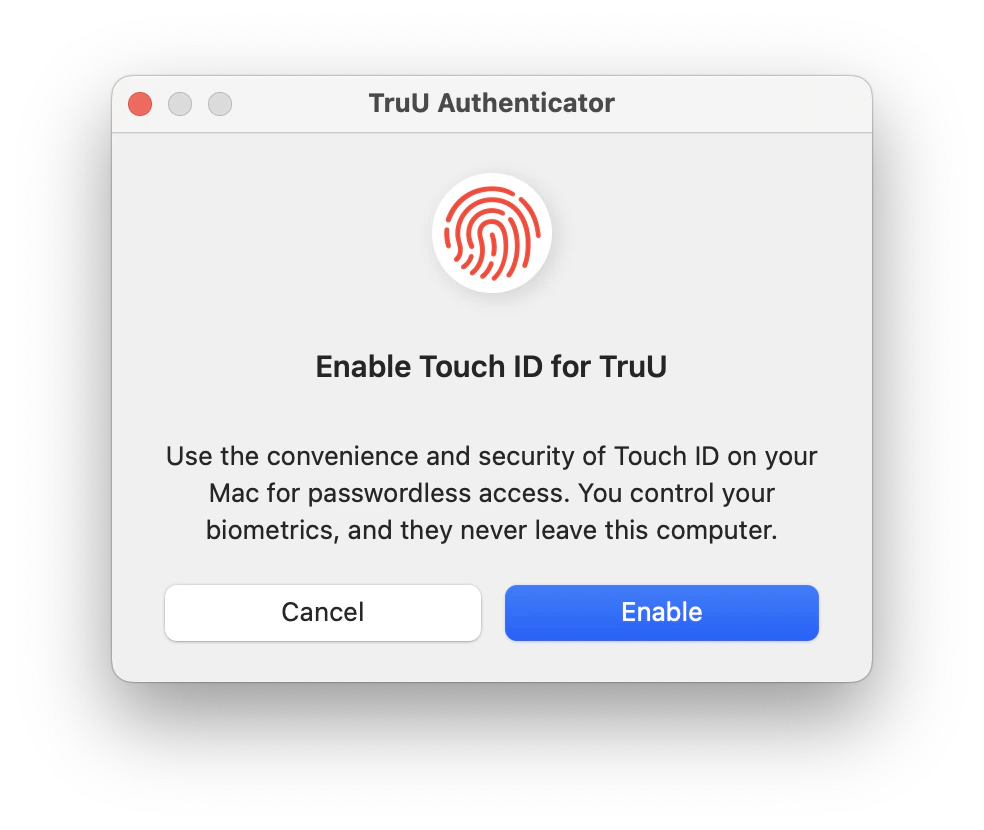
- Users can now select if they want to allow TruU to use Touch ID when authenticating to SSO applications. If Touch ID has not been setup by the user, they will be directed to System Settings to add their fingerprints. Use of Touch ID for unlocking the screen or for authentication prompts from the OS are controlled by macOS and are not changed by enabling/disabling Touch ID for TruU.
Enrollment Events
- The Mac Authenticator now sends events when enrollment begins and when enrollment ends or is cancelled. These events are visible in the Admin Console and include details about the client system, as well as information on any errors the user may have encountered while enrolling.
Endpoint Security
- The Mac Authenticator has added support for the Endpoint Security extension. This extension is used to increase the security of the system by monitoring authentications that may still be using passwords. Endpoint Security requires permissions from the user, or a profile installed via MDM. Please refer to Required System Permissions
Updates to the Status Bar Menu
- There are minor changes to the options in the TruU status bar menu. The order of items is updated, and the “Submit Logs…” option has been renamed to “Report Issue…”.
Localized Diagnostics View
- The Diagnostics view is now localized. This update ensures that users will experience the Diagnostics interface in their preferred language, providing a more seamless and accessible experience across supported locales.
Bug Fixes
- We have fixed an issue where the Mac Authenticator would be unavailable for up to a minute while it is being updated to a new version.
- We have improved our handling of the keychain when a user un-enrolls and will no longer leave behind keys and certificates.
- We have improved the speed of displaying the diagnostics view.
- We have fixed an issue where users that have a keychain password that is not in sync with their account password would see a generic error at the end of enrollment. The user will now see a detailed error message at the beginning of enrollment that their keychain password is out of sync, and they will need to rectify this before they can enroll.
Known Issues
MA 25.3.2 Release Notes MA 25.2.1 Release Notes