

Login with Badge+PIN
- Select Badge + TruPIN as your Authentication method
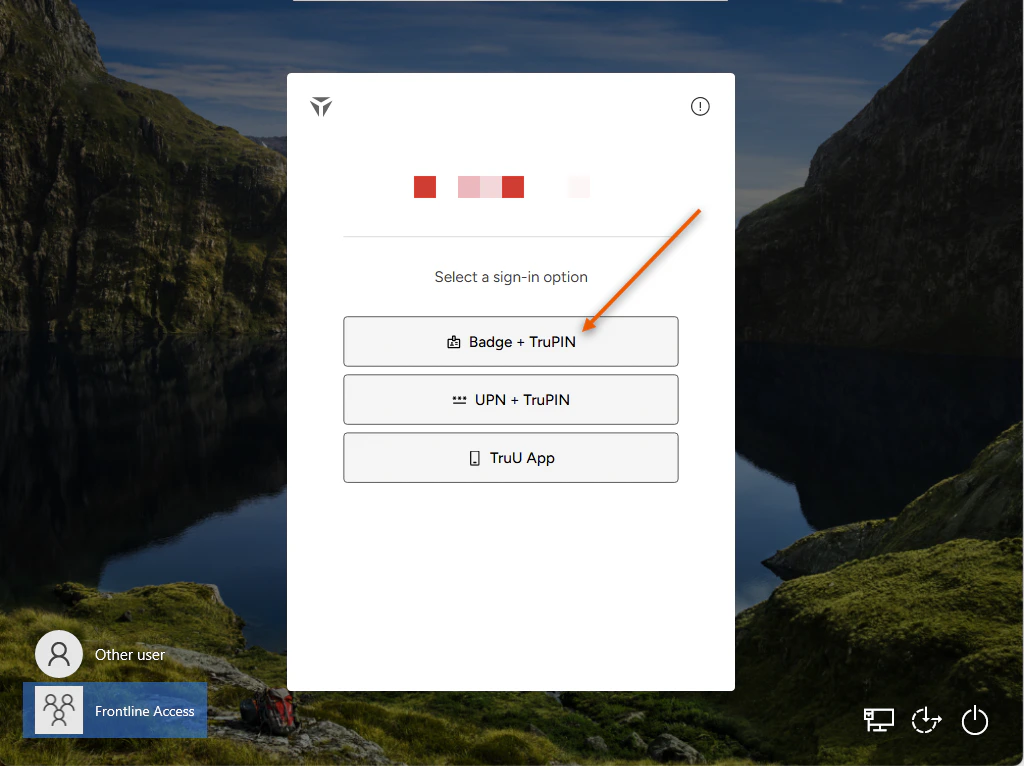
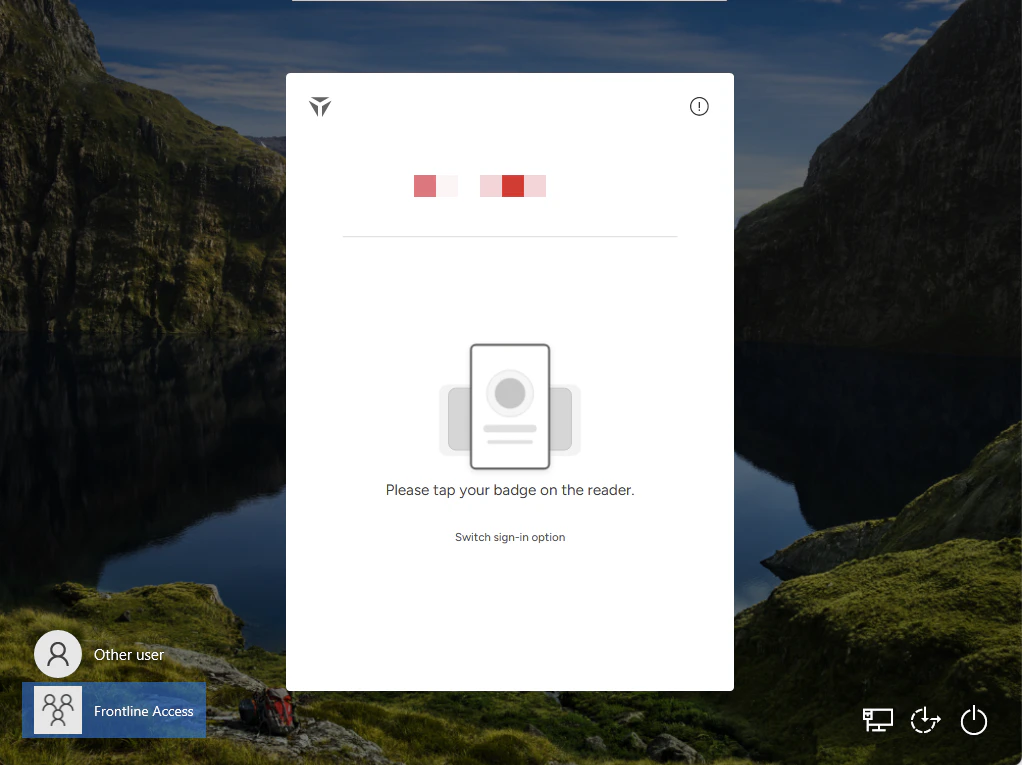
- Tap your registered Physical Badge on the reader attached to the shared workstation
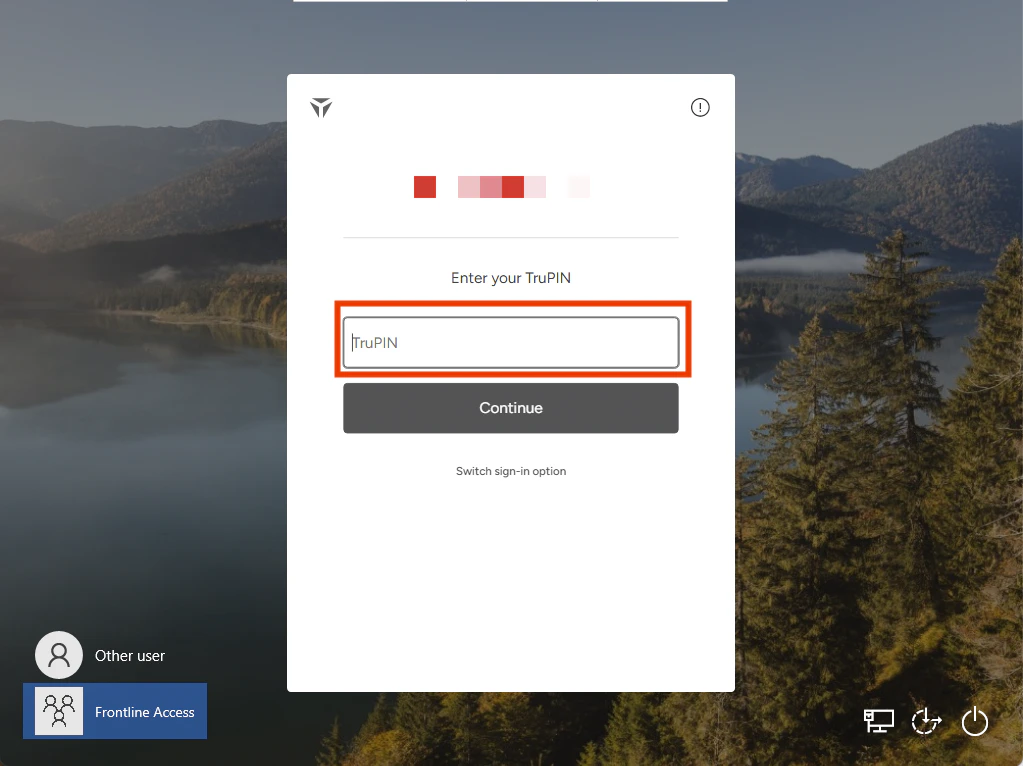
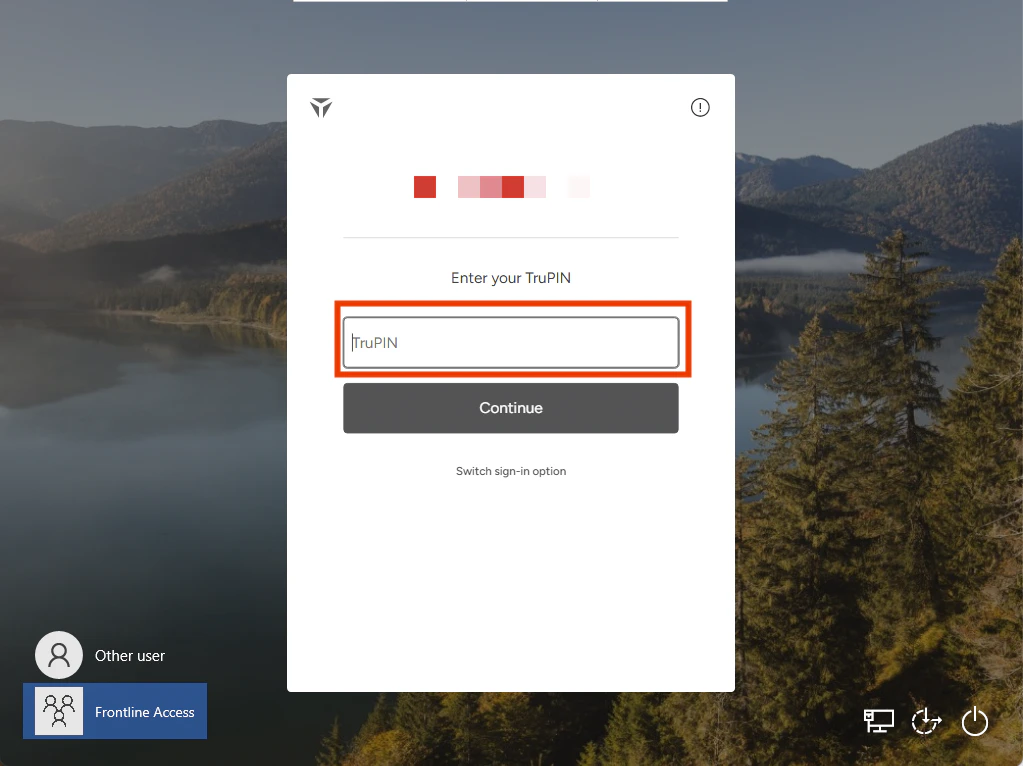
- Enter the TruPIN that you created upon enrollment. Then, click Continue
- You will be launched into your session
Login with your UPN + TruPIN
- Select UPN + TruPIN as your Authentication method
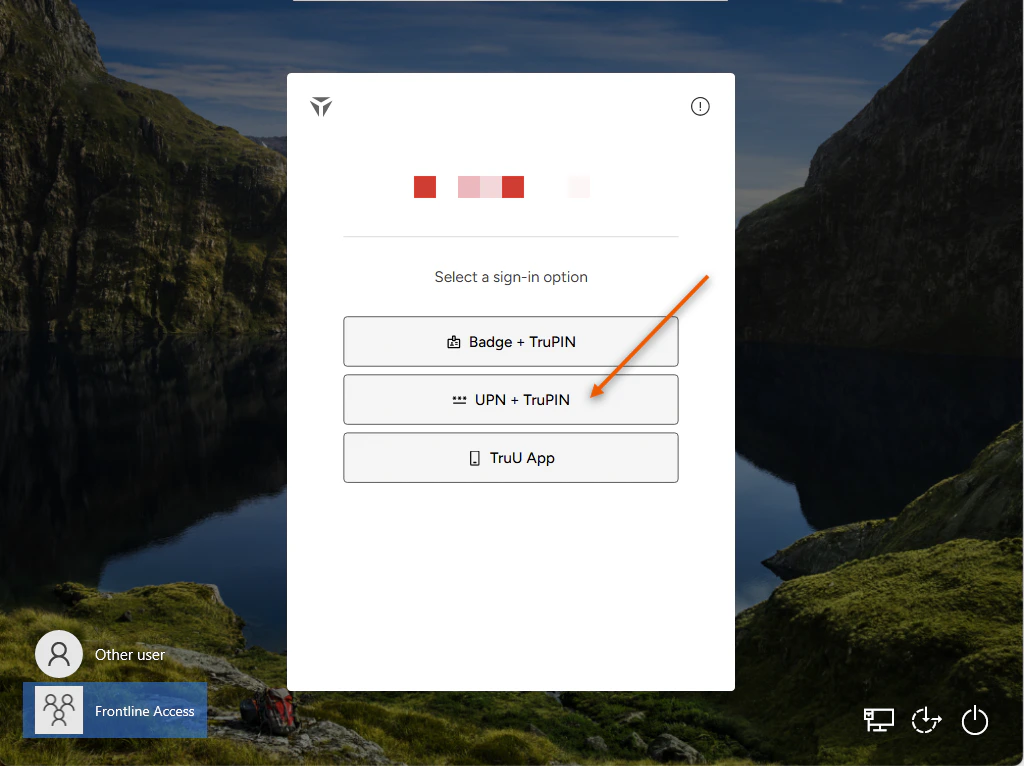
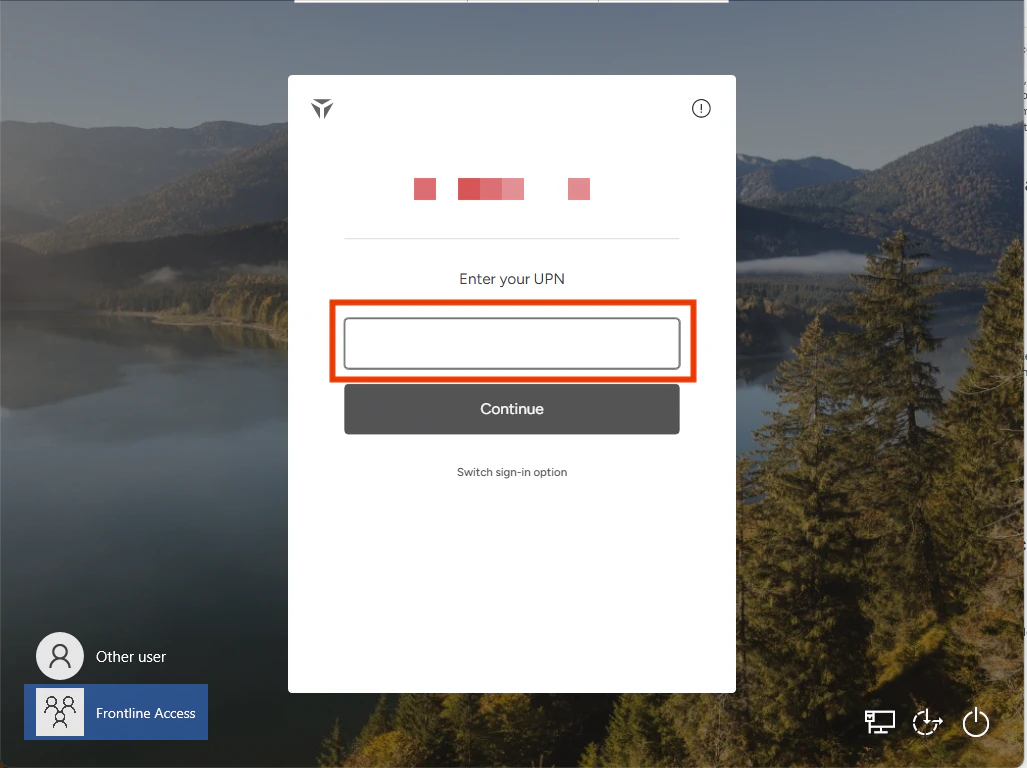
- Enter your User Principle Name in the designated text box
- Enter the TruPIN that you created upon enrollment. Then, click Continue
- You will be launched into your session
Login with your TruU Mobile Authenticator
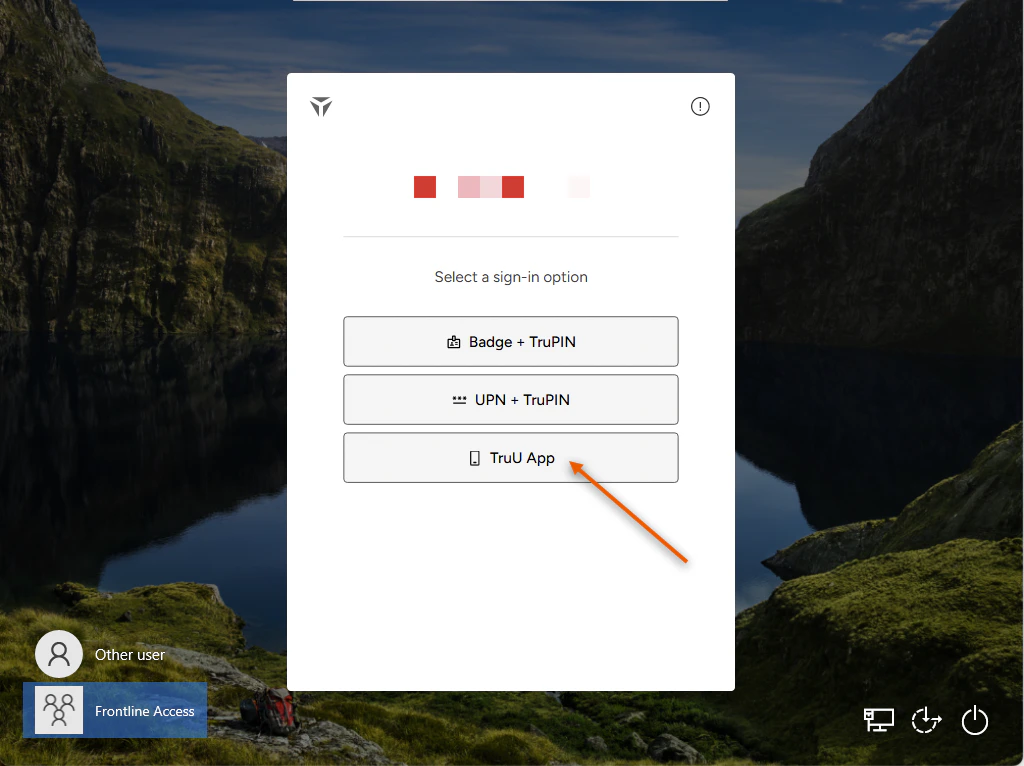
- Select TruU App as your Authentication method
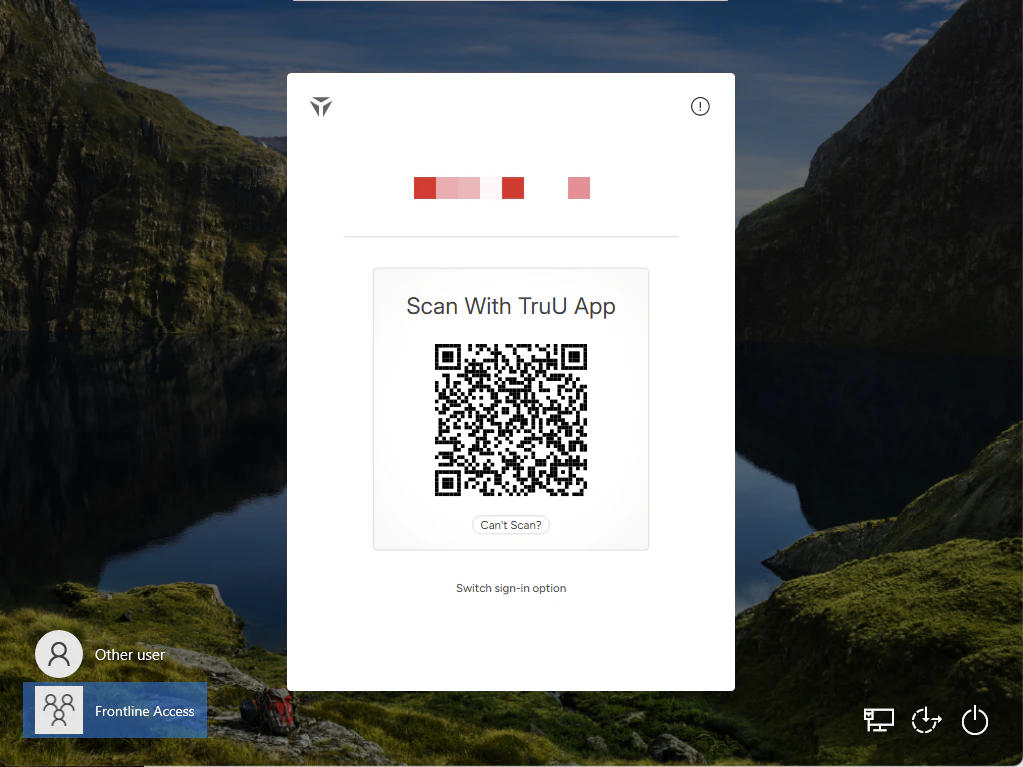
- On your TruU Mobile Authenticator, either scan the presented QR Code or enter the generated Access Code in the box below

- You will be launched into your session
Frontline Access Enrollment Submitting Logs - Shared Workstation