

- Click on TruU icon on the top right of the Menu Bar

- Click Change PIN

- Enter your Current PIN
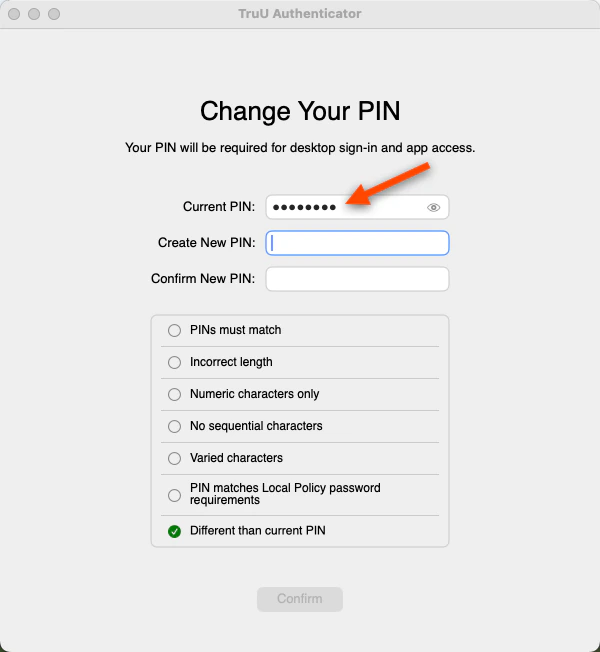
- Create and Confirm a New PIN
Why do I see different PIN requirements?
PIN requirement may differ as your organization will set the PIN policies.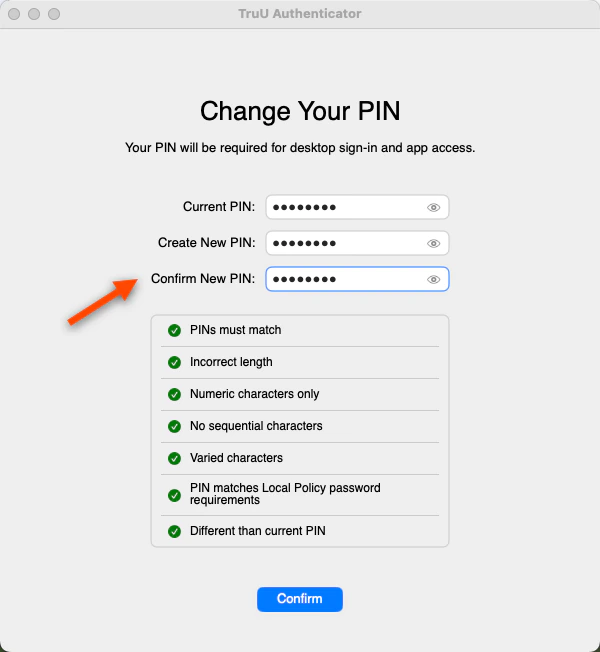
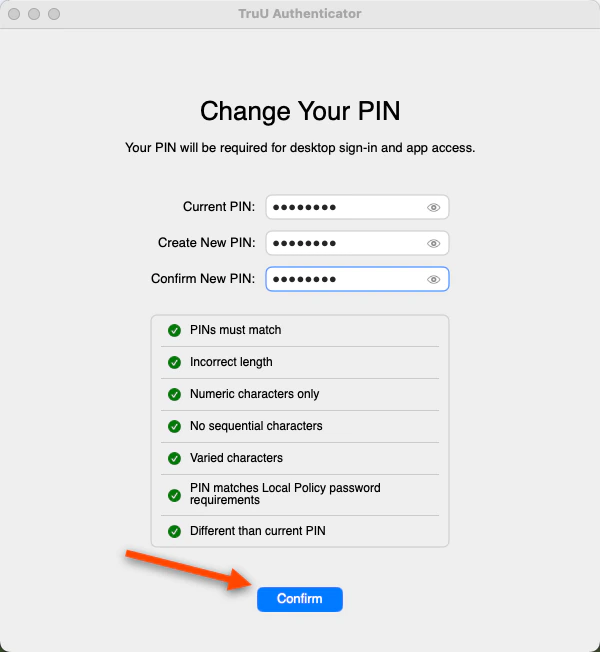
- Click on the blue arrow to successfully change your PIN
Is this it?
You did it! Lock your screen and try out your new TruU PIN.Submitting Logs - Mac Mobile