

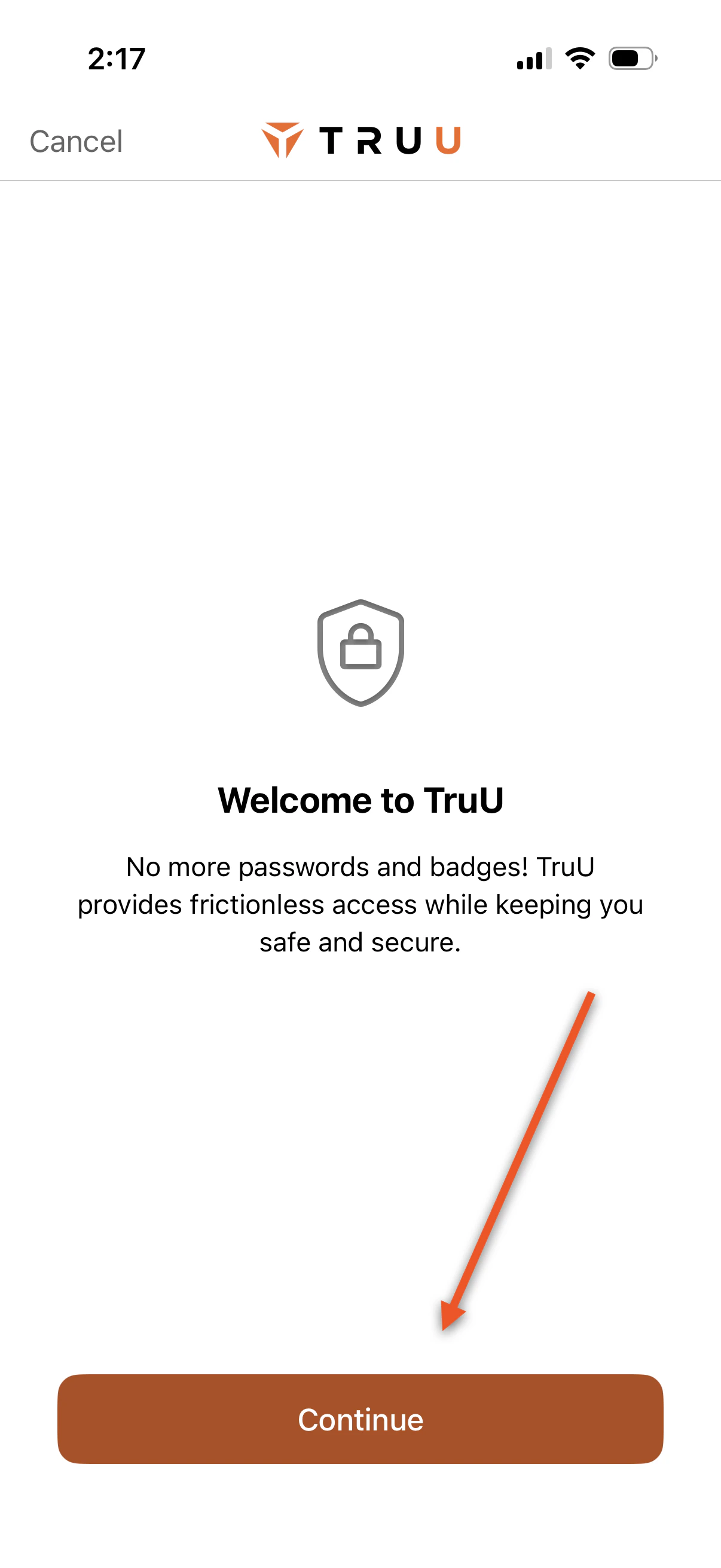
- Launch the app and press Continue
-
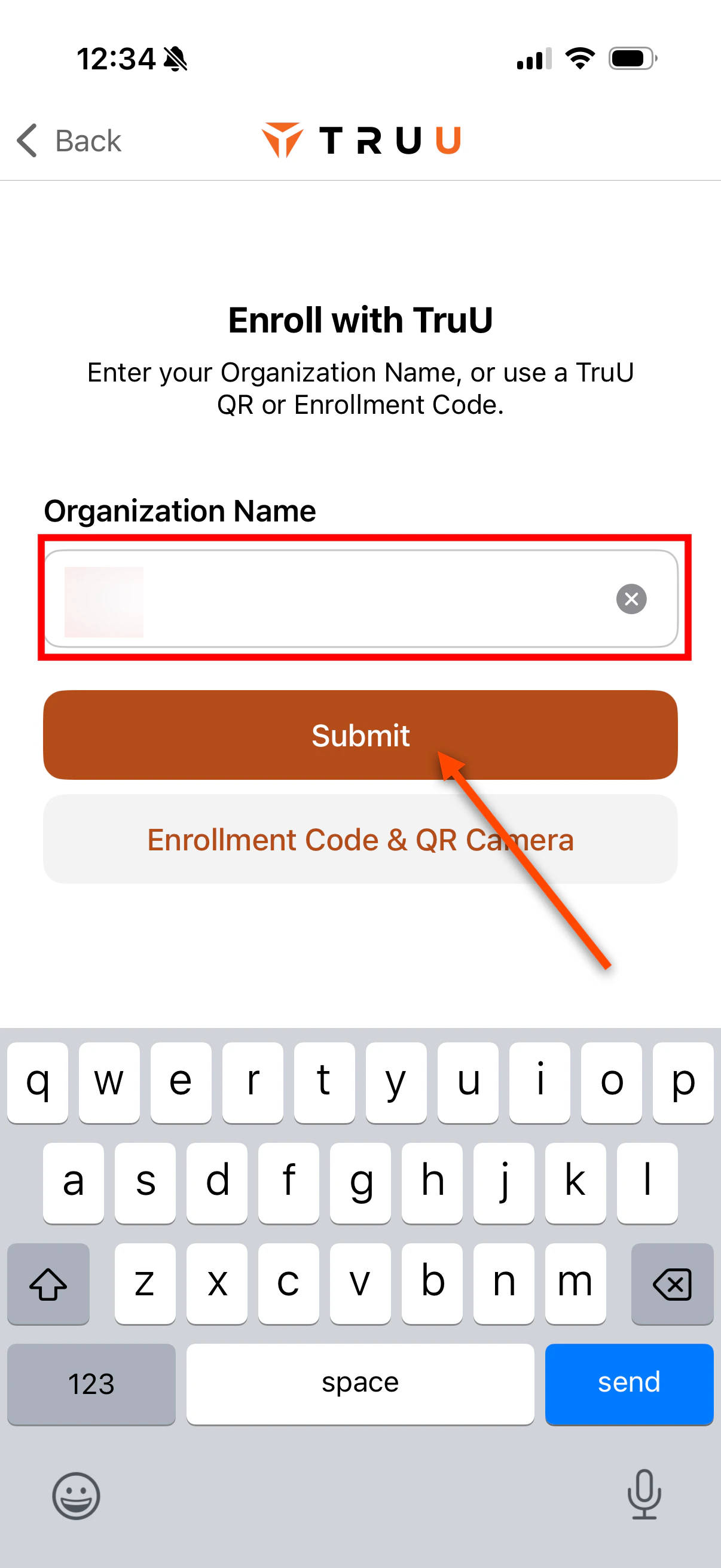
Enter your company name and click Submit
-
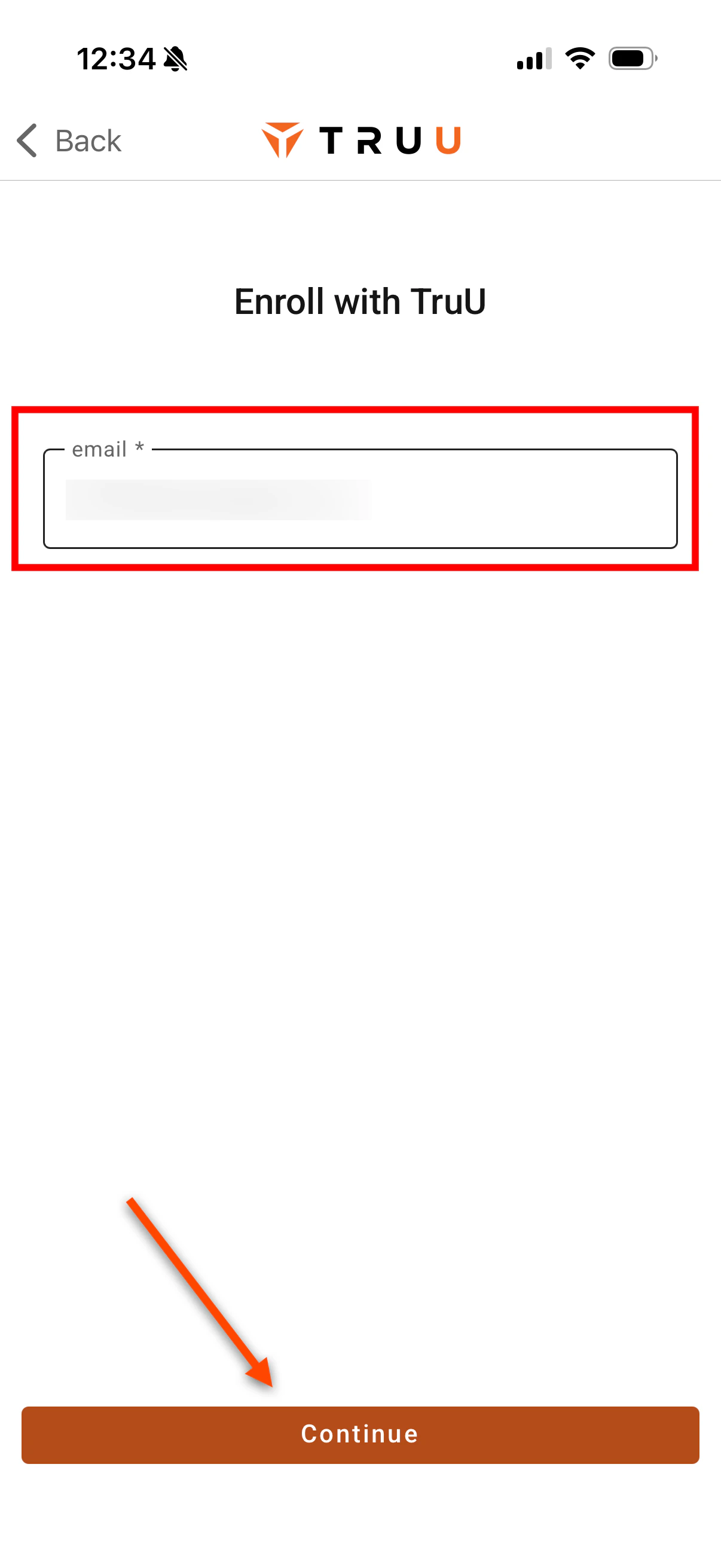
Enter your contractor email address and click Continue
-
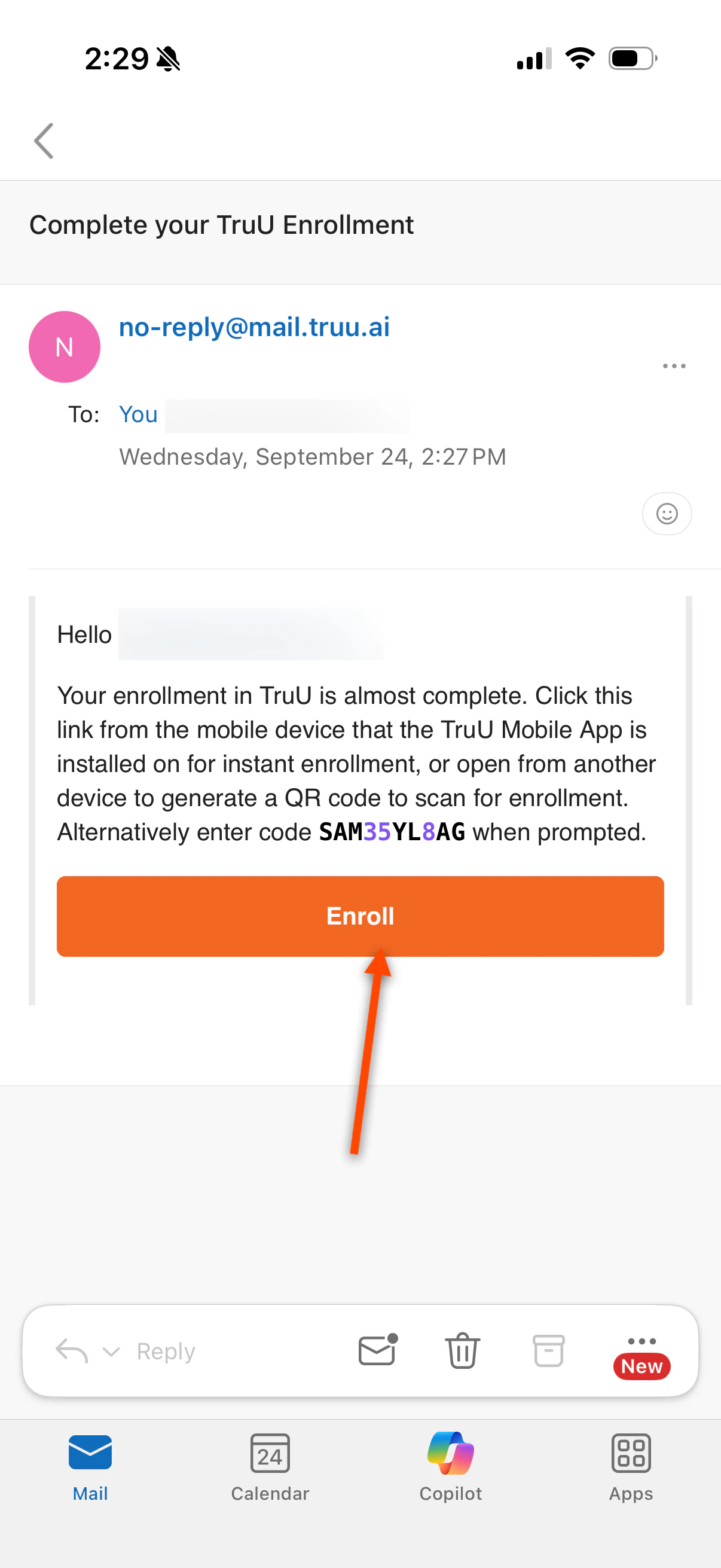
Navigate to your email, you will receive an email from [email protected] with an enrollment code. You can:
- Tap Enroll, which will reroute you to the TruU app
- Copy the enrollment code and paste it into the TruU app
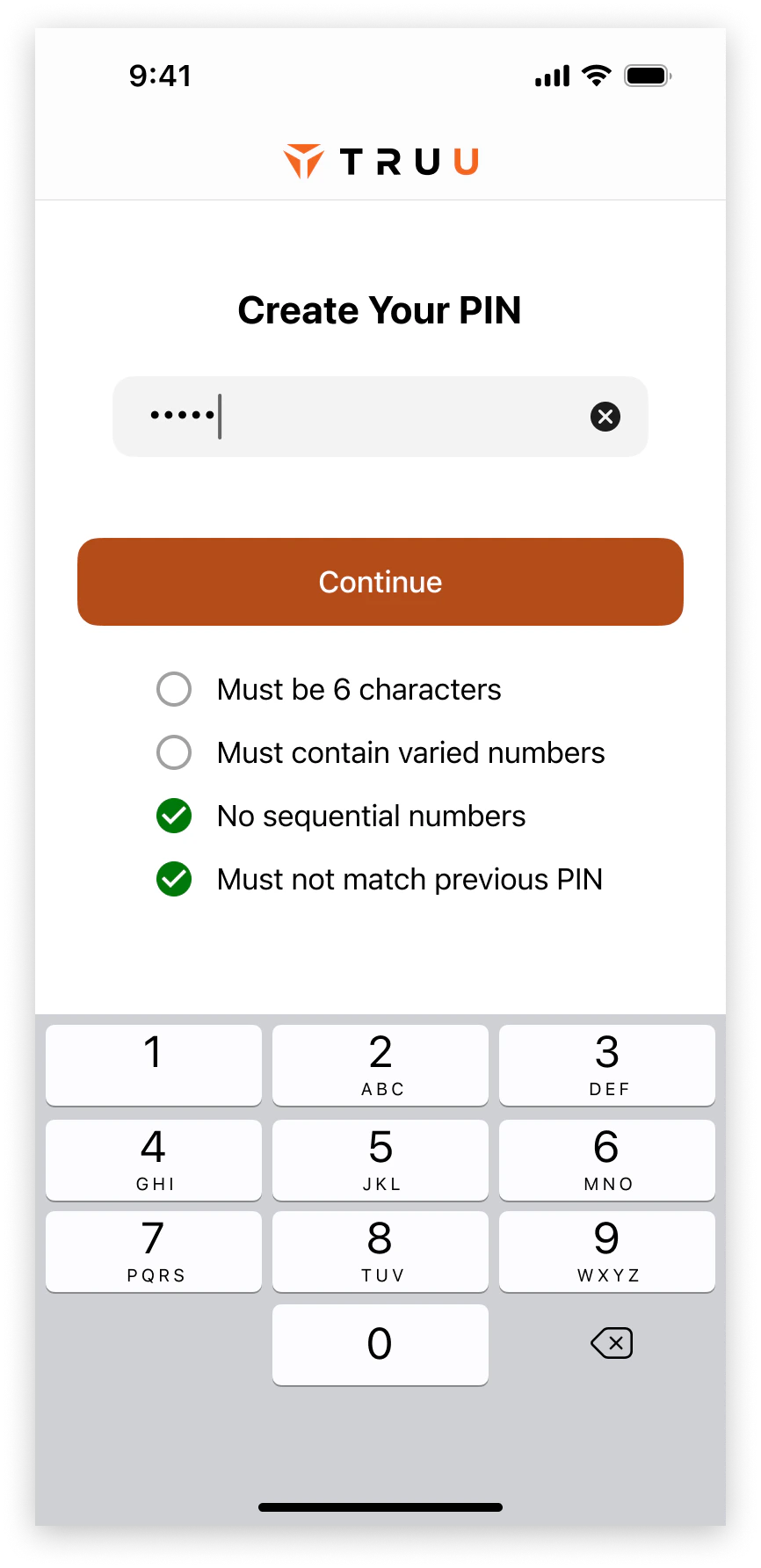
- Create a TruU PIN which meets all the requirements listed below
-
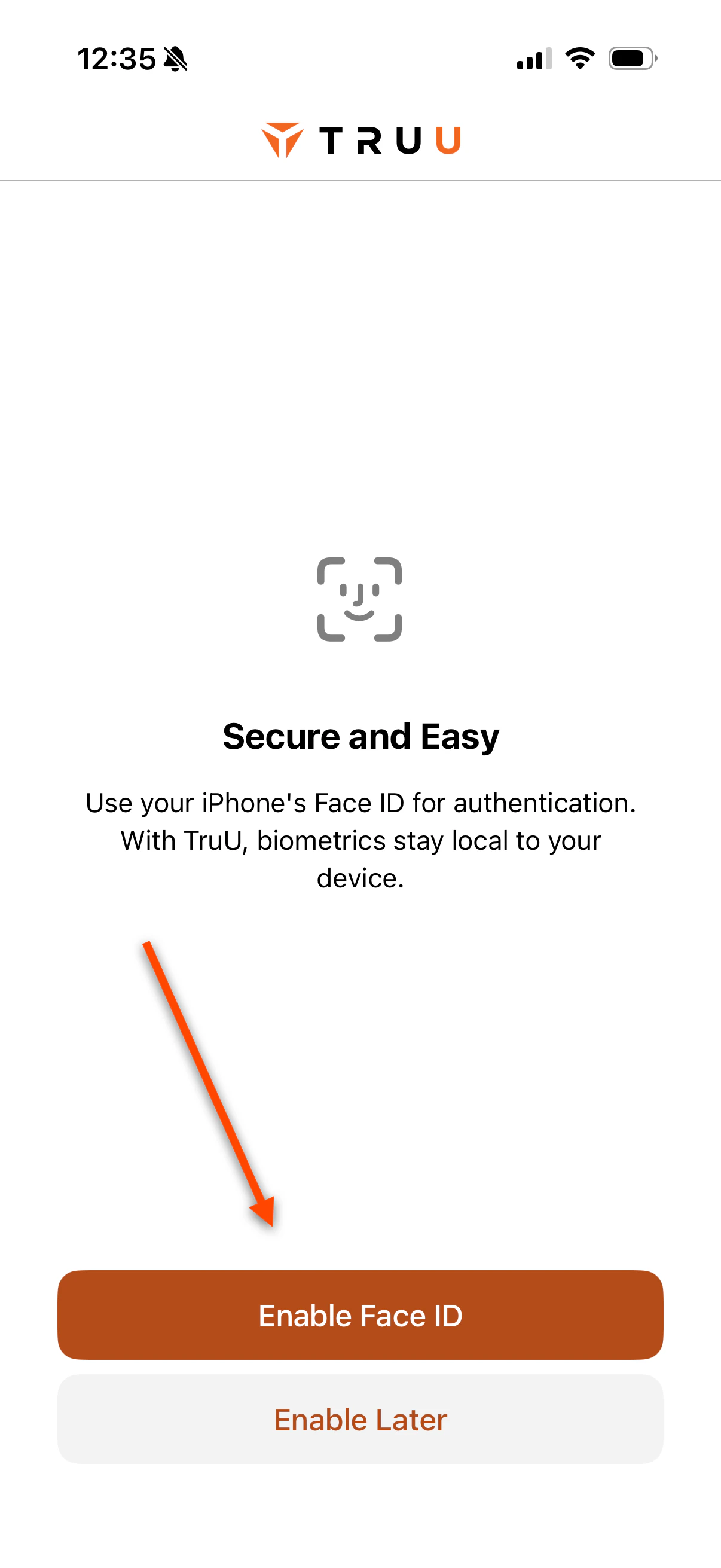
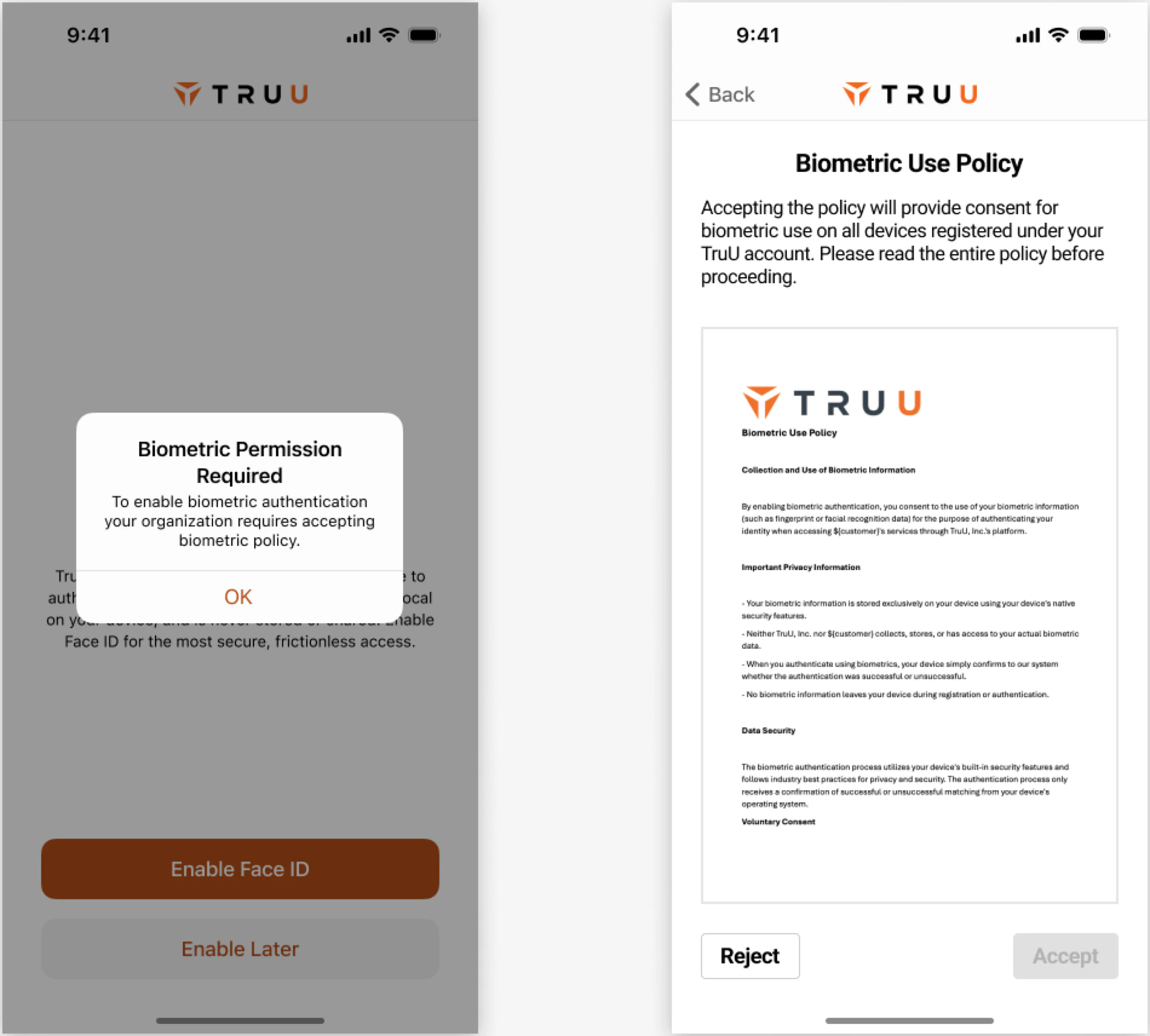
You will then be presented the opportunity to Enable Biometrics.
-
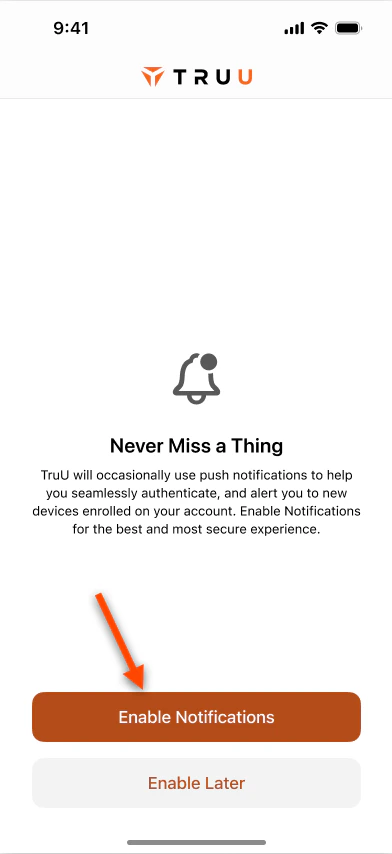
You will then be presented the option to Enable Notifications
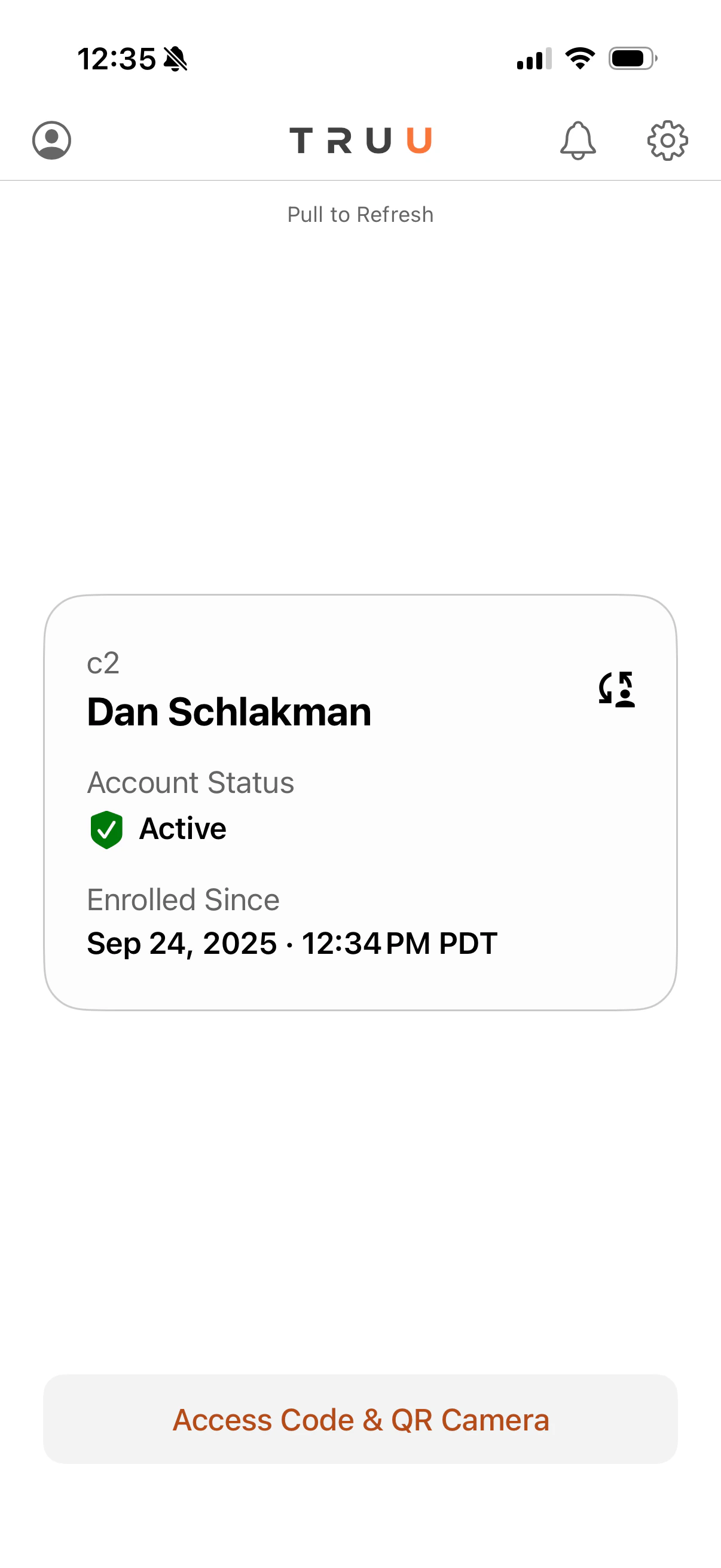
- You will see the following screen indicating the successful enrollment with TruU. You can also confirm enrollment and information by clicking on the user icon in the top left of the homepage
Enroll Your Phone Passwordless Login to Apps - Mobile