

Option 1: Switch through the Access Code & QR Camera Tab
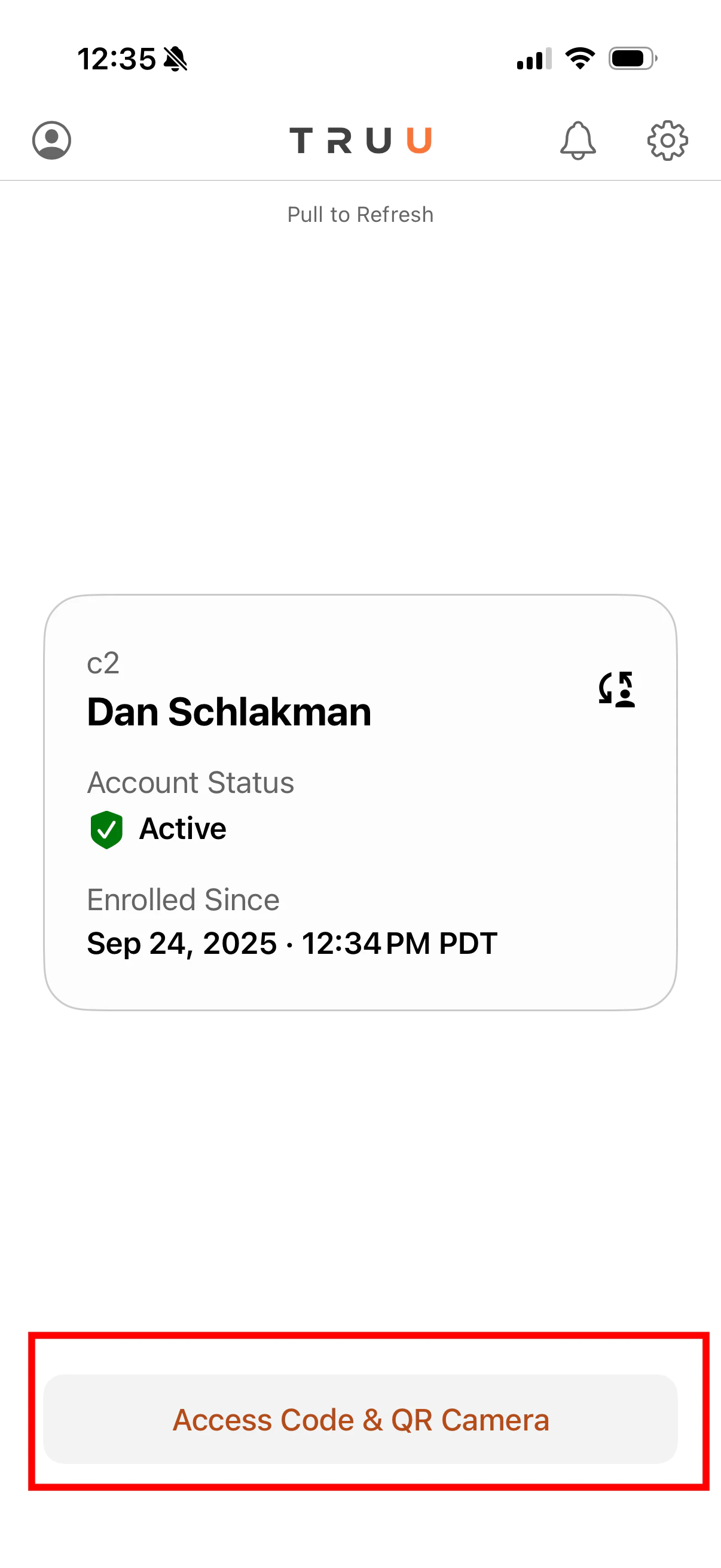
- Launch the TruU Mobile App
- Click Access Code & QR Camera
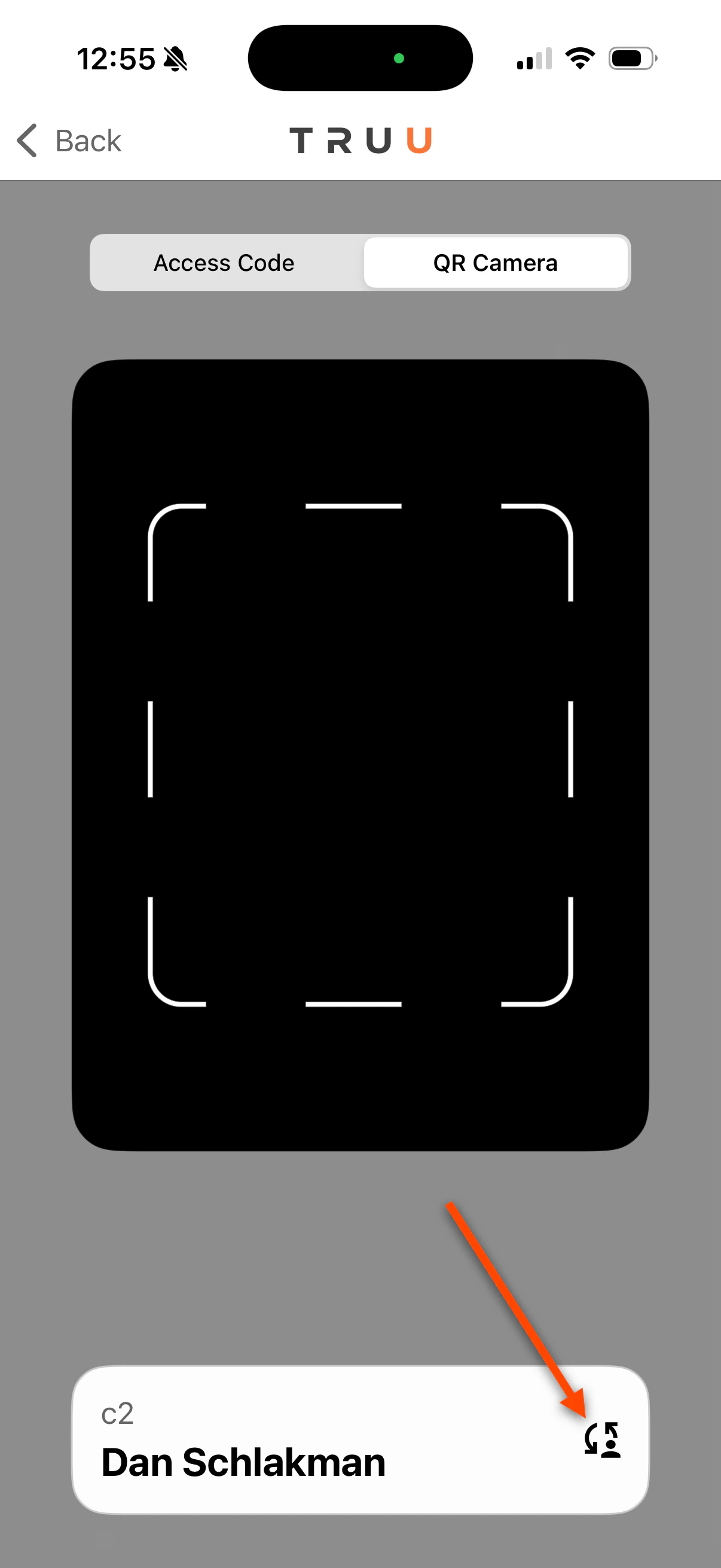
- Click the Switch button
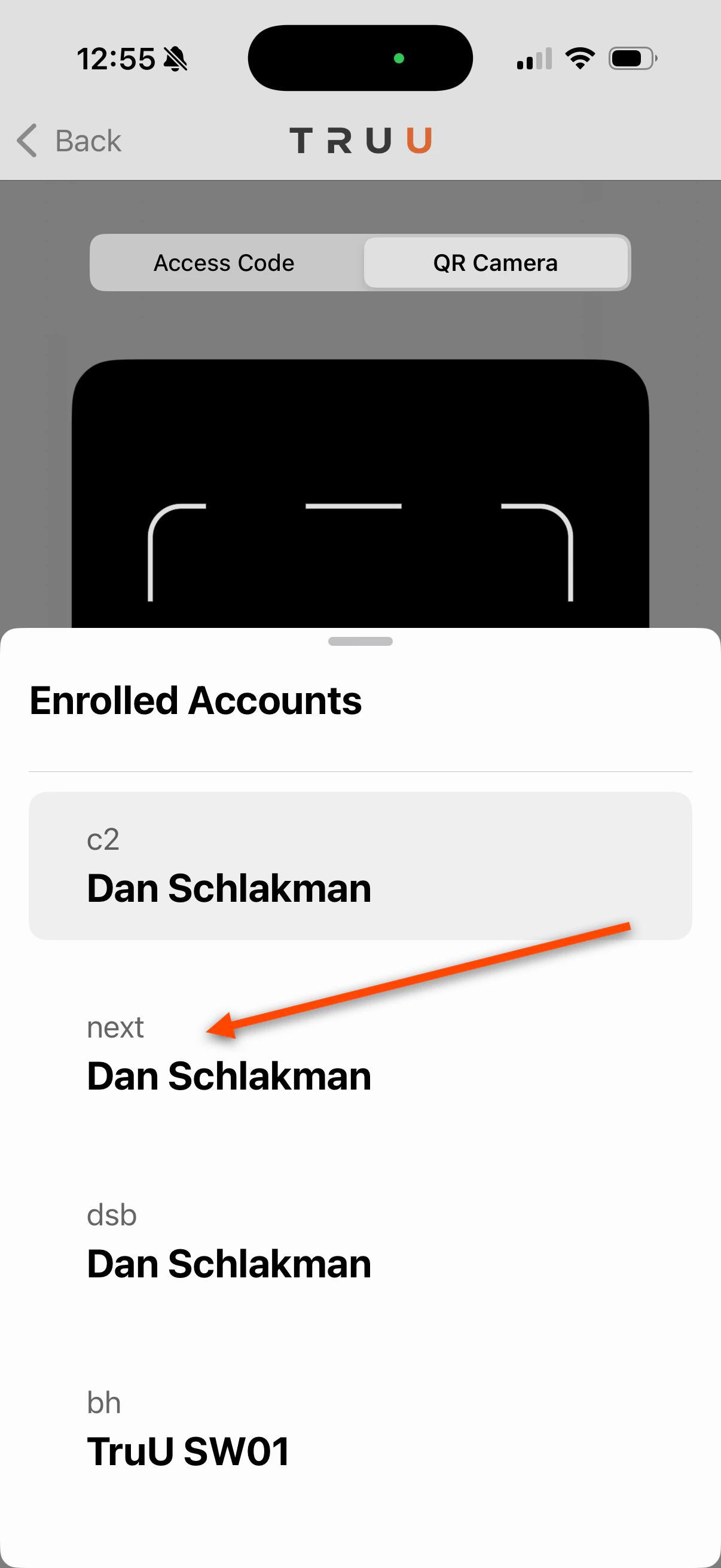
- Choose the account you are trying to sign in with
-
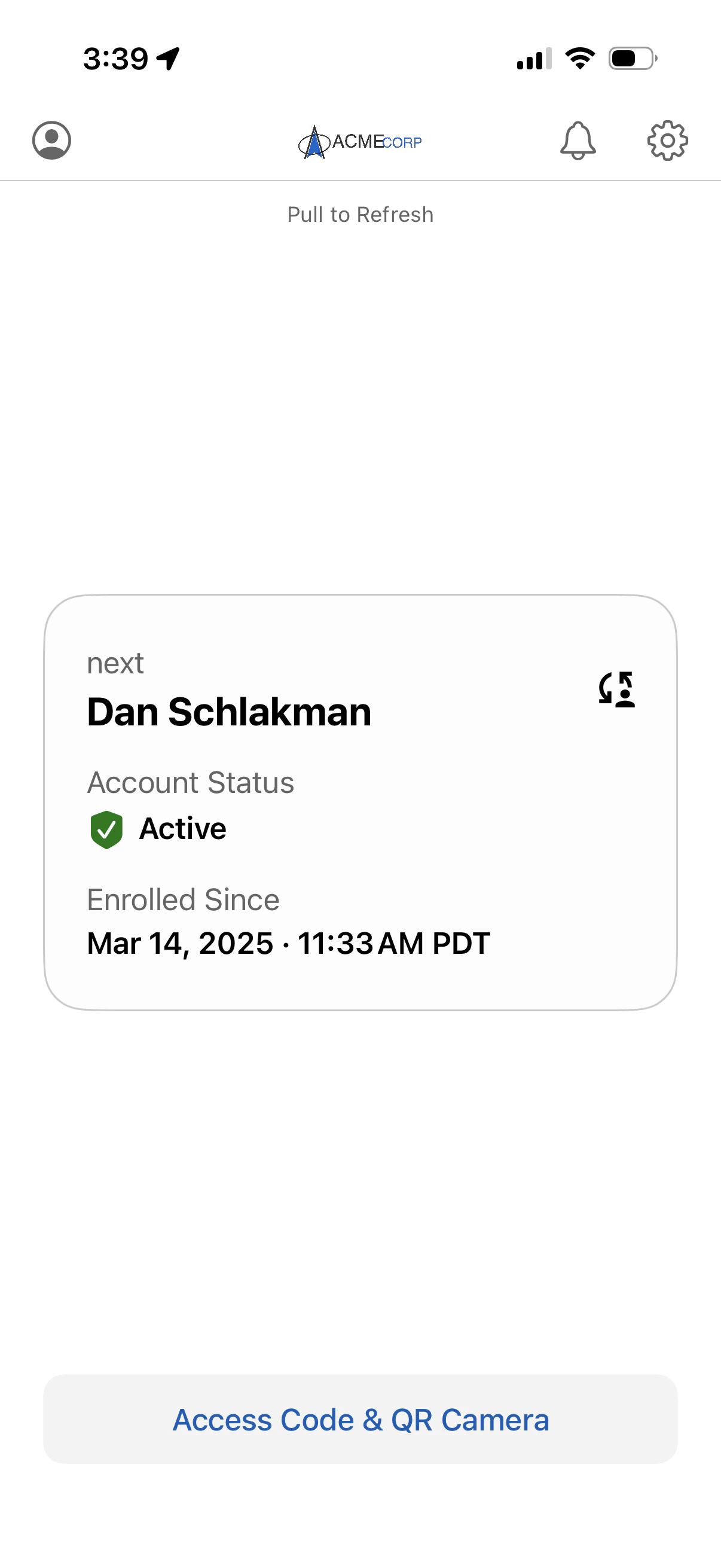
You will be logged in to your next account
Option 2: Switch through Profile Card
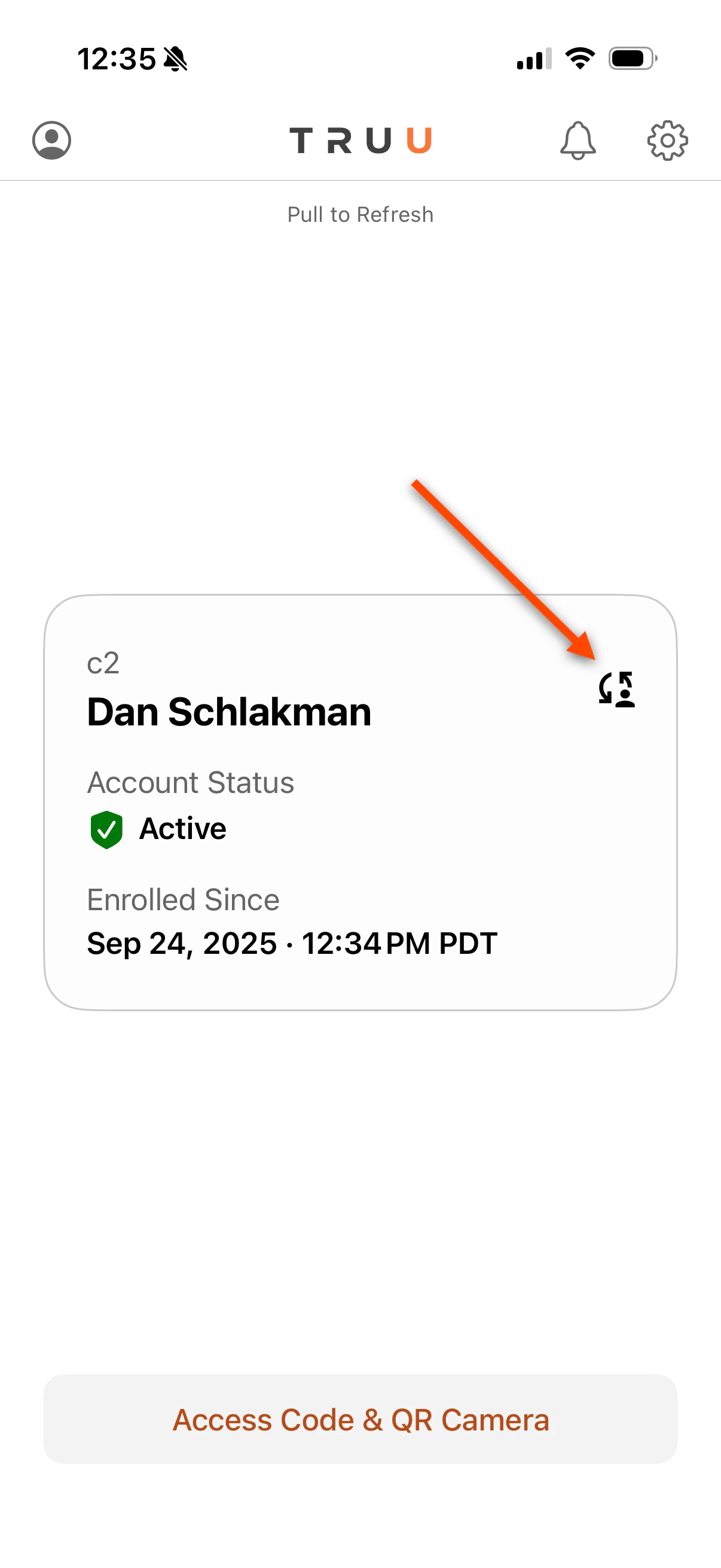
- Launch the TruU Mobile App
-
Click the Switch button
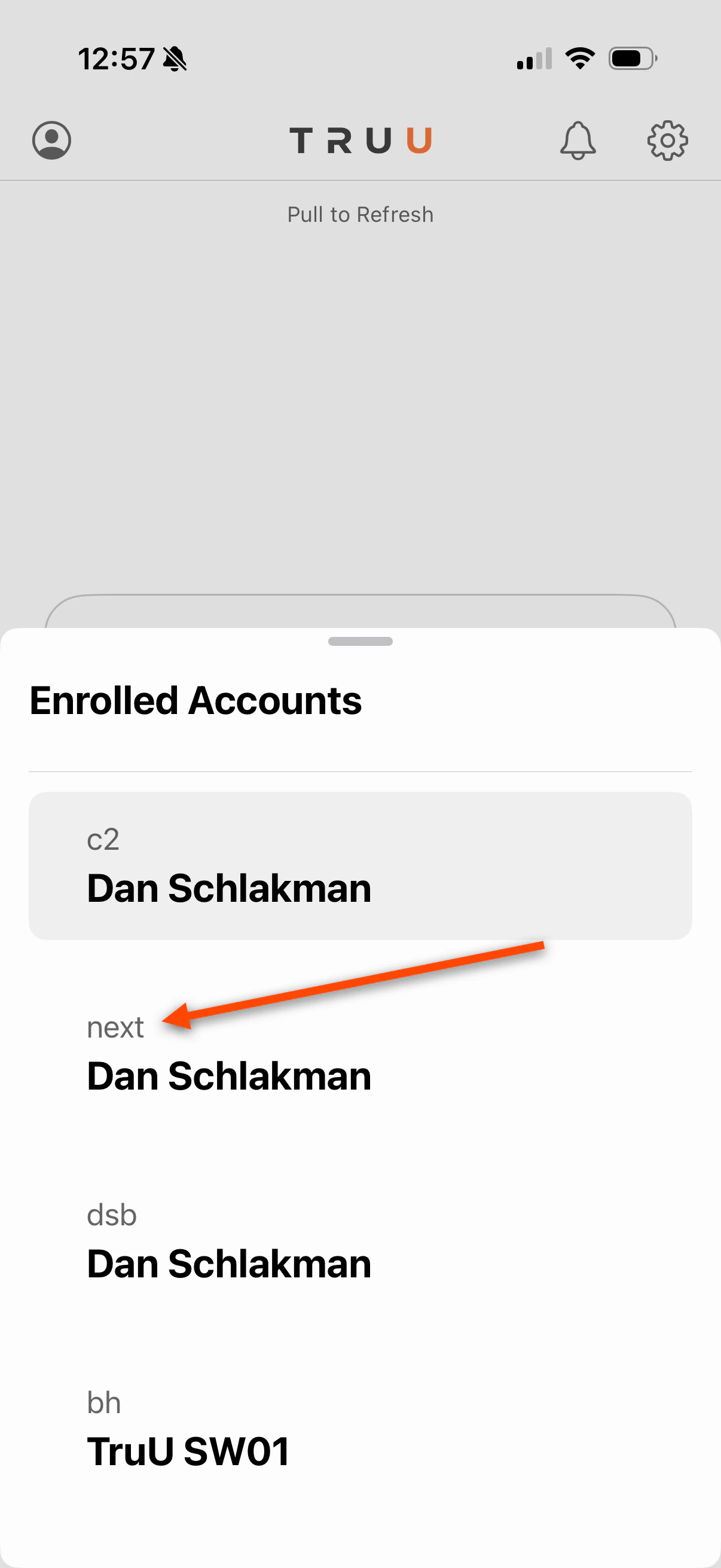
- Choose the account you are trying to sign in with
-
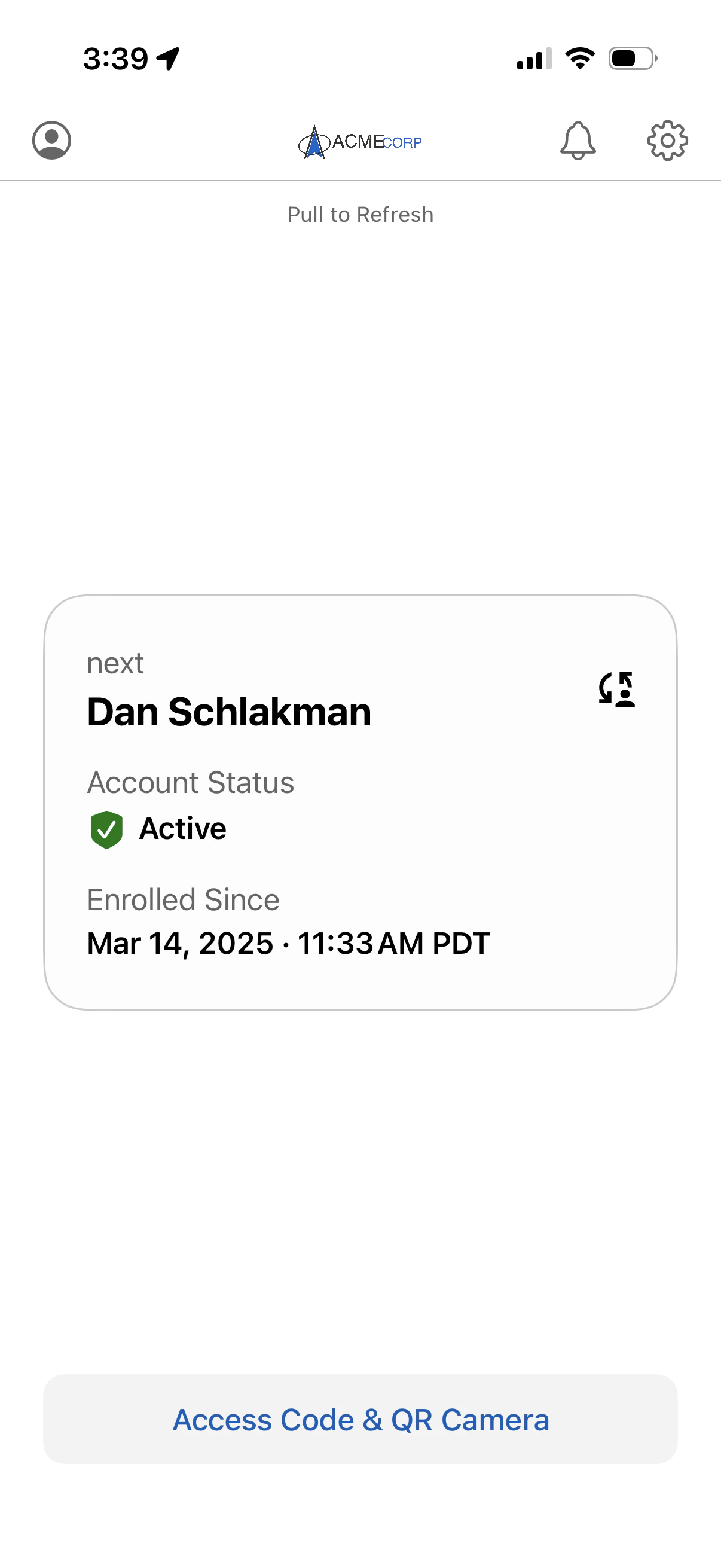
You will be logged in to your next account
TestFlight Installation Guide Agentless