

How to Submit Logs on Your Mobile Device
- Open the TruU Mobile App
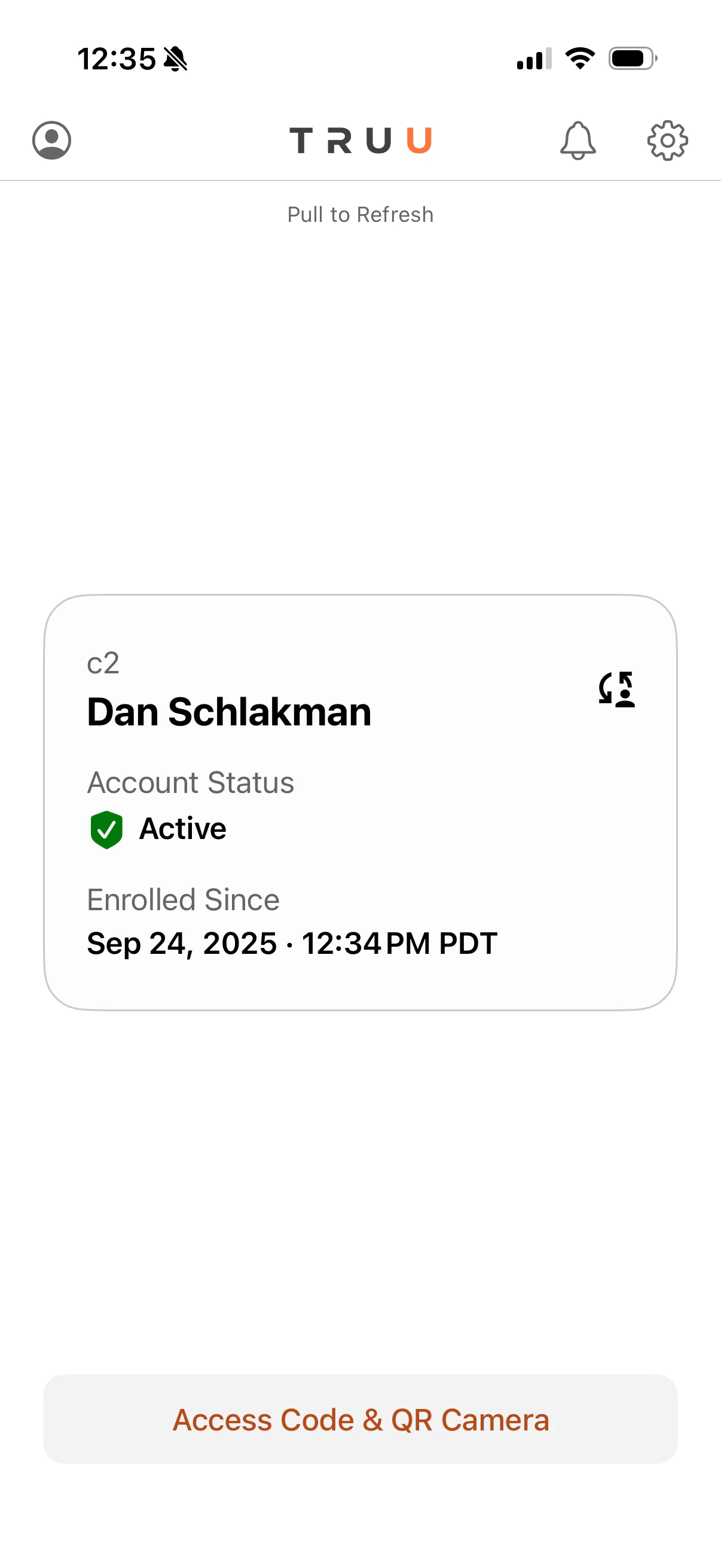
- Click the Gear Icon in the top left corner and select Report Issue
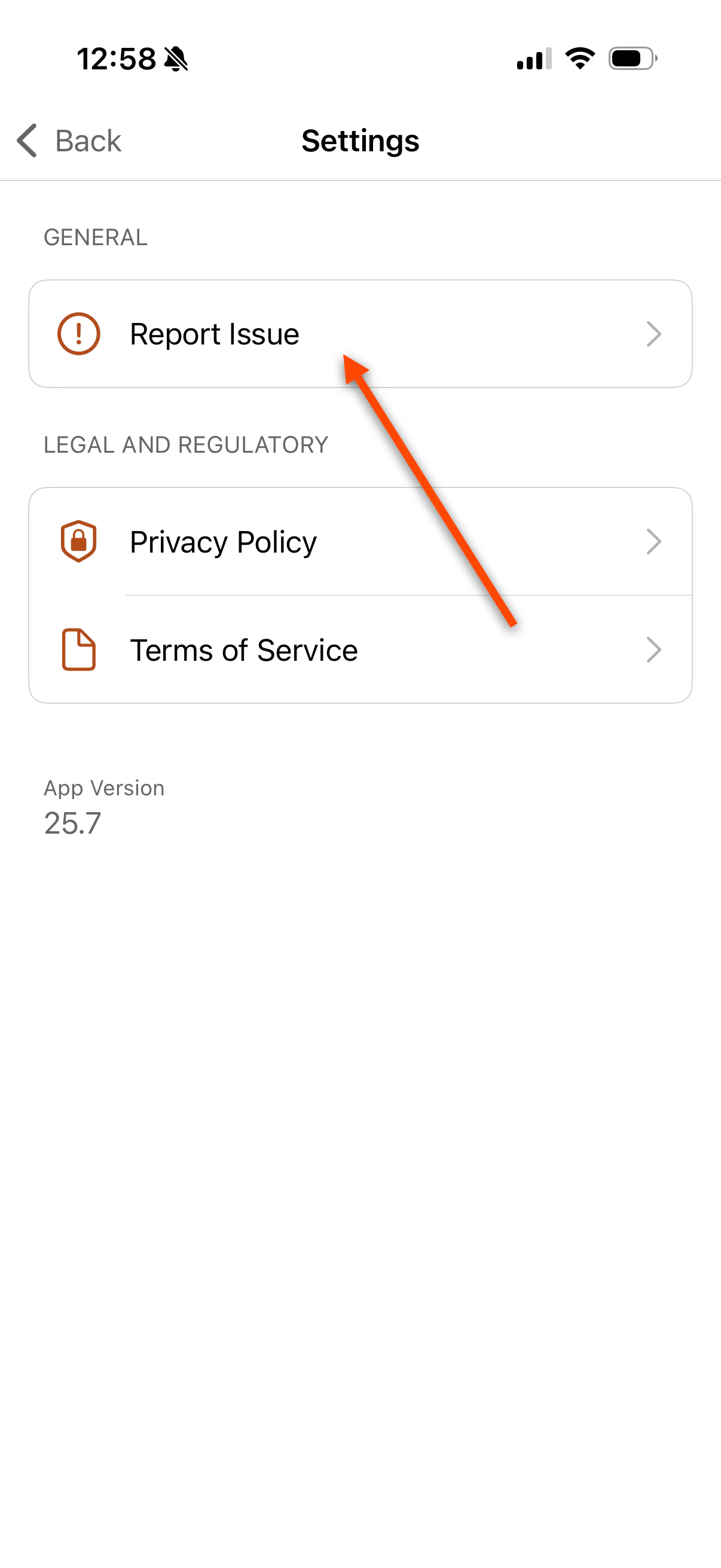
-
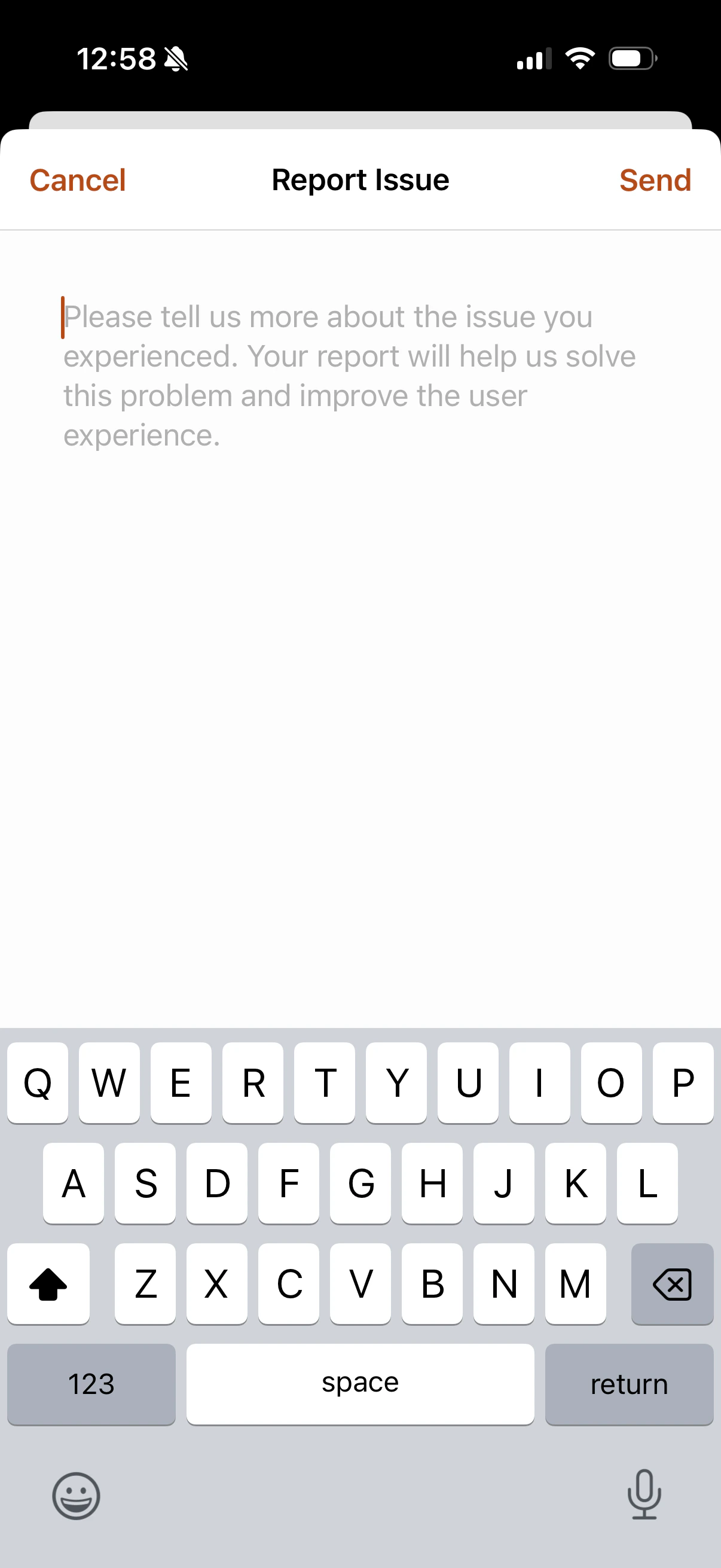
Provide a detailed description of the problem that you encountered in the text box below. Make sure to provide the following information:
- A concise description of the issue
- The timestamp when the issue occurred
- Details on whether the issue can be reproduced
- The type of device you are using
- The version of your operating system
Passwordless Login to Apps - Mobile TestFlight Installation Guide