

Authentication using Mobile App
-
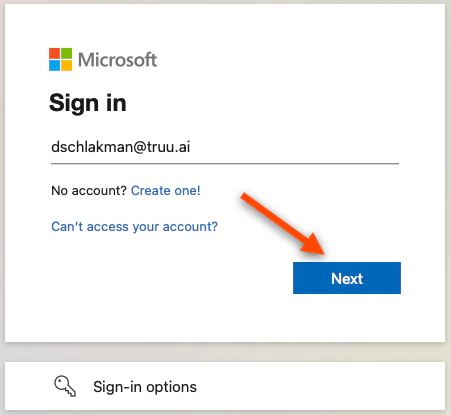
Navigate to an application and enter your Username on the login screen
-
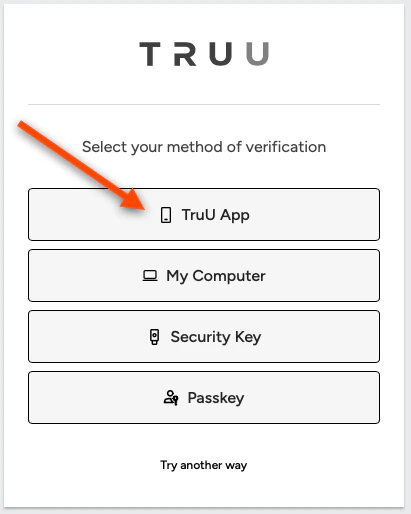
You will then be redirected to TruU. Select My Phone to authenticate with the TruU mobile app
-
Scan the QR code using the TruU mobile app
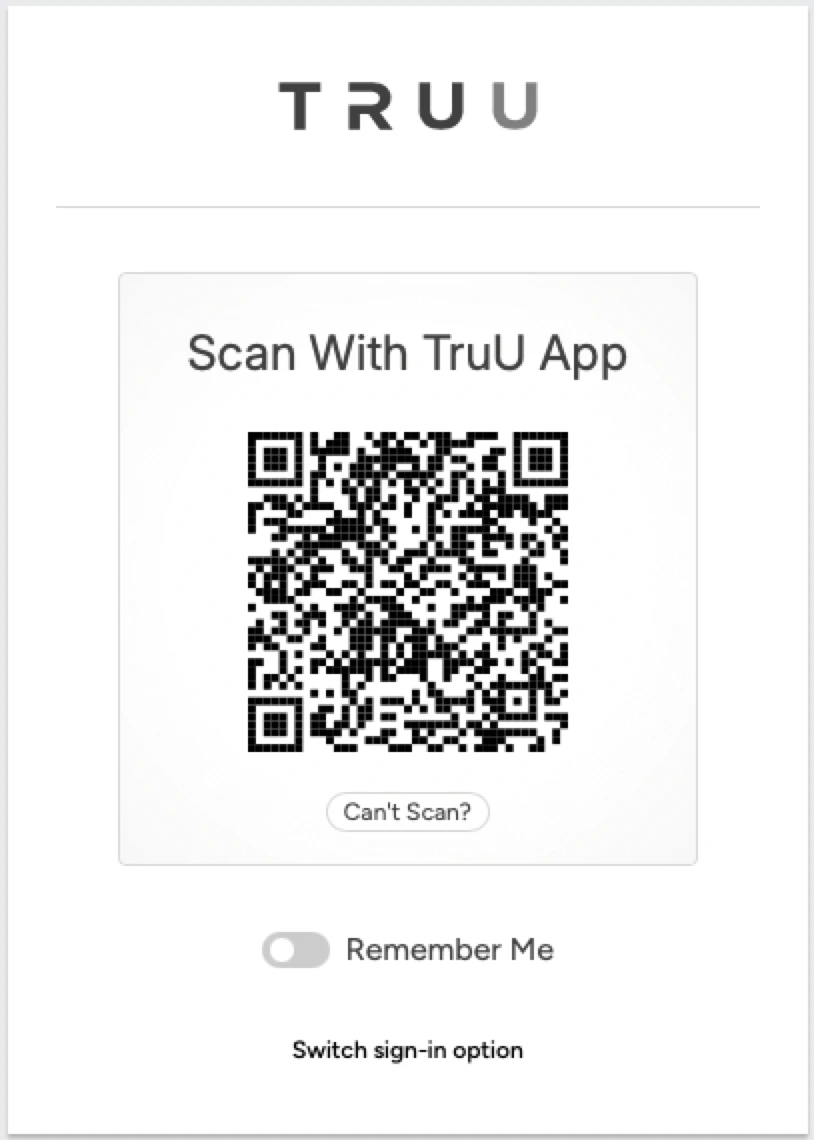
- You will be logged into your app
Enroll Your Phone (Contractor) Submitting Logs - Mobile