

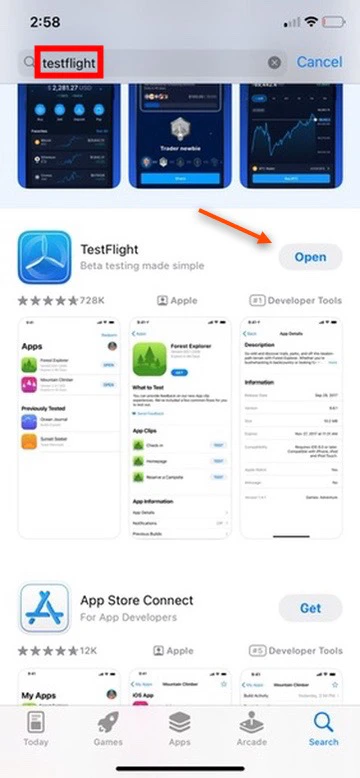
- Search TestFlight on the App Store. Click Install
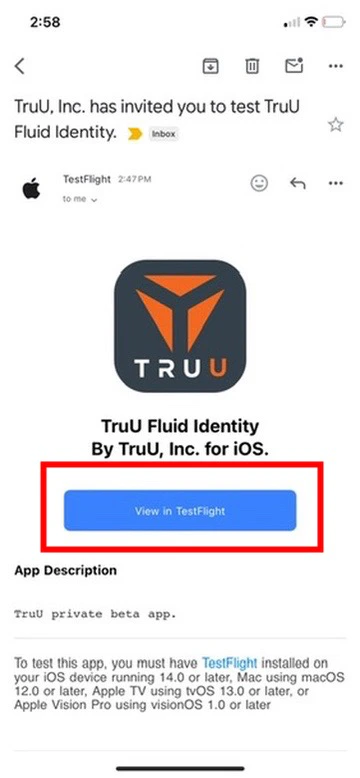
- You will have received an email link inviting you to test the new “TruU Fluid Identity” app. In this email, click the blue View in TestFlight box
- Note: TruU team may have provided you with a link instead of an email invite. If that is the case, click on the link sent to you, and proceed to step 3.
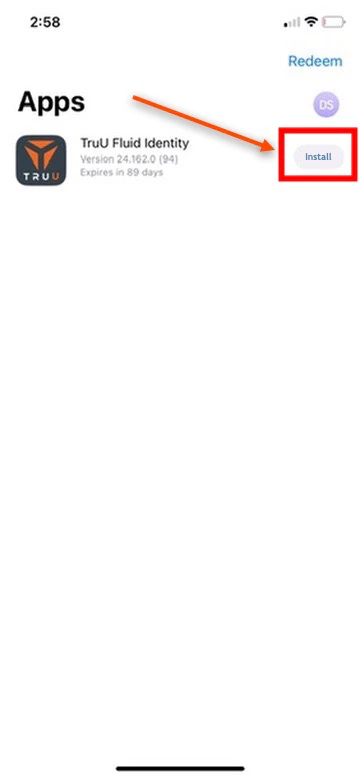
- You will be directed to the TestFlight app that you have downloaded onto your iPhone. Click Install
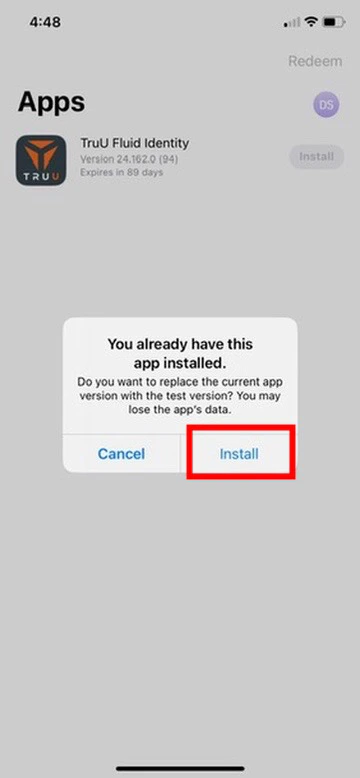
- Click Install
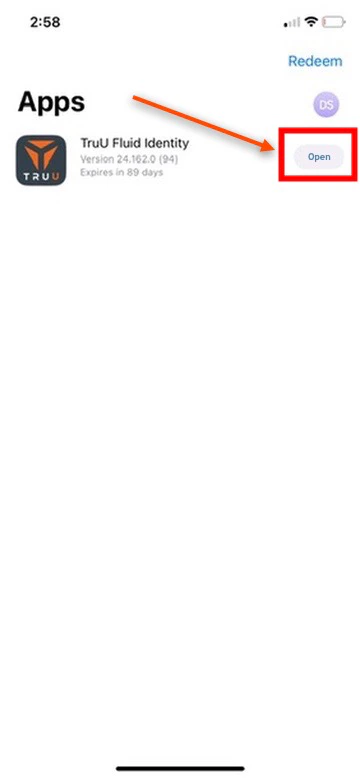
- Click Open
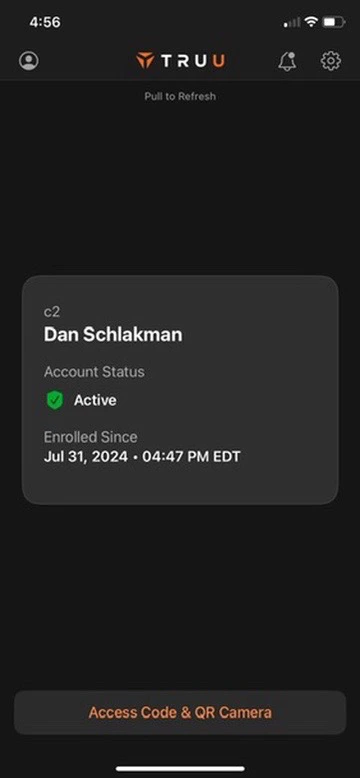
- You will be redirected to the beta version of the new TruU Fluid Identity App
Submitting Logs - Mobile Switching Accounts on Mobile