

Enroll Fingerprint Biometrics
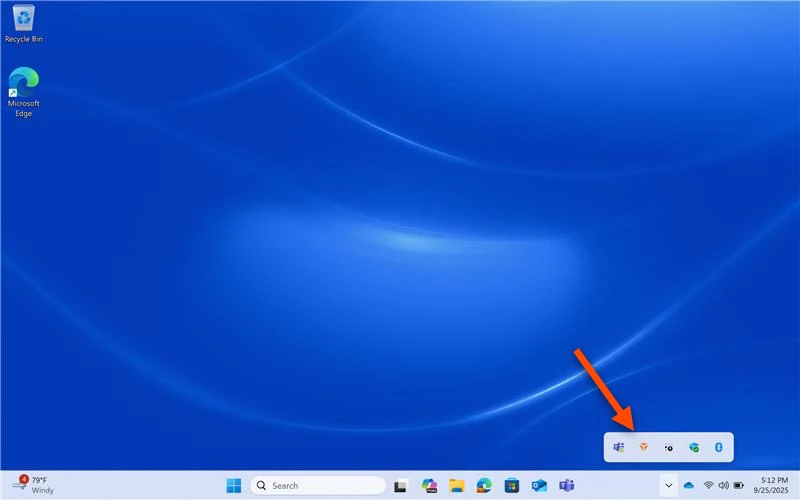
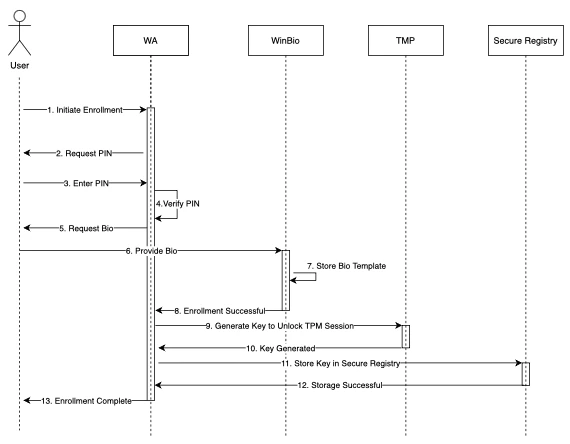
- Navigate to the bottom right corner of the Home Screen, hover over the ^ arrow, and right click on the TruU Logo
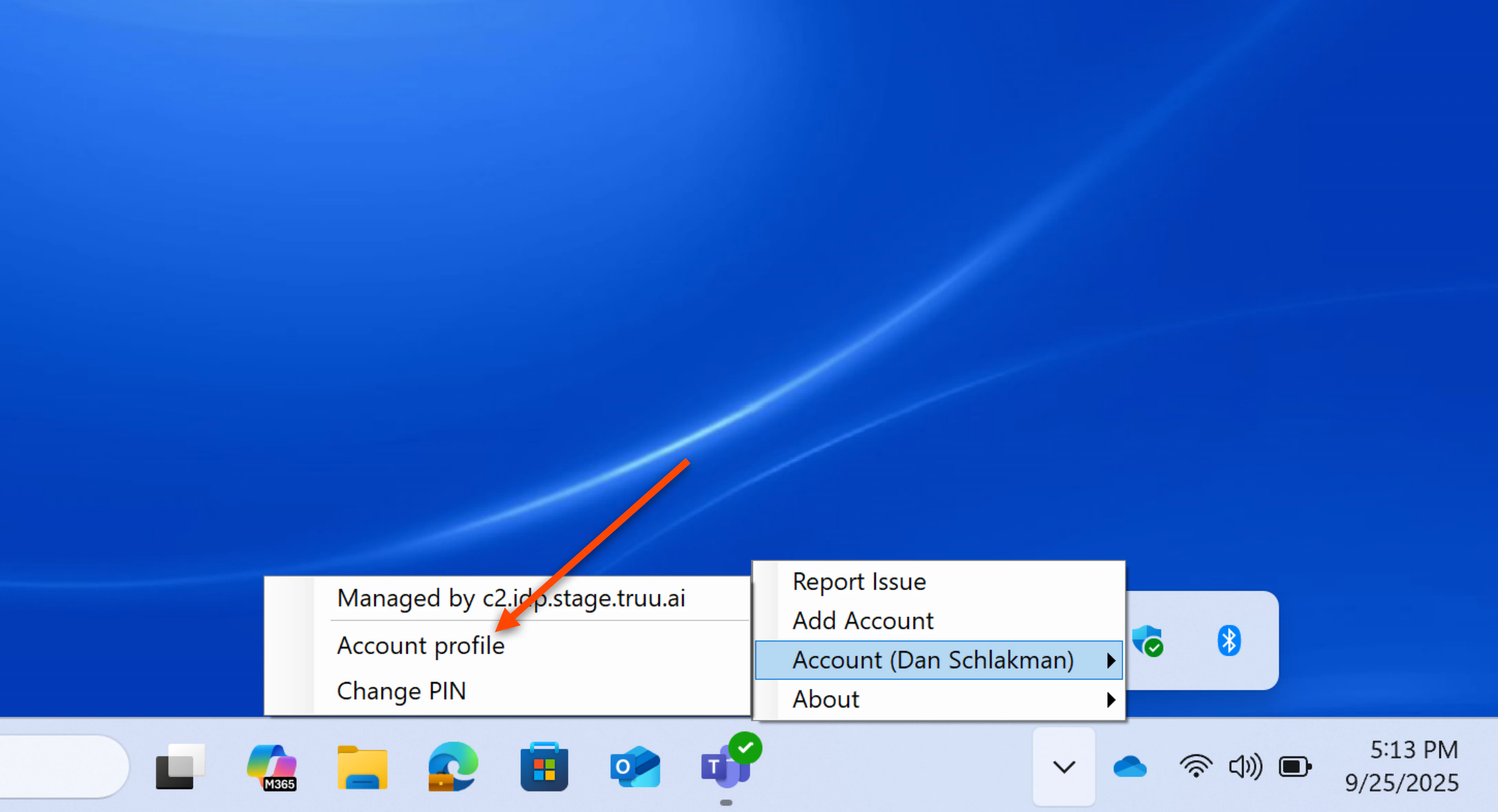
- Right click on your Account, then select Account Profile
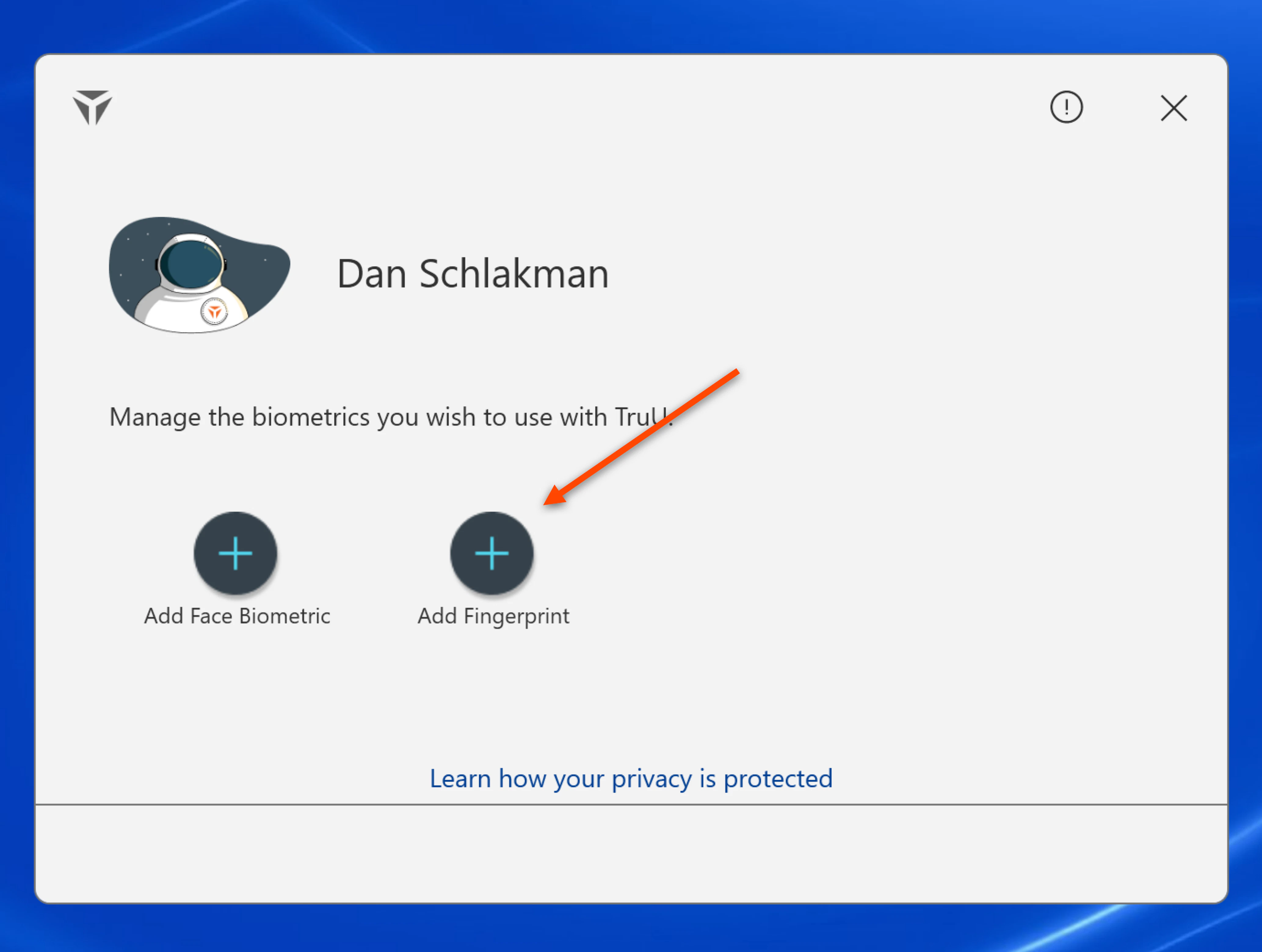
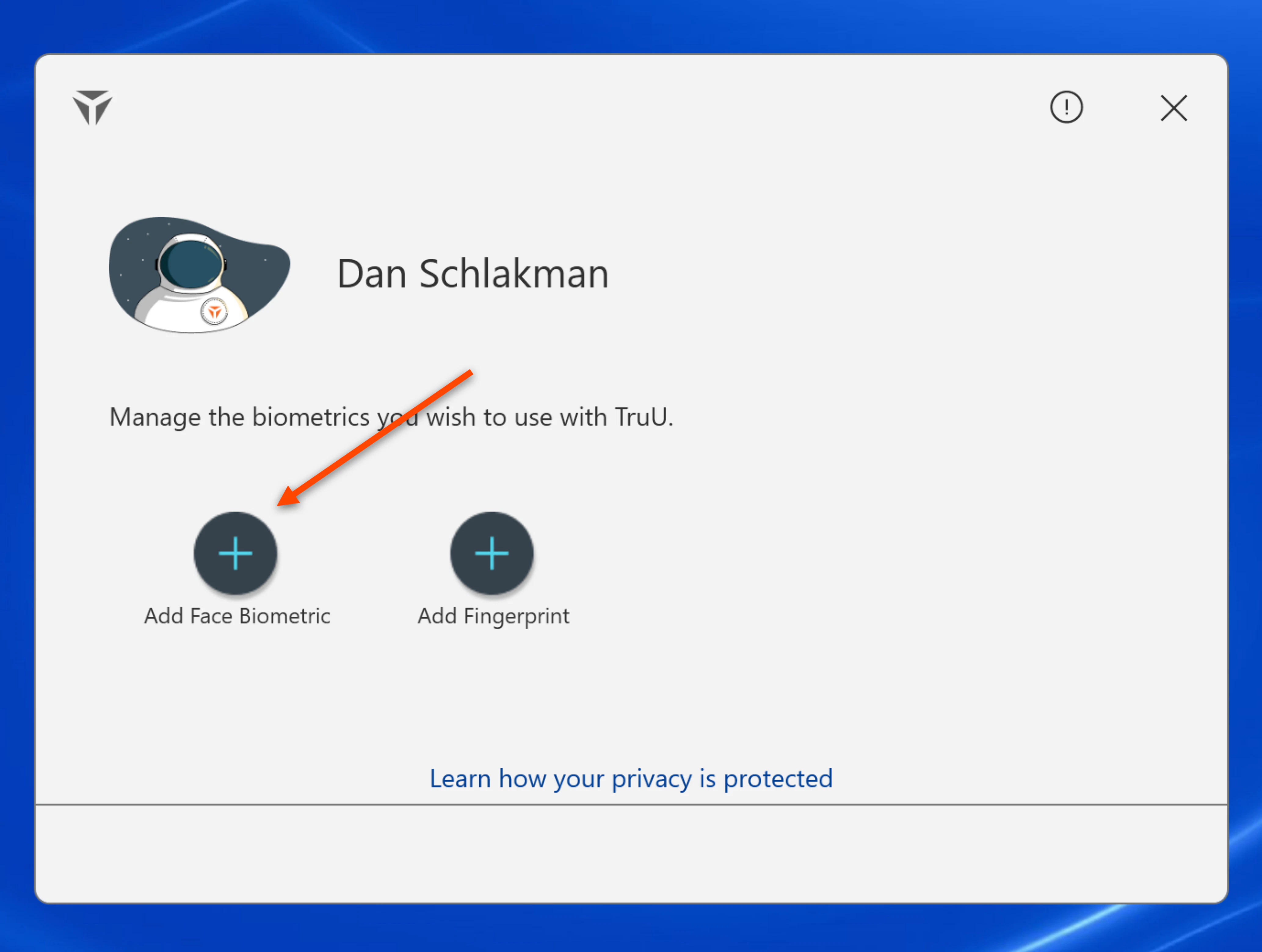
- Click on Add Fingerprint
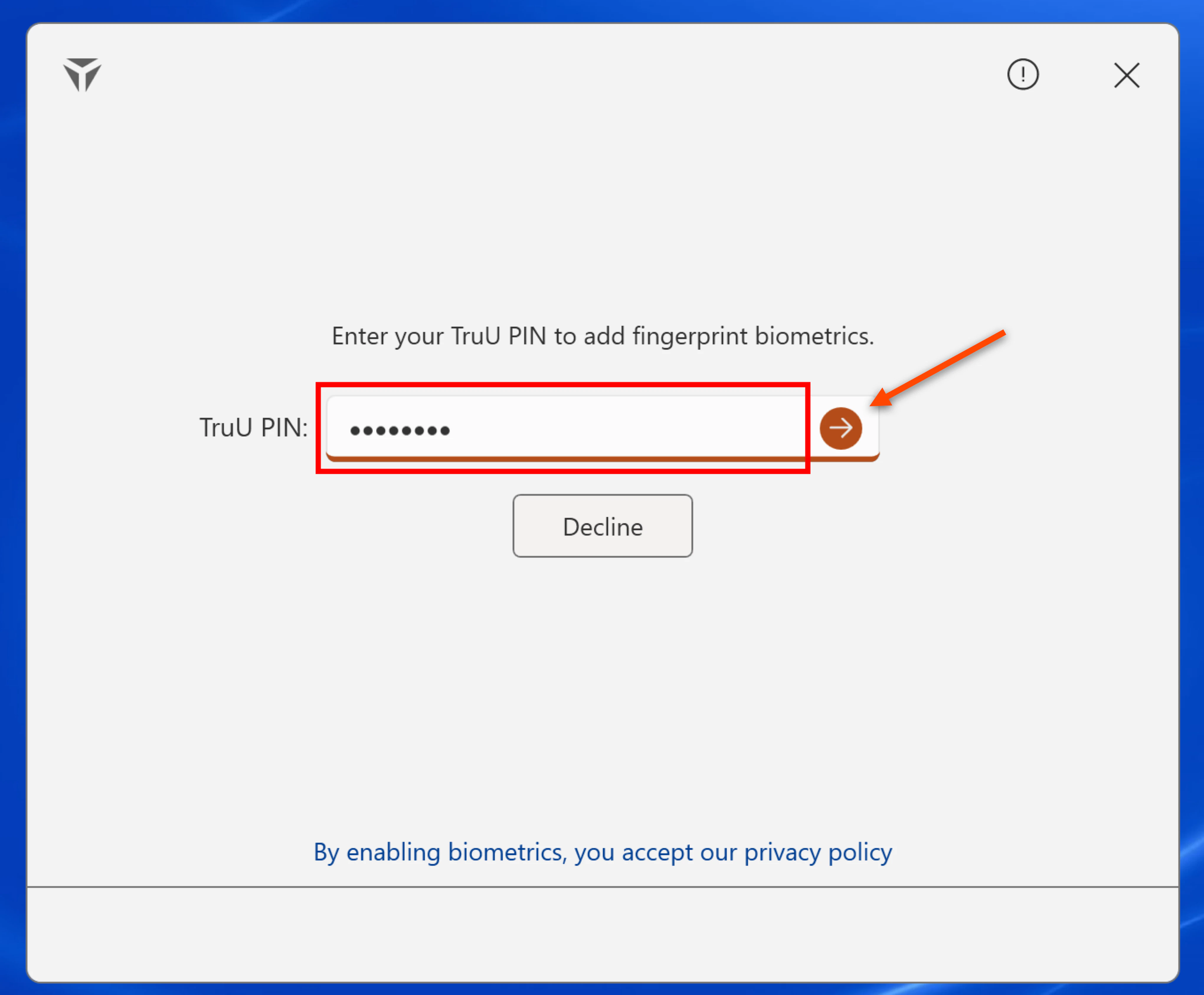
- Enter your TruU PIN to add fingerprint biometrics, then click the arrow
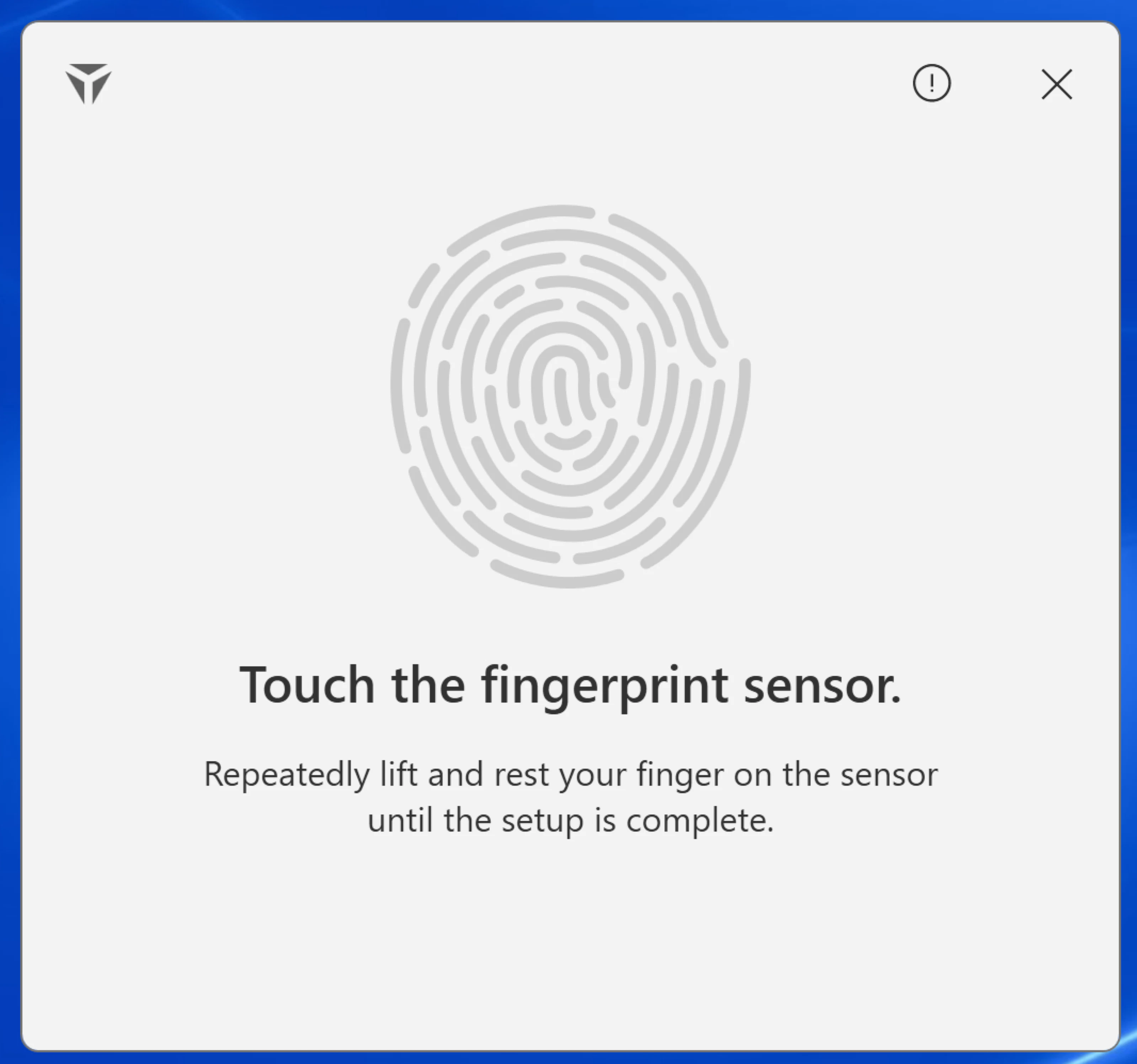
- Repeatedly place your finger on the sensor and follow the assistive prompts
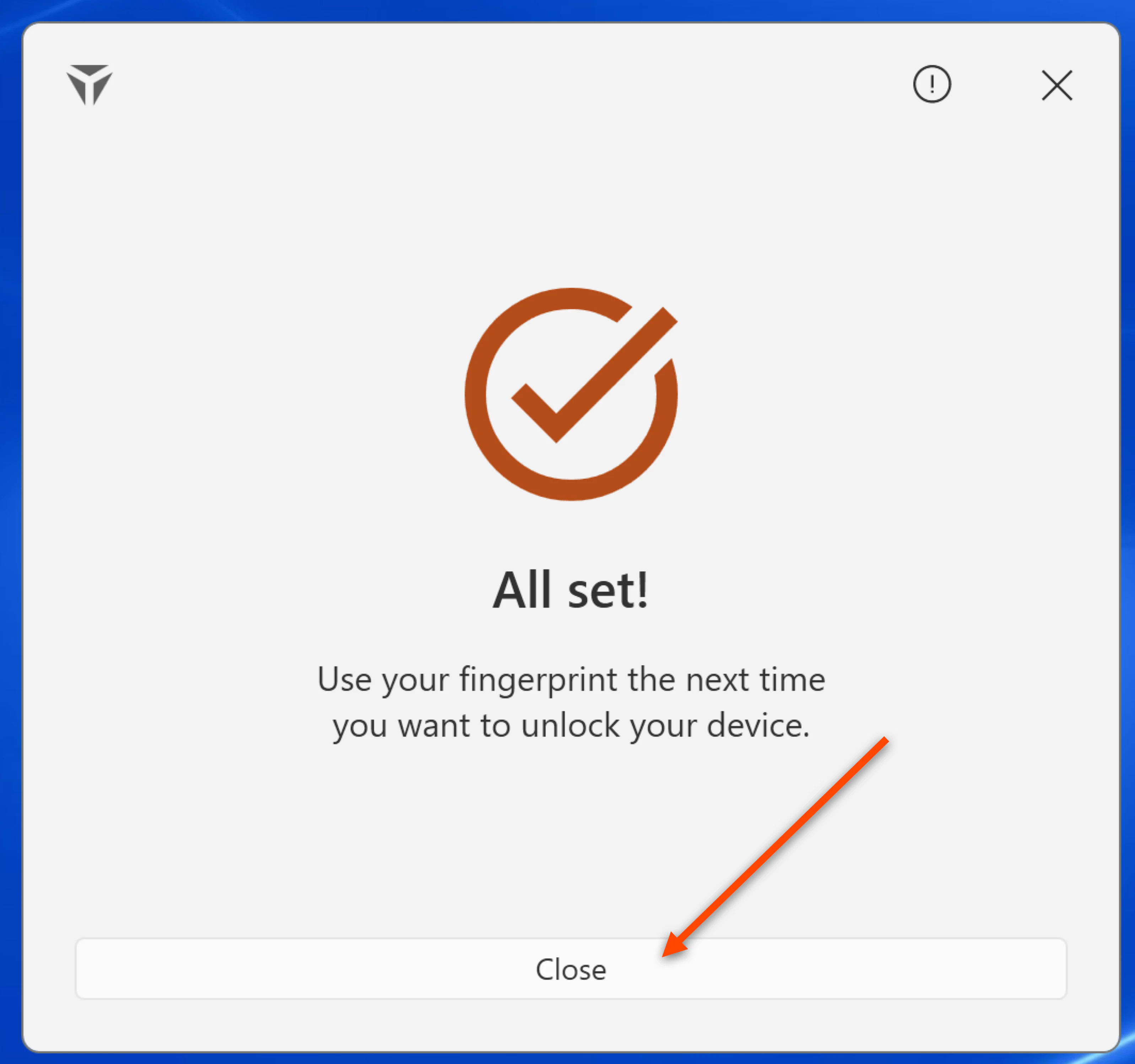
- Click Close once prompted
Enroll Face Biometrics
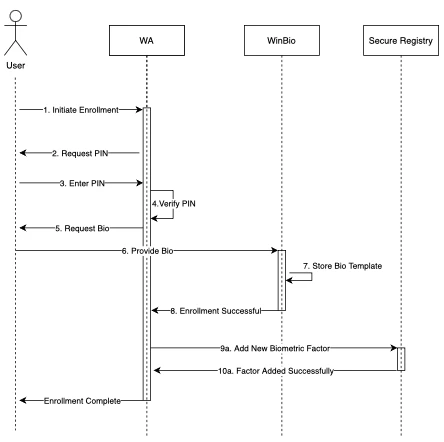
- Navigate to the bottom right corner of the Home Screen, hover over the ^ arrow, and right click on the TruU Logo
- Right click on your Account, then select Account Profile
- Next, click on Add Face Biometrics
- Follow the on-screen instructions to set up Face biometrics

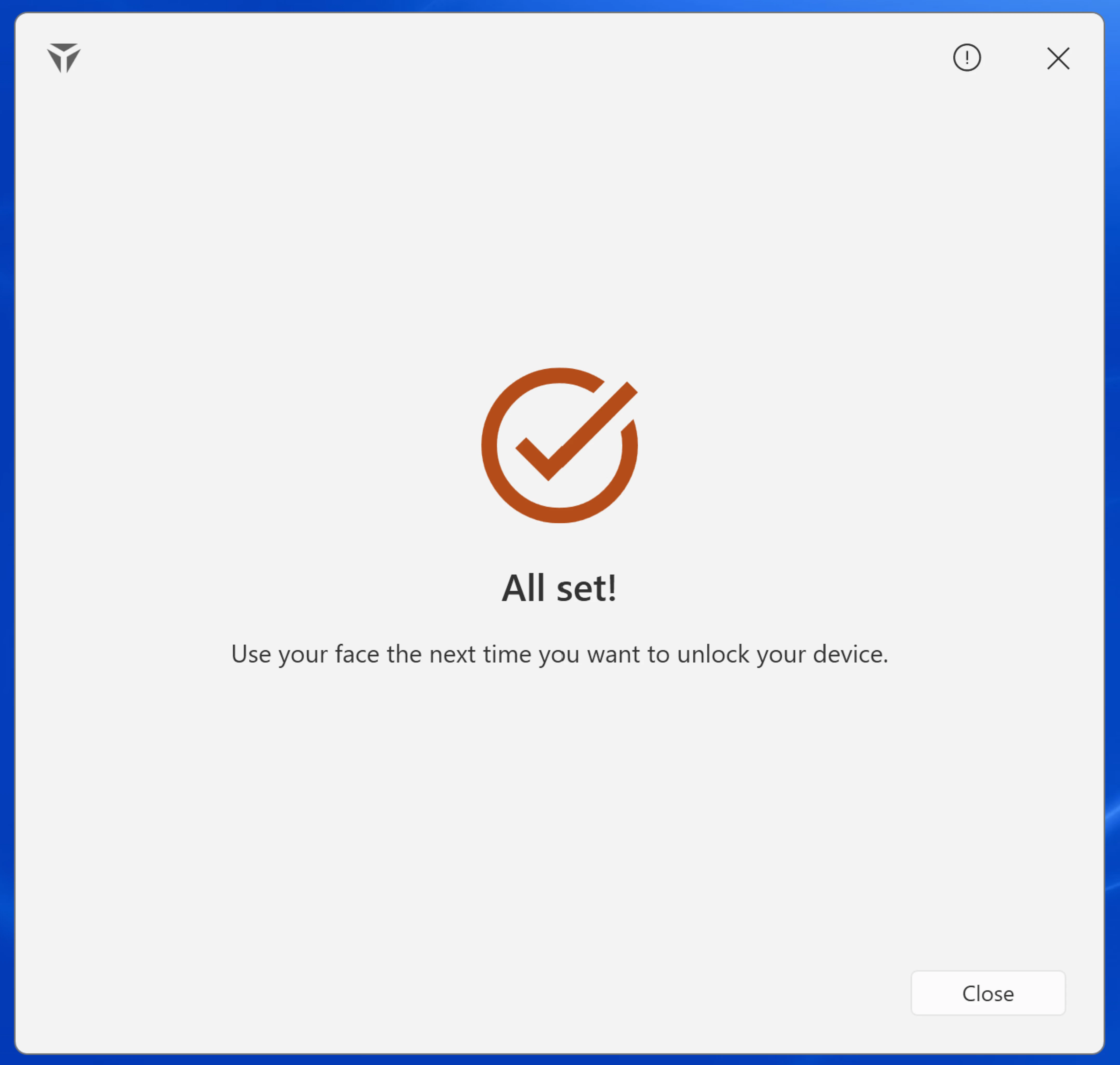
- Click Close once prompted
Windows Login Passwordless Login to Apps - Windows