

- Click Get Started

- Enter your email

- Select Email Me or Text Me to receive an enrollment code

- Check your email/phone for a code from TruU

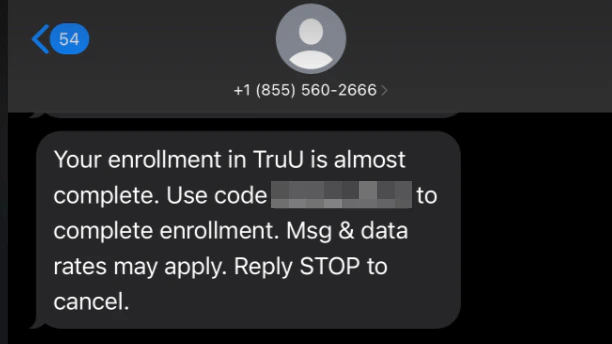
- Enter the enrollment code sent to your email/text

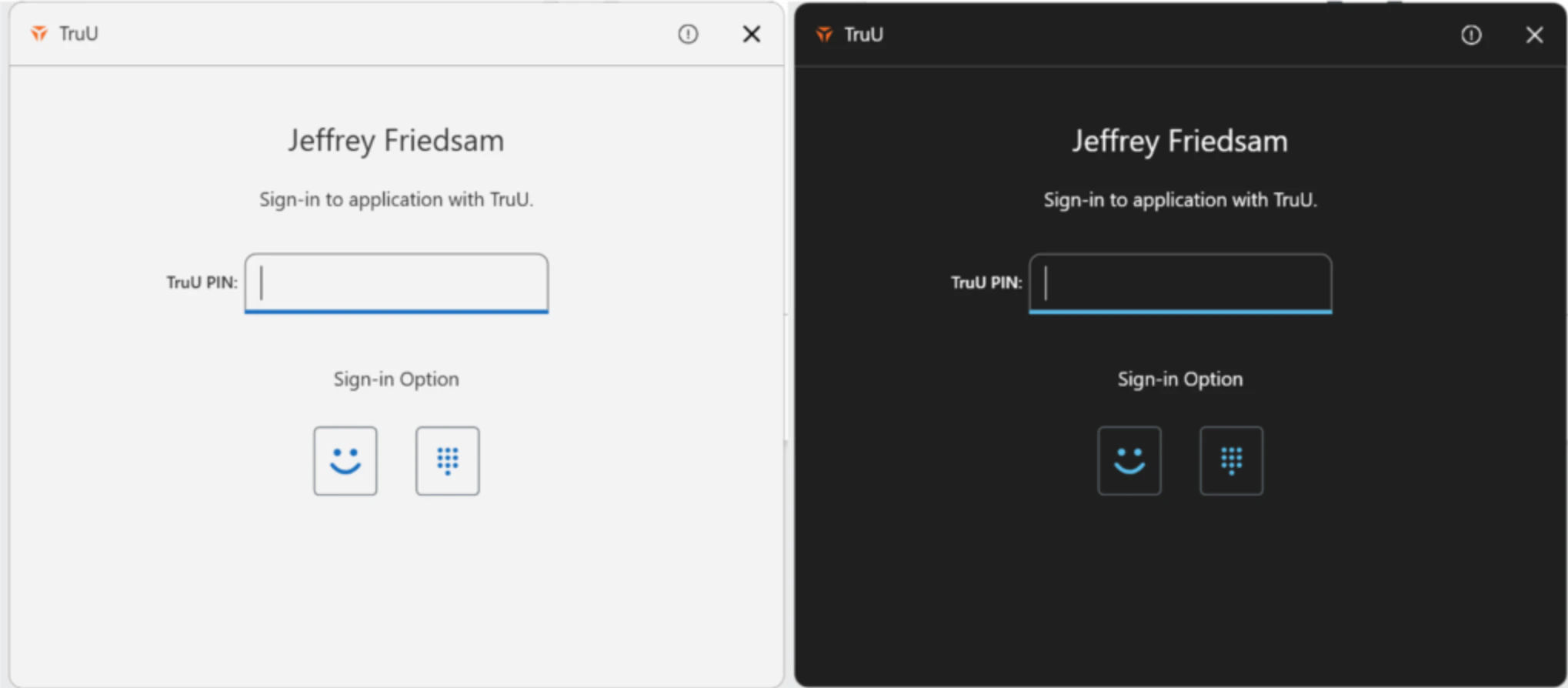
- Create your TruU PIN

- Click Login Using TruU to complete enrollment

- You may sign in to your application following enrollment
Manager’s Approval Enroll your Entra Joined Windows