

- The machine waits for the MA installer to be deployed
- The installer is downloaded
- The MA is installed
- Once the MA installation is done, the tracker “hides” and MA’s login/enrollment window is shown.
Step One
Initially, the ADE trackers displaying messaging saying that the machine is preparing to download/is in the process of downloading the TruU Mac Authenticator: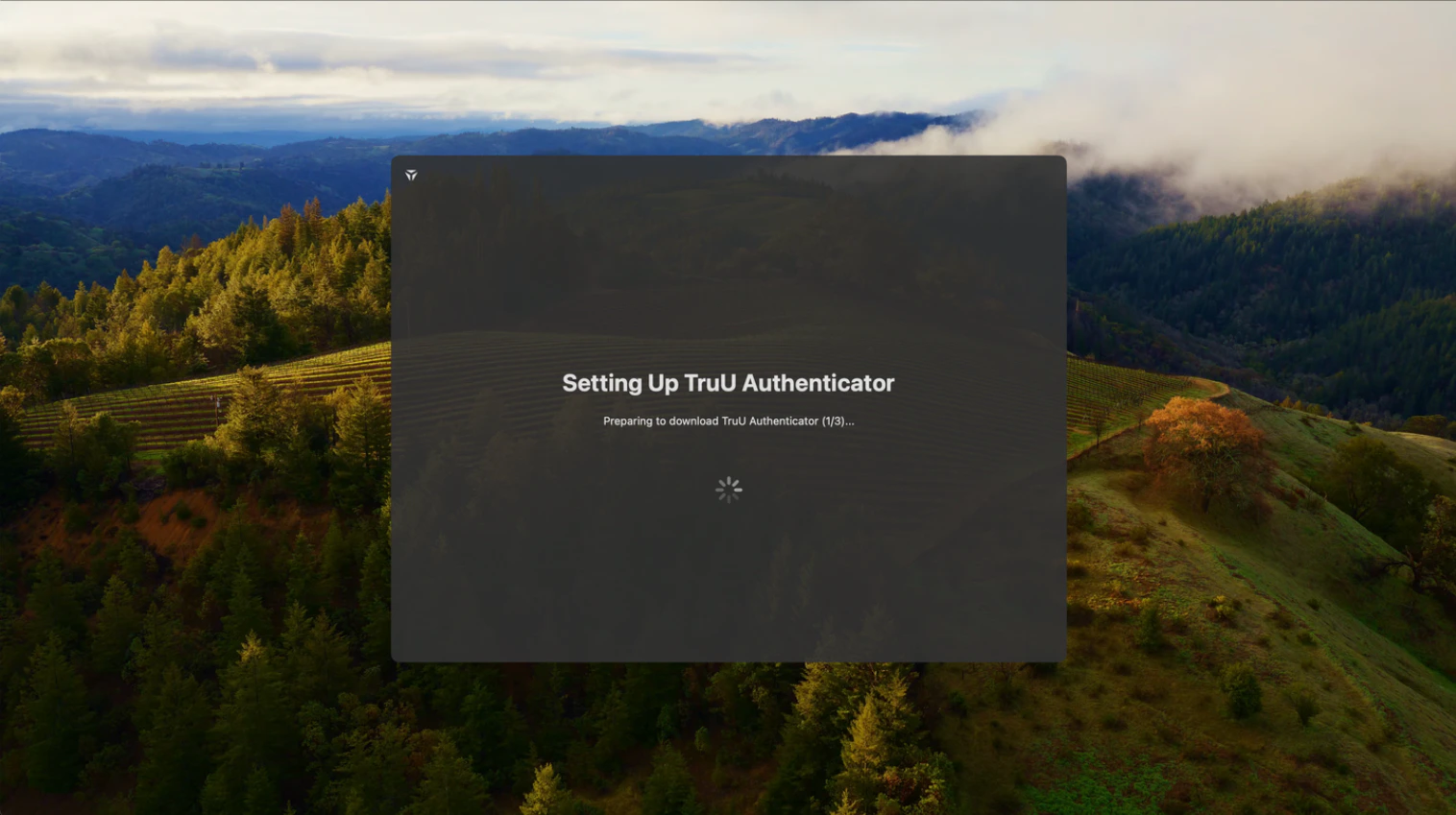
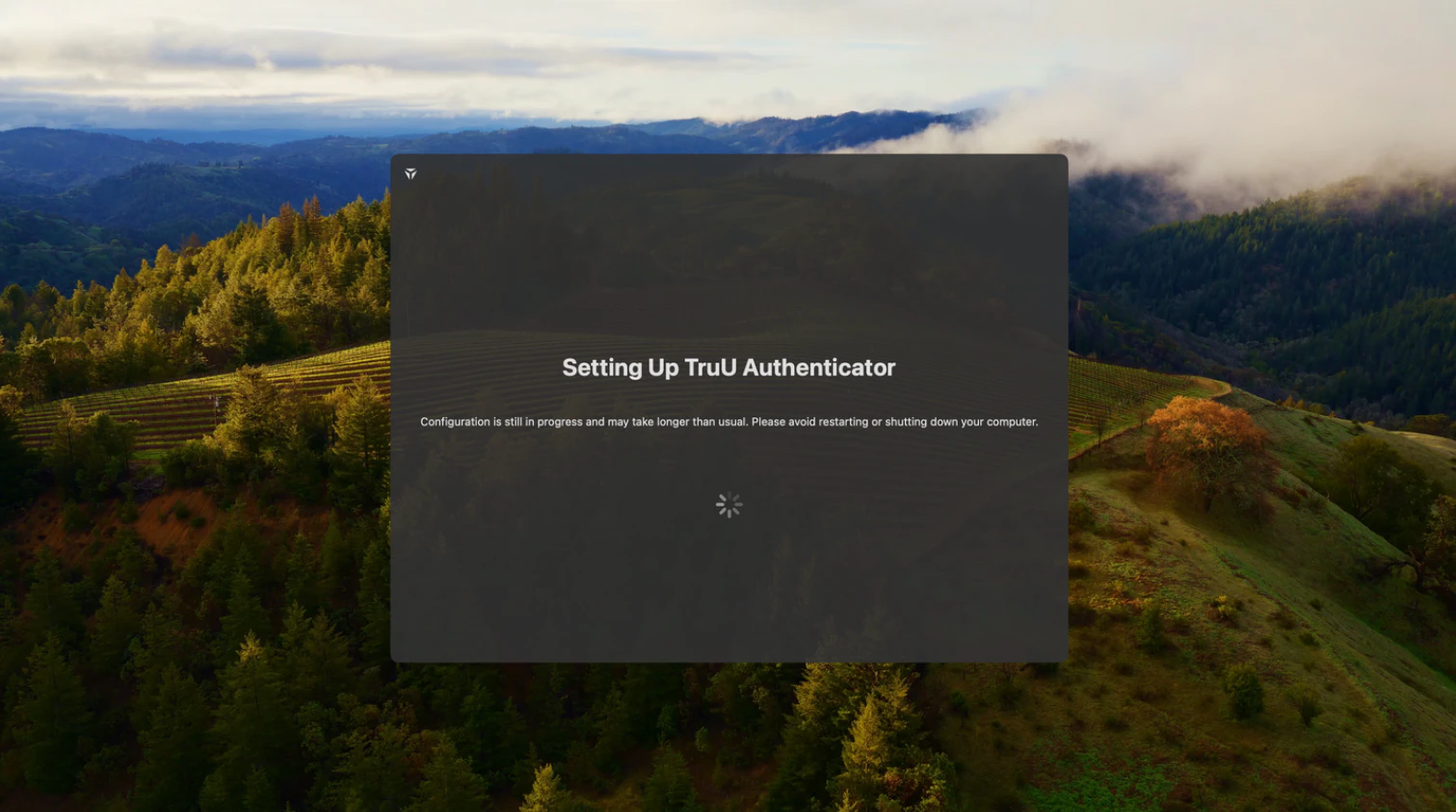
Step Two
While the ADE tracker is running, it is checking several locations to determine the Mac Authenticator’s download progress:- JAFM logs (/var/log/jamf.log)
- Installer logs (/var/log/install.log)
- System logs
Step Three
Once TruU’s ADE Tracker recognizes an installation/download in any of the log files, it proceeds to the third stage with the following screen: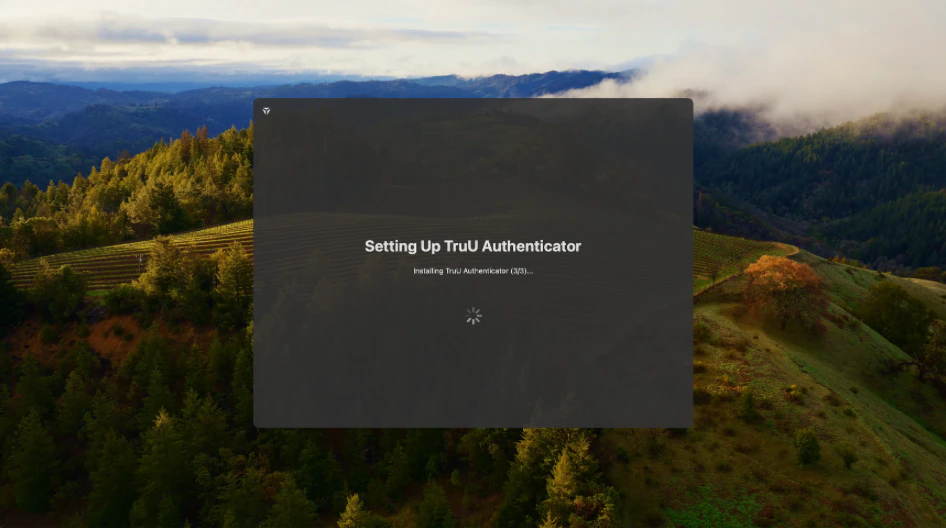
Step Four
When the Mac Authenticator is fully installed, the tracker closes its window and continues to MA screen. This is checked purely by the presence of our main authorization plugin at_ /Library/Security/SecurityAgents_ and is not dependent on any log file.Troubleshooting
-
The ADE Tracker never disappears
- It only disappears once our main authentication plugin has completed installation
-
If the user sees the built-in login screen asking for their username and password:
- Either the tracker was not correctly deployed to the system during ADE,
- or MA’s authentication plugin was already installed. resulting in the ADE tracker stopping,
- or MA’s authentication plugin is disabled by config.
Uninstallation / Recovery
-
The installation of the tracker goes on as follows:
- Tracker’s authorization mechanism is added to /var/db/auth.db so it is invoked during login
- Tracker’s authorization plugin is copied to_ /Library/Security/SecurityPlugins/ADETracker.bundle_
- NOTE: Removing any of those will result in the tracker not being loaded on the next login. The same can be done via ssh with the pkill loginwindow command as an alternative to the restart.
Versioning
- The tracker shares some code with MA so it is good to keep their versions synced.
Distribution
- The tracker is distributed inside a DMG file, together with MA. Just double-click the DMG file and run/upload a PKG file from the mounted volume like before.
MacOS Resetting a user’s password MacOS Log Collection after PIN Lockout