

- Follow the path to access TruU logs on the machine “C:\ProgramData\TruU Inc\logs” and open the latest Windows agent logs
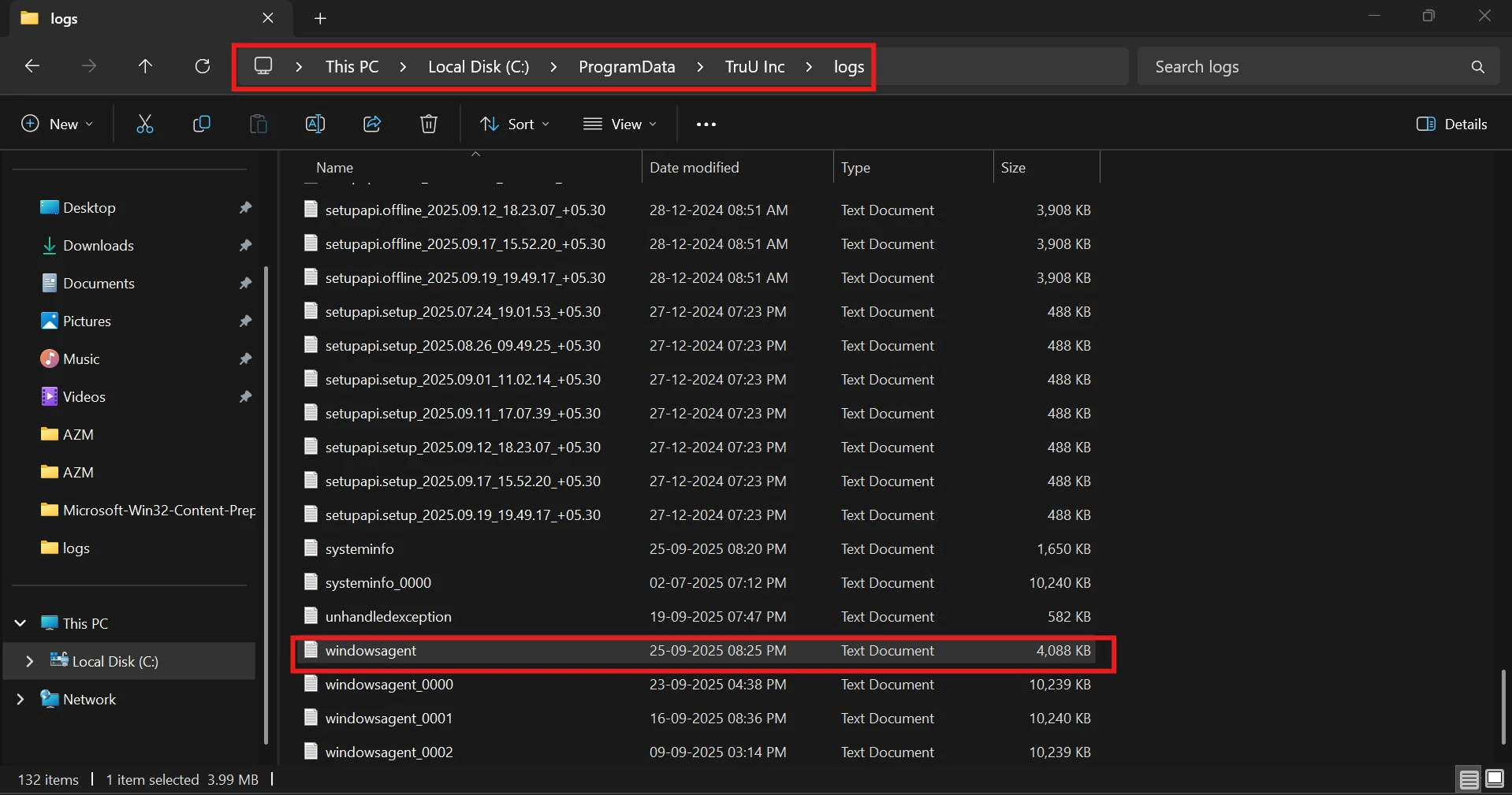
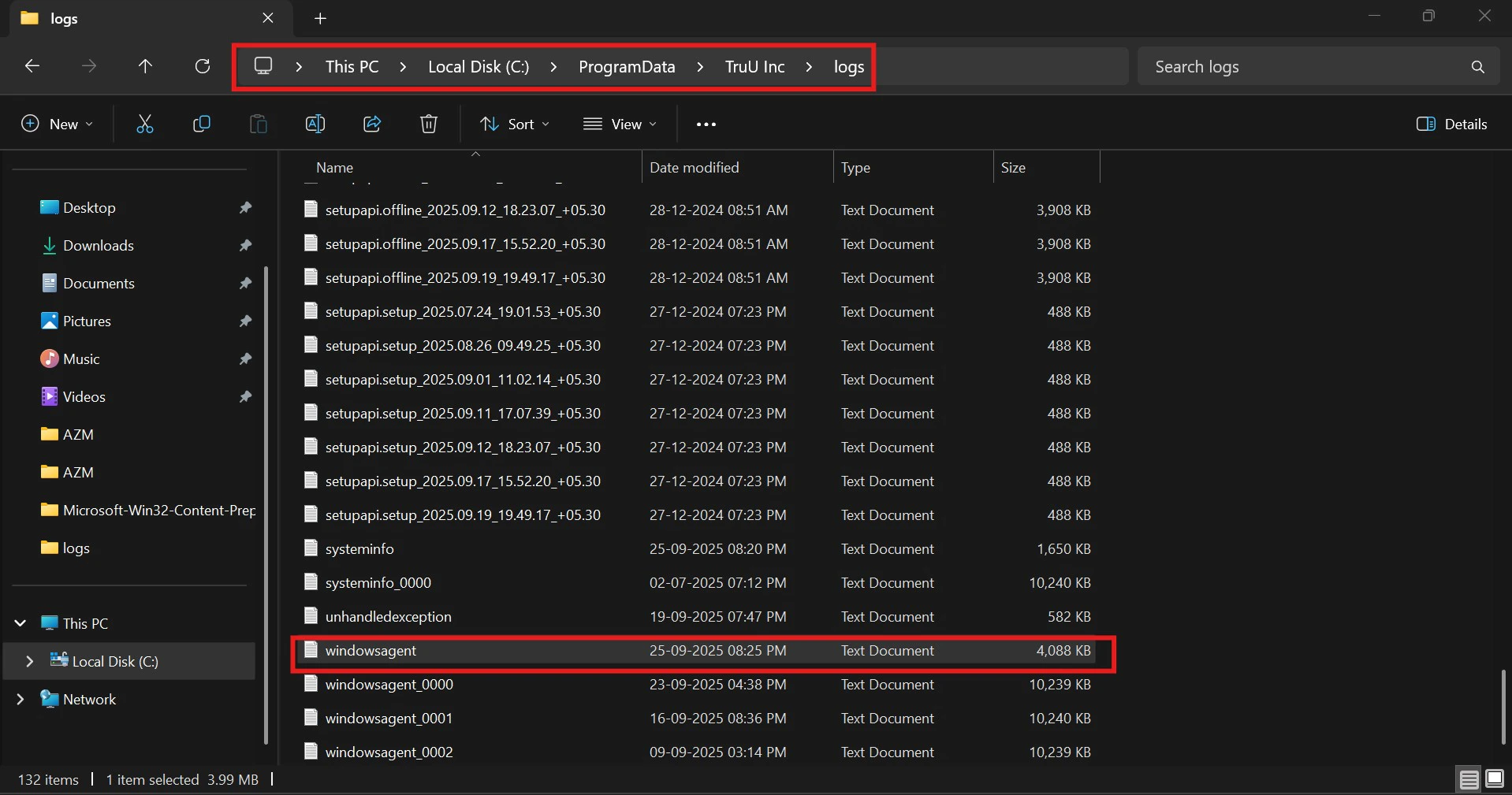
- Find the last credential provider used by looking up ‘credentialProvider’.
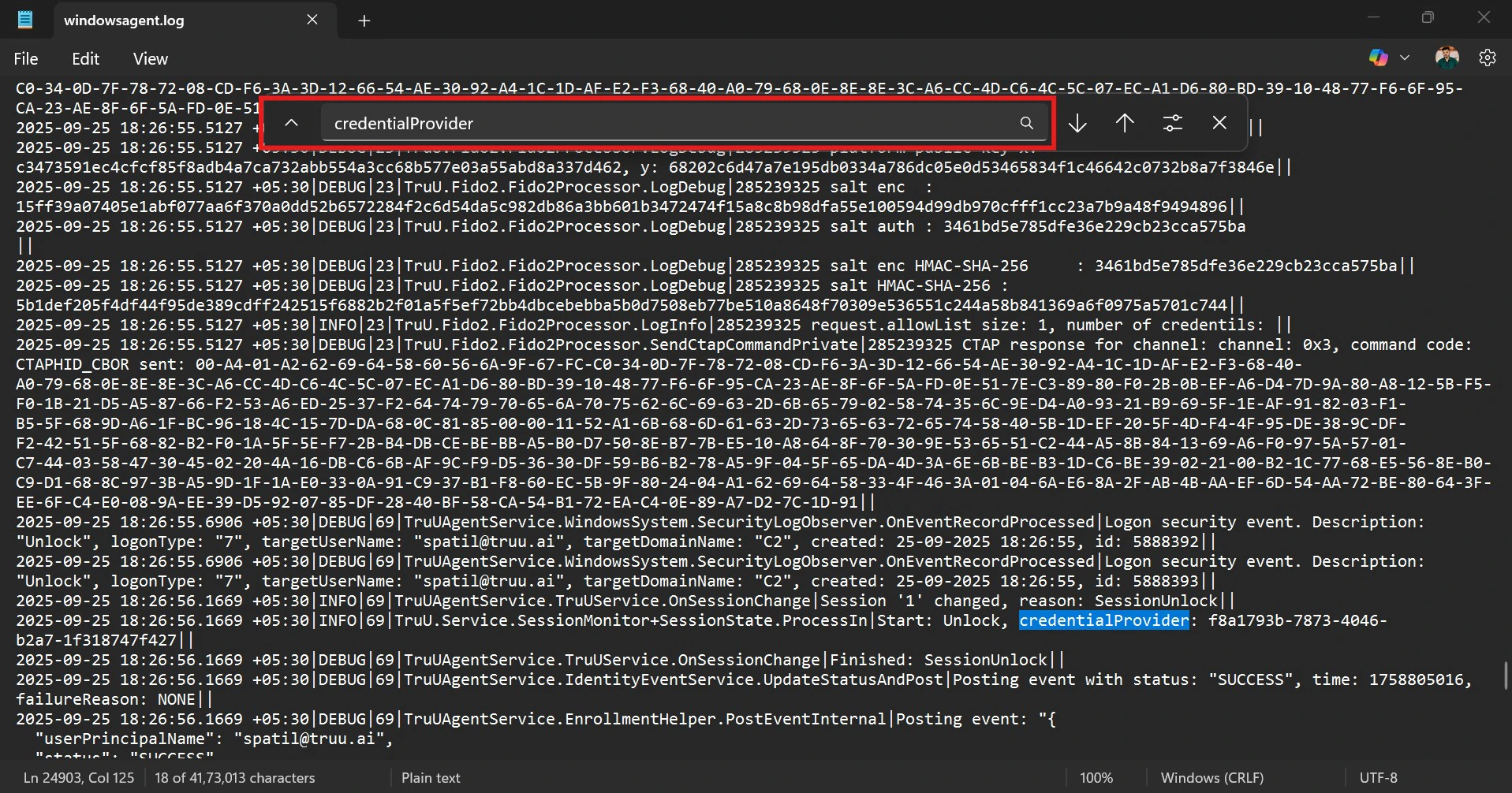
- Look for the GUID to tell which login method was used: • If it’s FIDO2, the GUID will be: credentialProvider: f8a1793b-7873-4046-b2a7-1f318747f427 • If it’s a smart card, the GUID will be: credentialProvider: 5fd3d285-0dd9-4362-8855-e0abaacd4af6
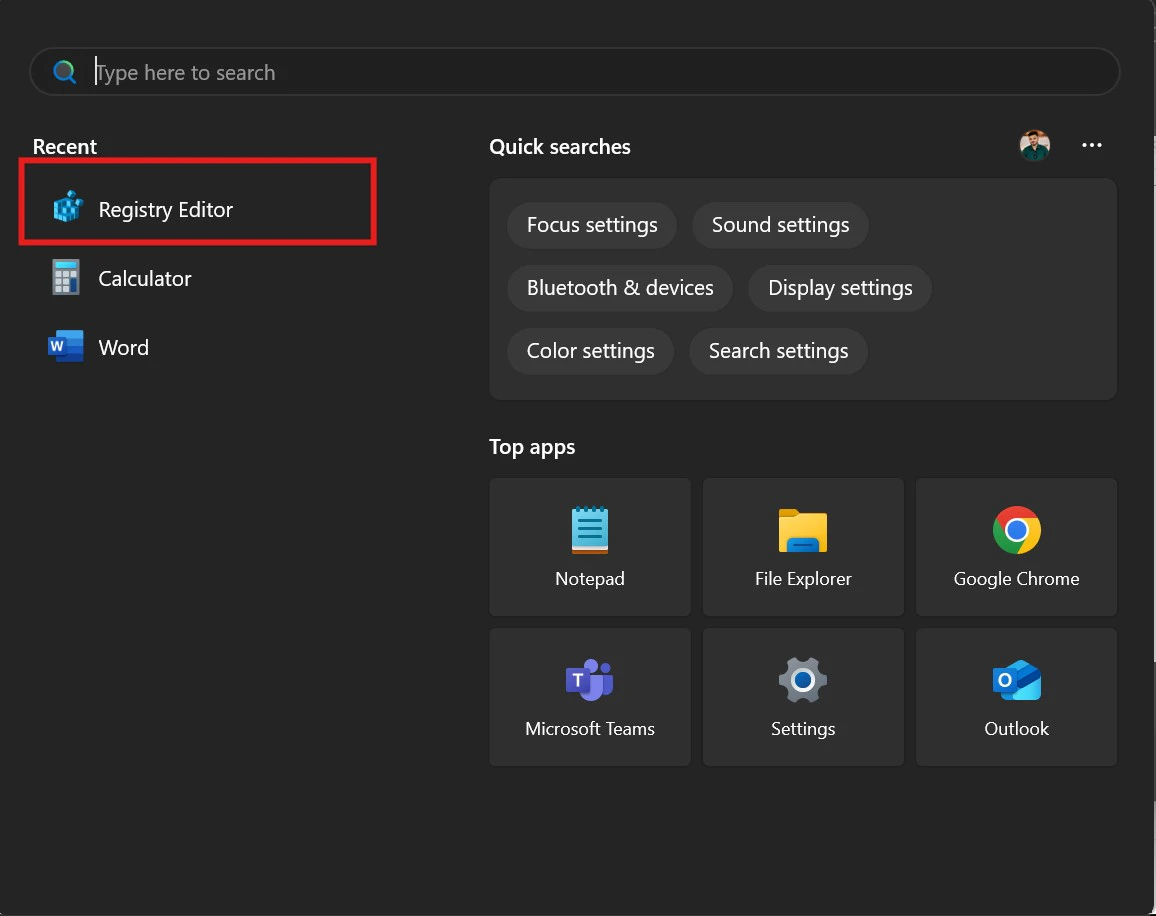
- Launch the Registry Editor on your system
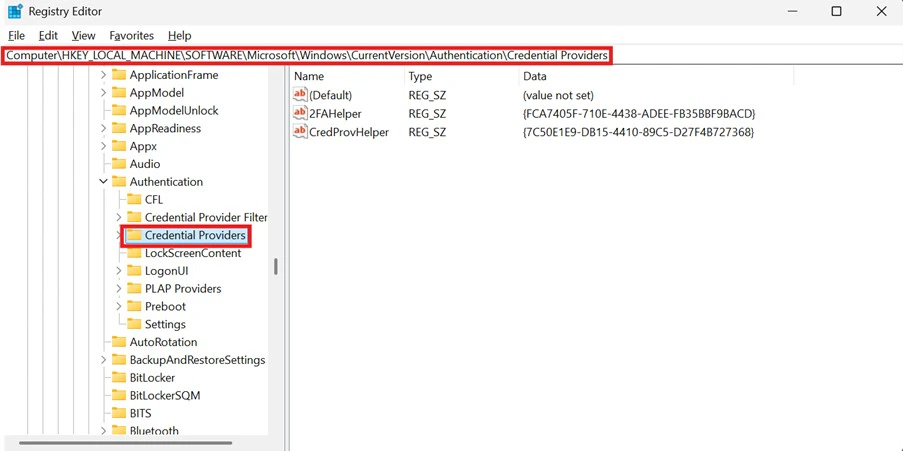
- In the Registry Editor, go to the following path: HKEY_LOCAL_MACHINE\Software\Microsoft\Windows\CurrentVersion\Authentication\Credential Providers.
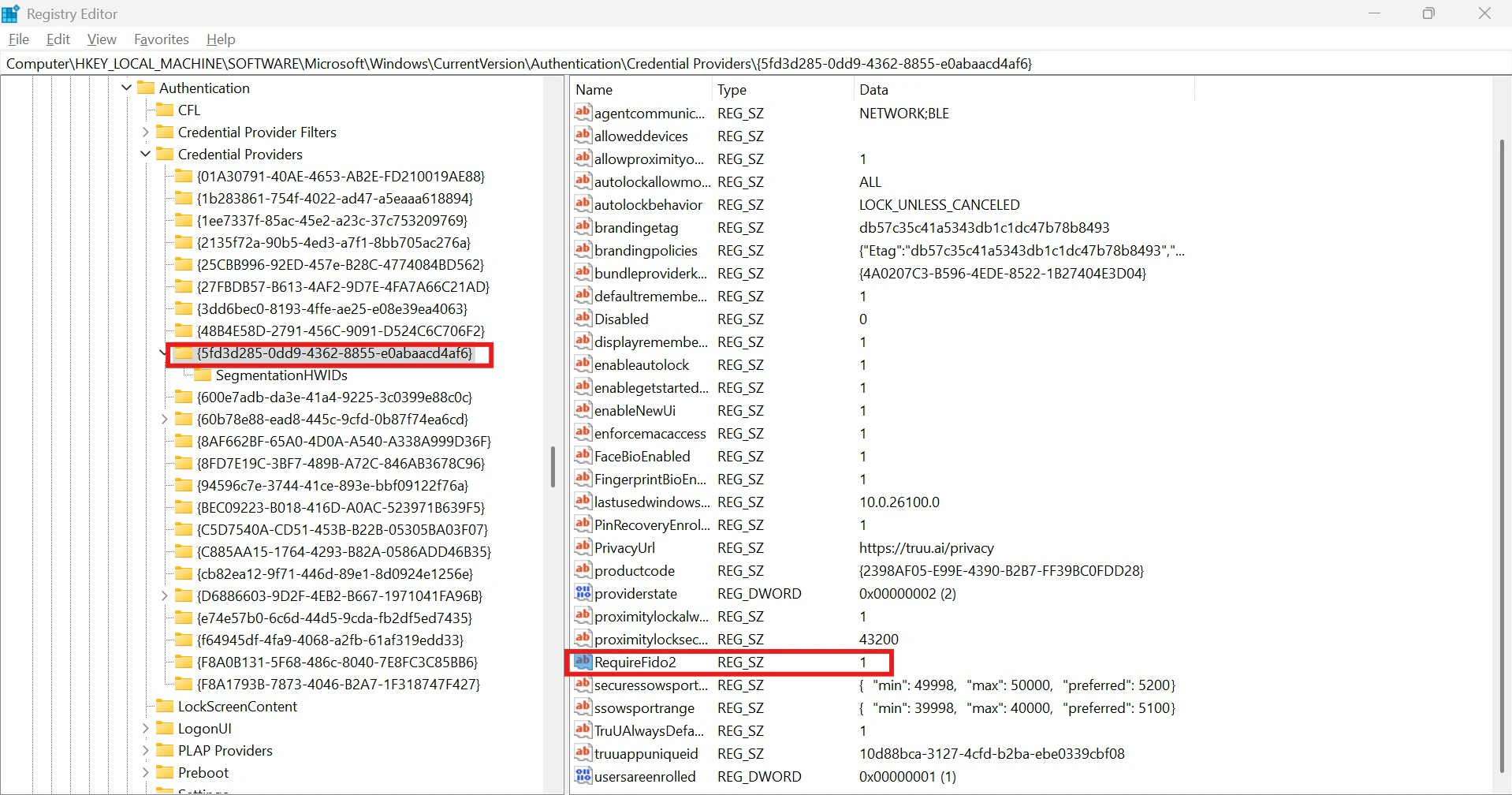
- Select the TruU Credential Provider key. • If the RequiredFido2 value is set to 1, the user is logging in using FIDO2. • If the RequiredFido2 value is set to 0, the user is using certificate-based authentication (smart card login).
RDP from one laptop to another Use Cases User Management API Guide