

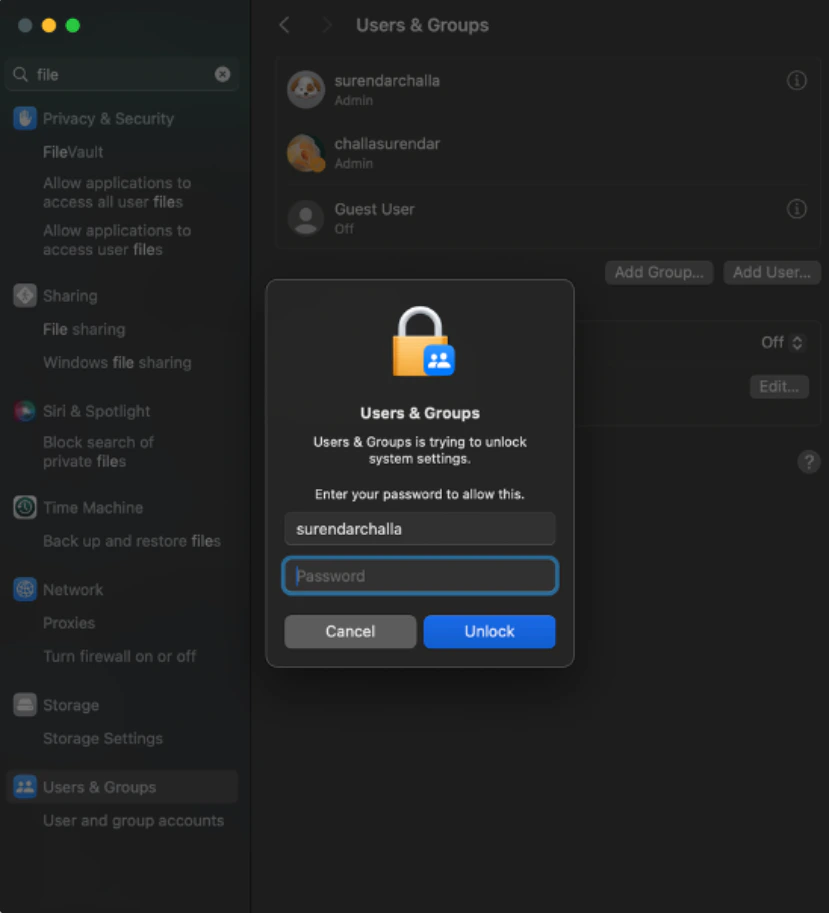
- Users & Groups : When managing users or making account changes, macOS may prompt for a Password by default.
- The user should enter their TruU PIN here.
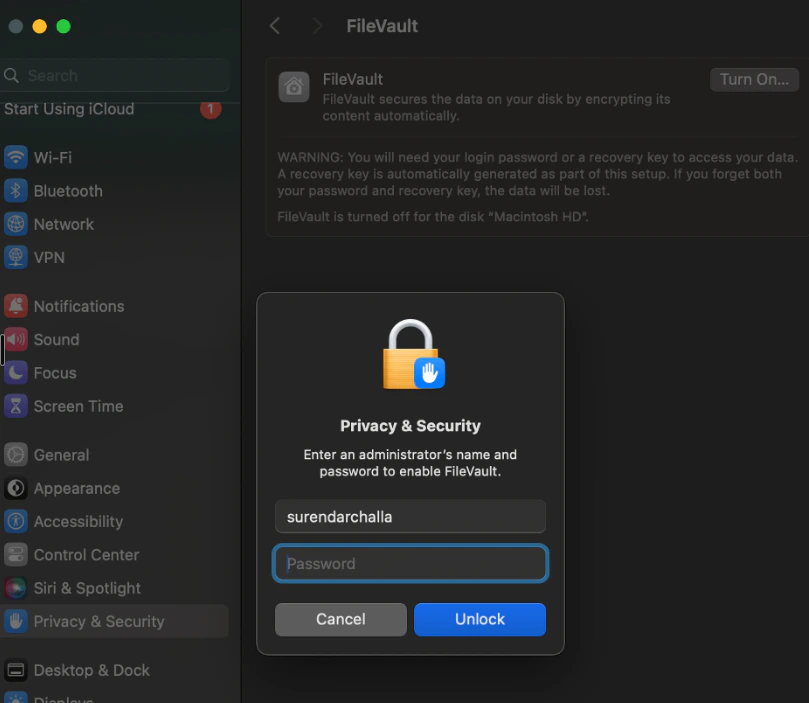
- FileVault screen : When unlocking or modifying FileVault settings, the prompt label says Password.
- The user should enter their TruU PIN.
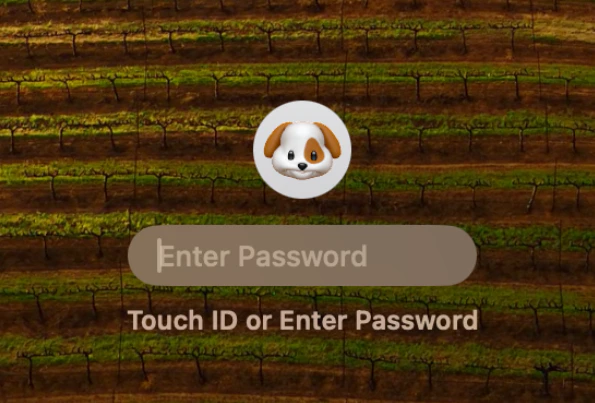
- Restart/Shutdown System: After a restart or shutdown, at the macOS login screen, the label will show Password.
- The user should still enter their TruU PIN at this stage.
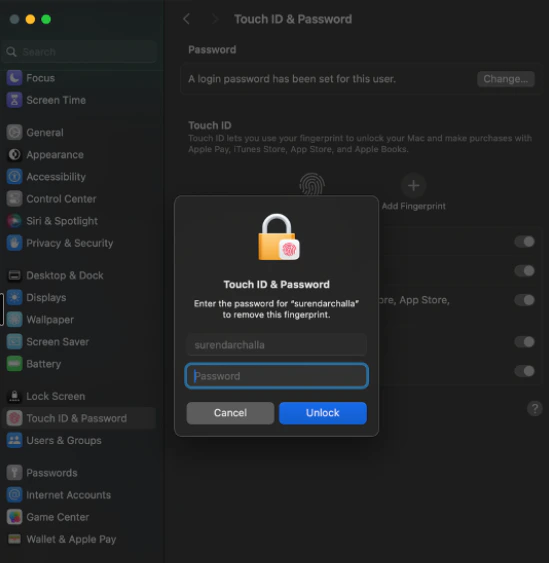
- Touch ID & Password: When accessing System Settings → Touch ID & Password, macOS displays a password prompt.
- Enter the TruU PIN instead.
- Enter the TruU PIN instead.
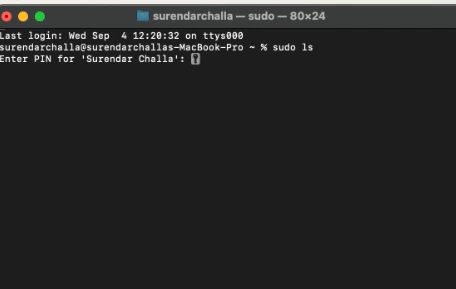
- Terminal : When performing administrative tasks in Terminal, users may see a password prompt.
- Enter the TruU PIN instead of the password.
SoloInsight (CloudGate) Adapter Enable TruU FIDO2 Login for Windows