

- The TruU authenticator icon is on the top right menu bar of your Mac computer

- No, Mac PC does not require VPN connect to enroll with TruU
- Yes, you need a config file with the installer if you are trying to download the mac authenticator manually. Follow the Manual Install - Mac Guide
- We generally recommend disabling any password synchronization tools
- Click on the TruU icon

- Click Send Logs
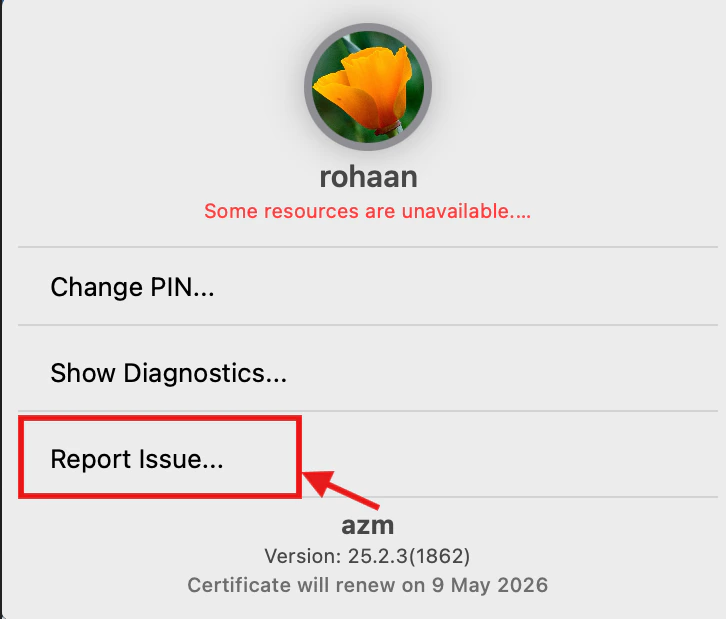
- Important information to mention:
- Brief description of the issue
- Timestamp when the issue occurred
- Able to reproduce the issue
- Device information
- OS Version details
Windows FAQs Mobile FAQs