

Purpose
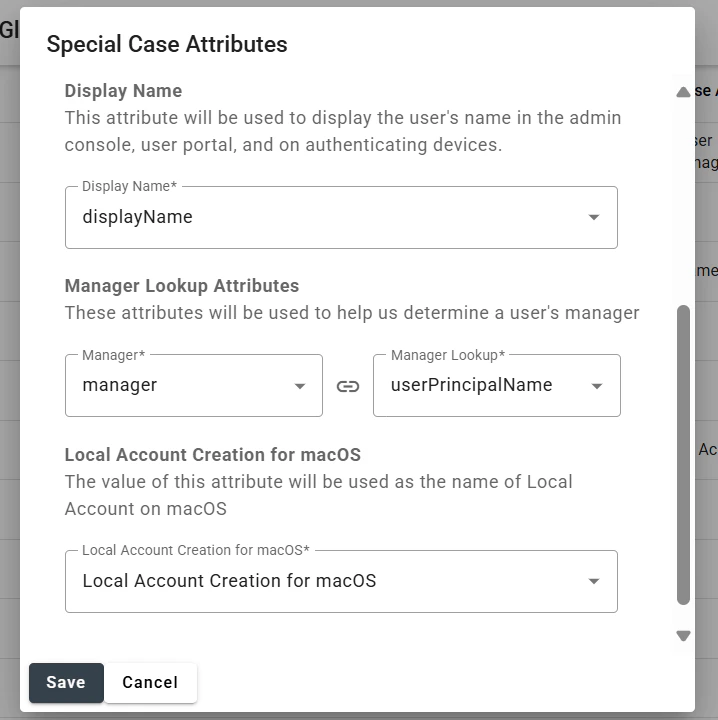
Configure which directory attribute is used to create local accounts on macOS during Automated Device Enrollment. Step 1: Go to Settings > Directory > Global Attributes Step 2: Click on the Gear icon to configure special case attributes
User Management API Guide PIN Hammering