

Prerequisites
- CCURE 9000: Requires CCURE 9000 version 2.5 or higher and Victor Web Service license
- SoloInsight/CG Licensing
- HID Readers (NFC compatible)
Creating PACS Adapter
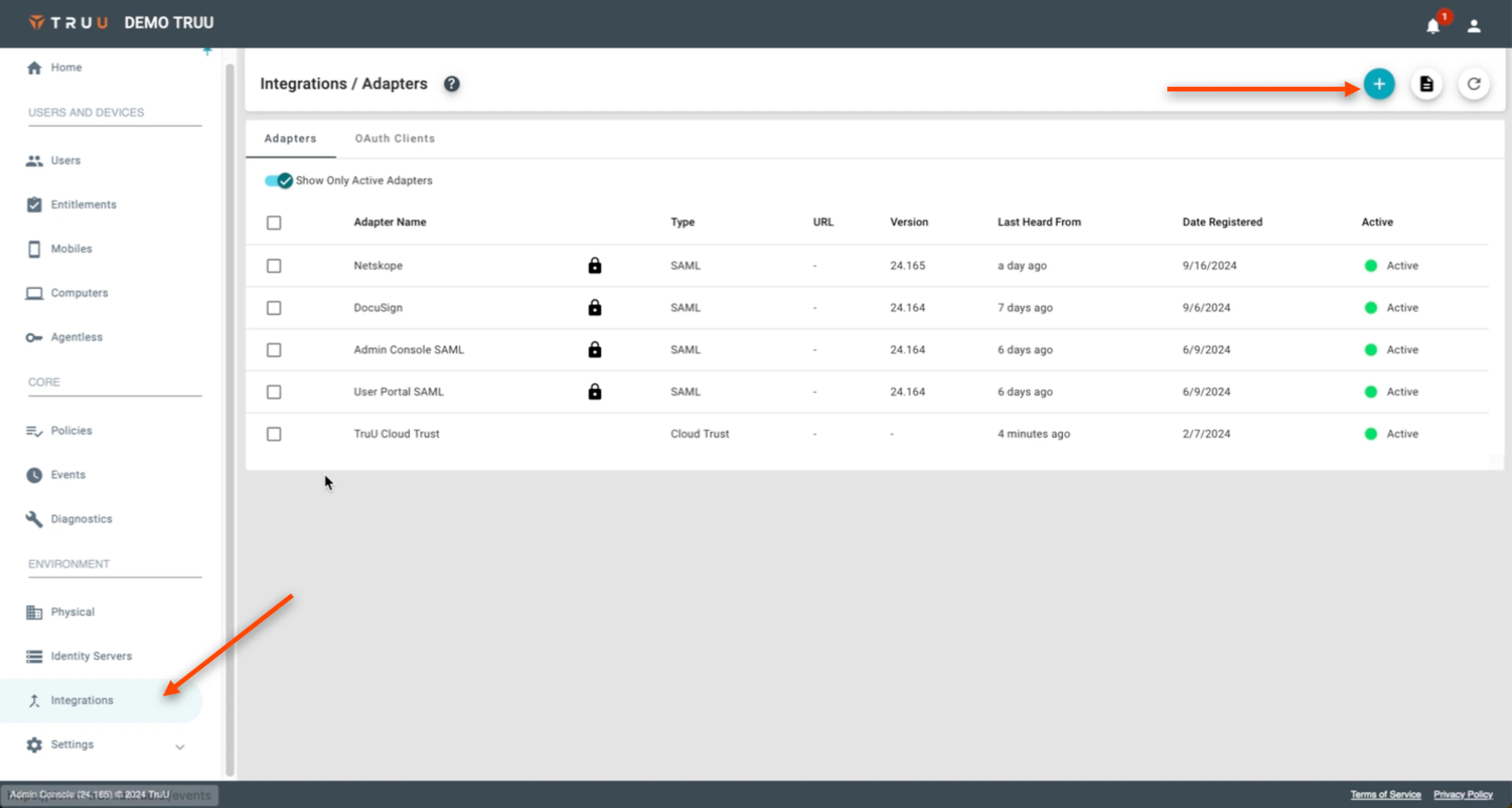
- On the TruU Admin Console, navigate to the “Integrations” tab, then hit the blue (+) to “Add a New Adapter”
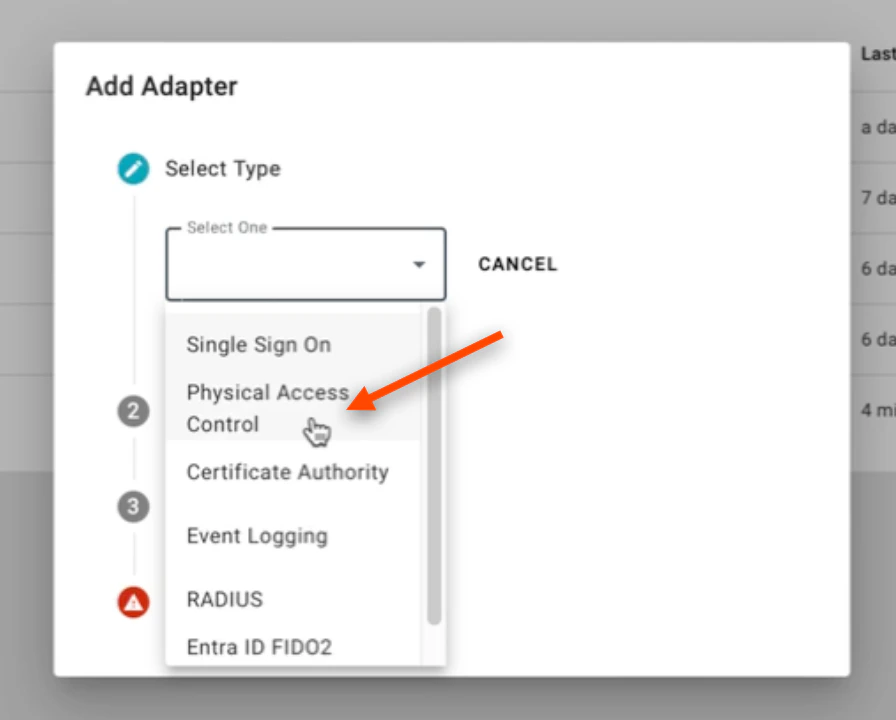
- Select Physical Access Control on the ensuing dropdown menu
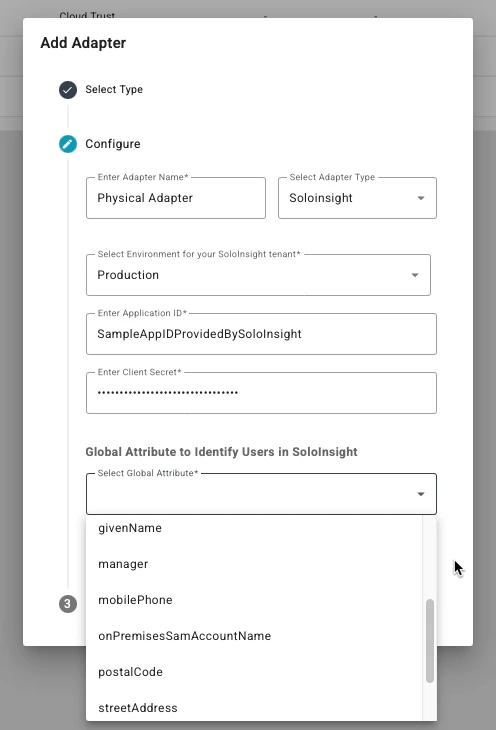
- Next, under the “Select Adapter Type” dropdown menu, select SoloInsight. Name your Adapter as well. Additionally, as SoloInsight handles the provisioning of virtual badge credentials, they will be providing either Production or Sandbox credentials to complete the configuration (the communication from TruU to the CG Cloud). The Application ID and Client Secret will be provided by the SoloInsight team. Lastly, under the Select Global Attribute section, select the Identifier that you wish to use for provisioning.
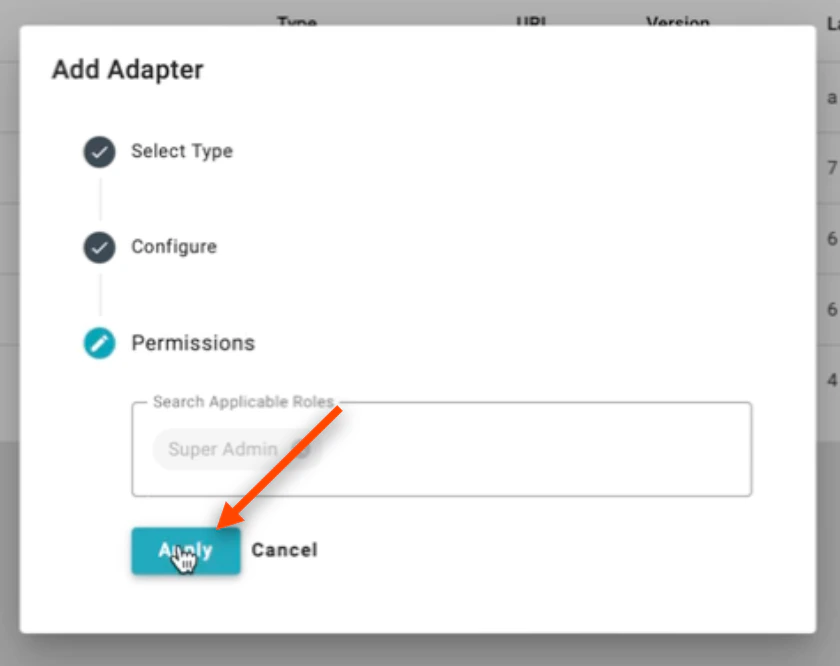
- Click Apply
Custom SSO Event Logging