

Activity
Open Activity in the console. The Trail has two tabs:- Audit: configuration changes, as actor, action, target and outcome: flows, factors, use cases, connectors, storage, the team and sign-in settings.
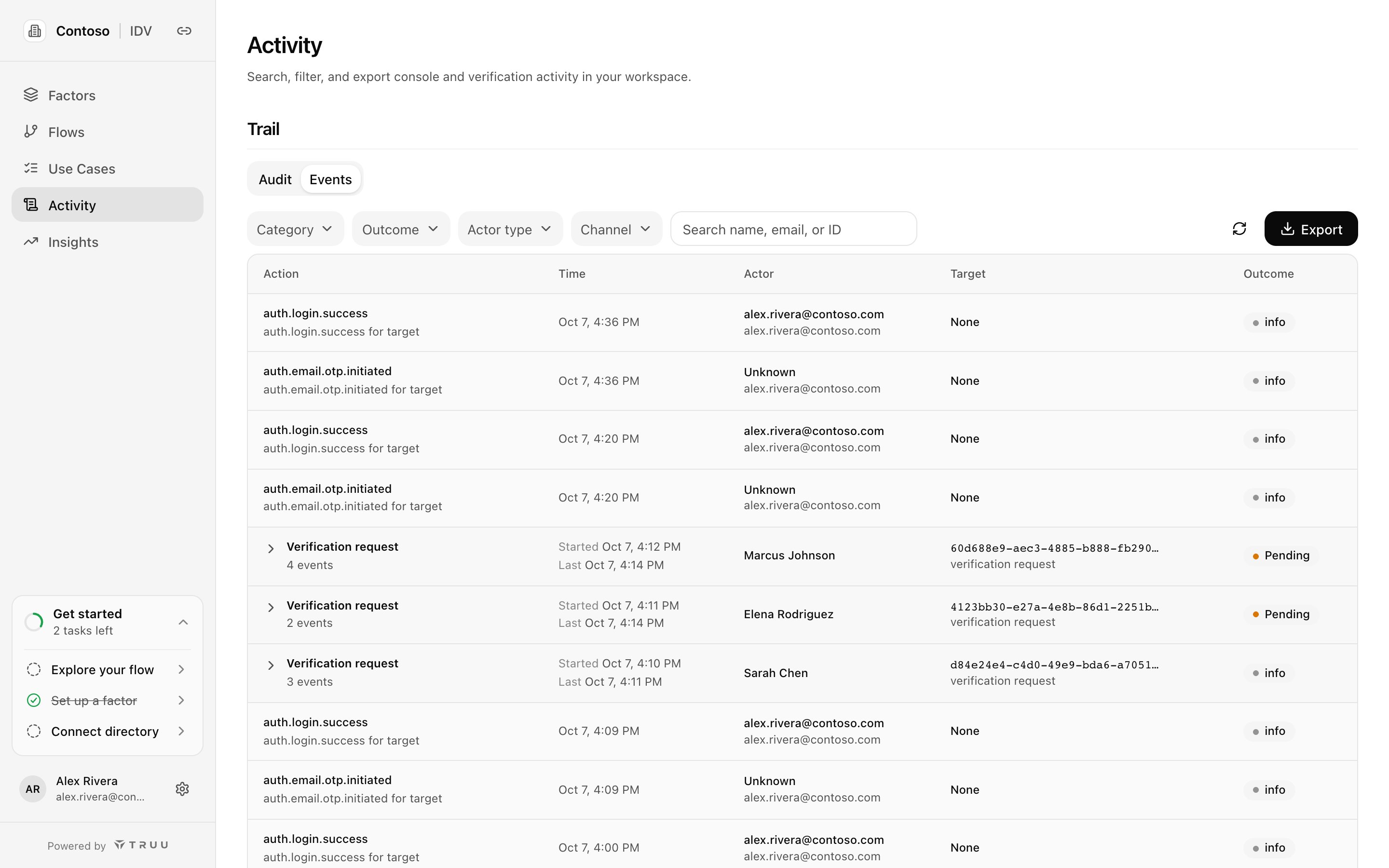
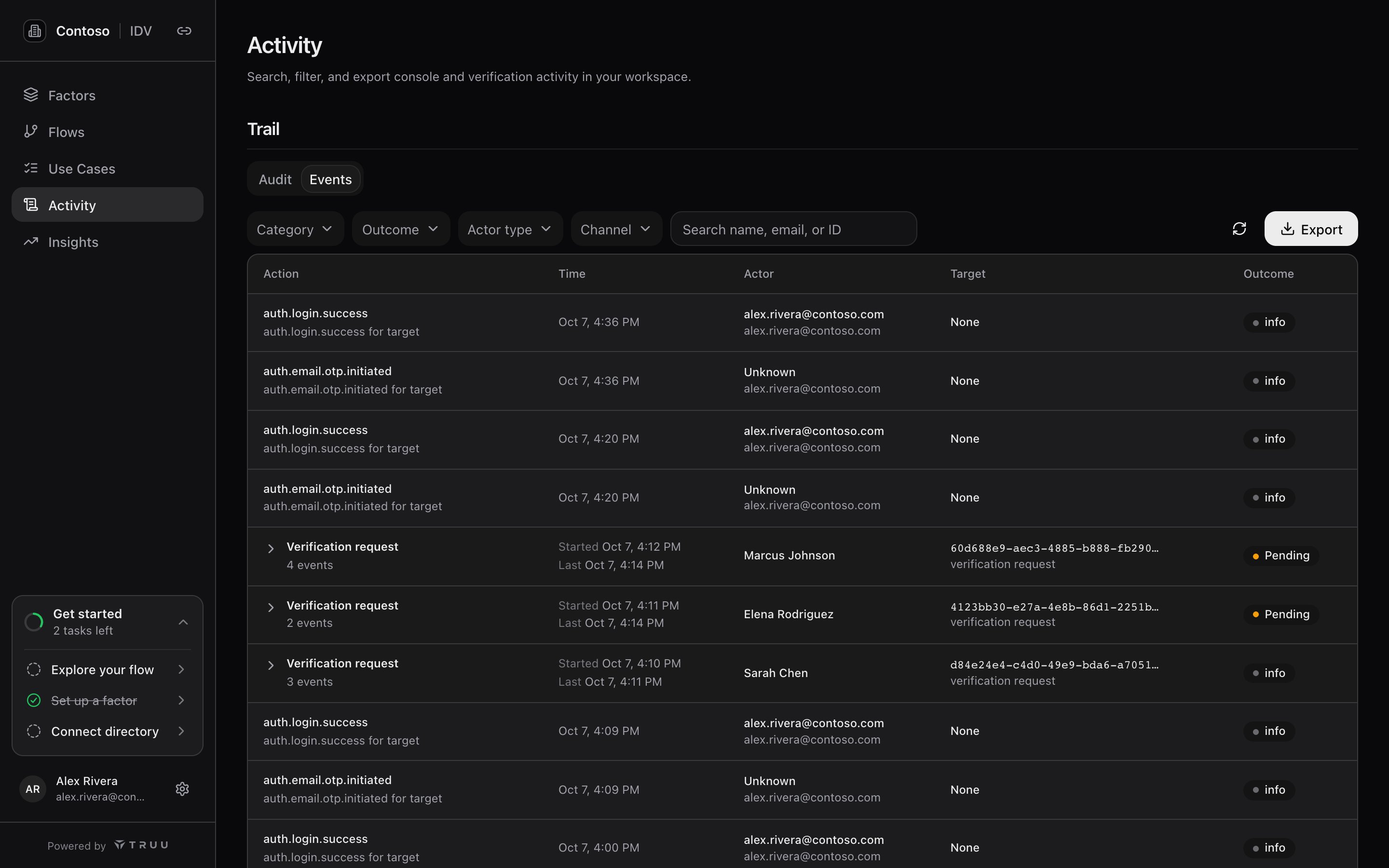
- Events: runtime activity. Verification requests are grouped into one row each (expand it to see every step: sent, opened, factors attempted, outcome), alongside console sign-ins.
What records hold, and don’t
Records hold outcomes and metadata, not verification content:- One-time codes, knowledge answers and document images are never in the record.
- Contact details are masked. Where an event needs sensitive detail, it’s held separately and referenced, with role-based access; each event says whether redaction applied.
- Face comparison happens at verification time; the record keeps the result, not biometric data.
Export from the console
Choose Export → CSV or Export → JSON Lines on either tab. Export → API for SIEM copies the API endpoints for the pull described below. The export contains the records matching your current filters. Each export is itself recorded. Audit records live in TruU’s database, not in your storage. Export them to keep a copy under your own retention.Send to your SIEM
TruU IDV doesn’t push events to a SIEM. Instead, your scheduler pulls them from the audit API and forwards them. This works with any SIEM or log pipeline that accepts HTTP or files.1
Create an export-only API client
In Settings → API clients, create a client with only the
idv:audit:export scope (export includes read). Store its credentials in your scheduler’s secret store, not in the script. See API authentication.2
Pull on a schedule
Every 5 to 15 minutes, request the window since your last successful pull, with a short overlap. Add
plane=control for Audit only or plane=data for Events only; leave it out for both.3
Dedupe and forward
Deduplicate on the event ID, then send the lines to your SIEM’s HTTP collector or the object store your data lake reads. Give them their own source type, for example
truu:idv:audit.4
Build detections
Good starting points: repeated factor failures for one person; configuration changes to flows or use cases outside change windows; bursts of failed console sign-ins; connector credential rotations you didn’t schedule.