

Two kinds of integration
Connections hold your data. They live under Settings → Directory and Settings → Storage. Connectors link TruU IDV to other tools. They live under Settings → Connectors, and each one does one of two jobs: it starts verifications from where people already work, or it acts after a verification succeeds. The help desk app and the self-service portal also start verifications. They’re built in and need no connector.Connections
Proofing vendors (Didit, PingOne Verify, Persona, Entrust) are set up on the Proofing factor, not here.
Connectors
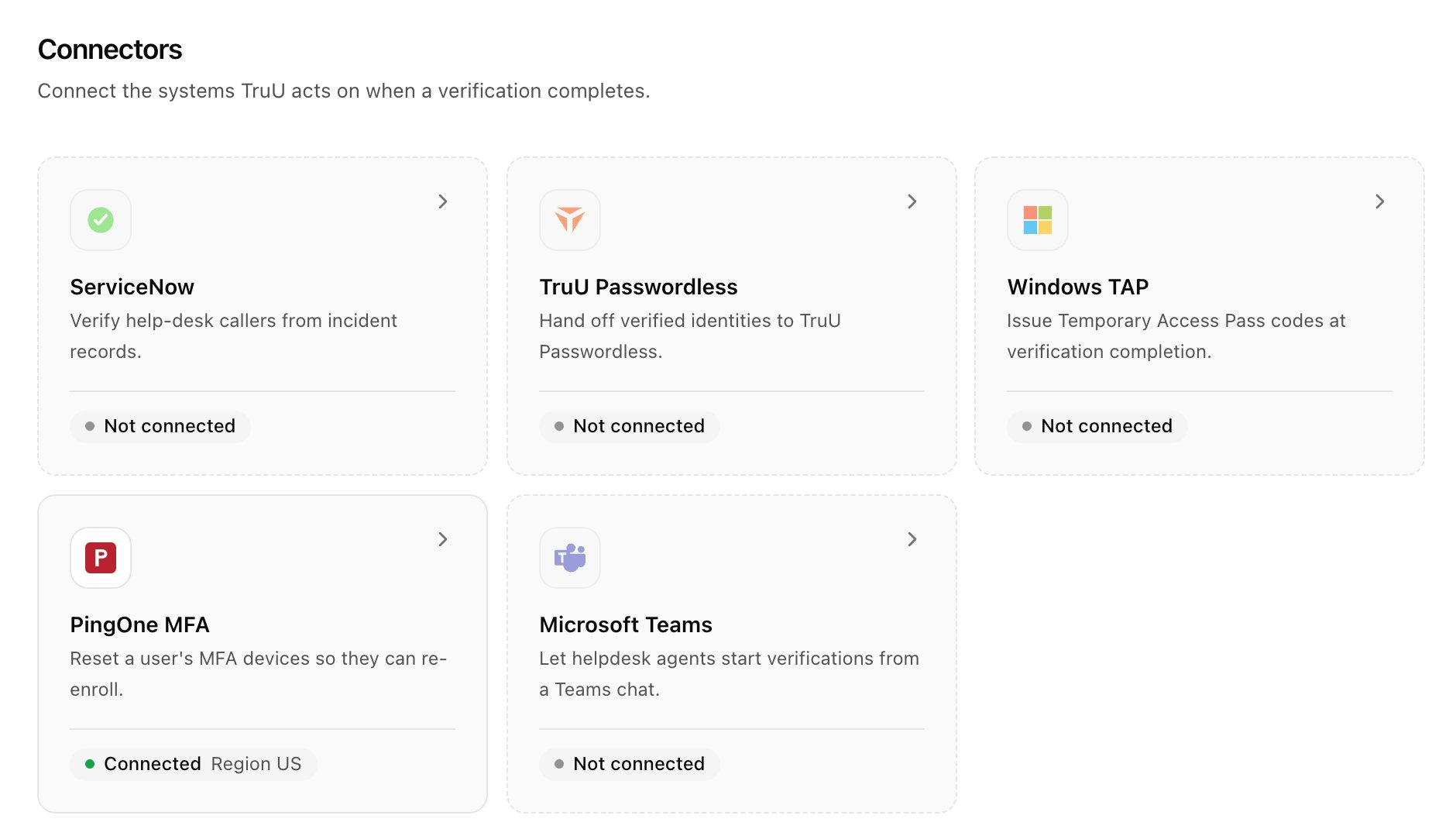
Connectors that act after success are chosen per use case under When it ends → Passed. See How use cases work.