

Choose your directory
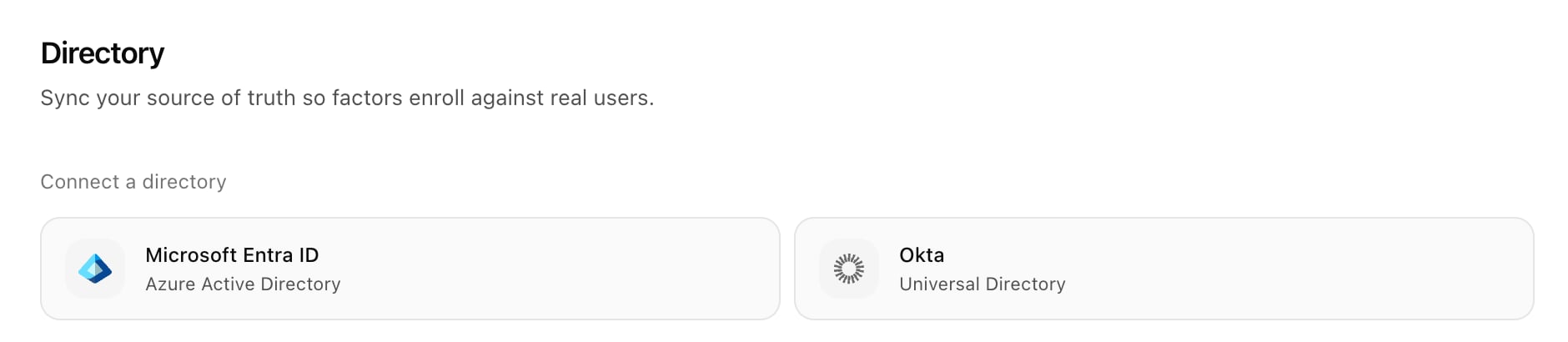
Each workspace connects to one directory. Open Settings → Directory and pick a provider:
To run separate directories (for example two subsidiaries), use separate workspaces; one account can belong to several. See Workspaces. If you set up TruU IDV from TruU Passwordless, the Entra ID directory can be shared from Passwordless instead; see TruU Passwordless.
Live lookup, no mirror
TruU IDV doesn’t keep a copy of your directory. At verification time it reads the specific person and their group memberships and uses the answer in the moment.- No staleness. A terminated employee or an old phone number is never served from a cache.
- Less exposure. TruU stores connection details, attribute coverage statistics, your attribute mappings and a list of group names and IDs for the use case rule picker. Not employee records.
- Read-only and revocable. TruU never writes to your directory. Delete the app in your directory and access ends within about an hour, when TruU’s cached token expires.
What TruU reads
Attribute mapping and coverage
After connecting, TruU scans which attributes exist and how many people have a value (coverage), then proposes which attribute each factor should use. Review the proposal in the connect wizard; you can change it later on each factor’s settings.
Each factor takes an ordered list of attributes, and the first one with a value for the person is used.
Common data problems:
- Phone numbers rarely use E.164.
555-123-4567counts as populated but can’t receive a text. See SMS. departmentis often empty or inconsistent. If your organization keeps HR data in extension attributes, map those.- Directory photos are old or tiny (
thumbnailPhotois often about 96 pixels). Put the proofing photo first for Face. See Face. - Identifiers must be stable and unique. For Knowledge and Badge, avoid values that change or repeat across people.
Sync and health
Lookups are live, so only statistics and catalogs are refreshed:
Choose Sync now after a bulk directory change (phone numbers backfilled, a photo import) so coverage reflects it before you rely on a factor that depends on it.
The page shows the connection status (Connected, Credential issue, Expiring soon or Error). If the connection fails, every factor that reads directory data fails, so treat it as an incident. Credential health checks it daily.