

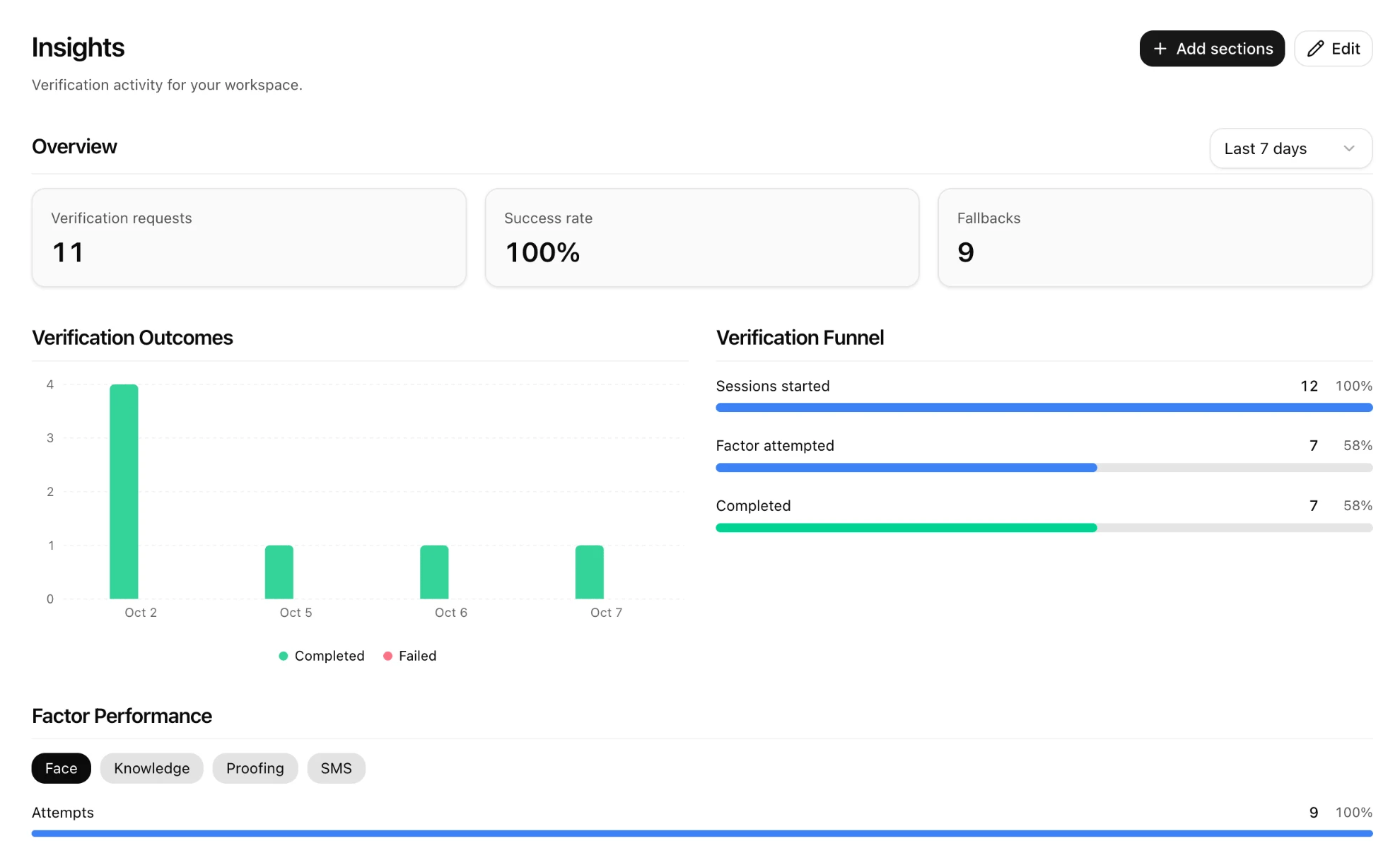
This page is for administrators and help desk leads who want to know how verification is working. When you finish you will know what each Insights section shows and what to do when a number looks wrong. Open Insights in the console.
Insights page with Overview cards for verification requests, success rate and fallbacks, a Verification Outcomes bar chart, a Verification Funnel, and Factor Performance tabs for Face, Knowledge, Proofing and SMS

Time range

Choose Today, Last 7 days, Last 30 days or Last 90 days at the top of Overview. Every section follows it.

Sections

Use Add sections to add a section and Edit to remove one.

What to do when a number looks off

Insights summarize; for any single verification, open it in Activity or the help desk app.