

Seats
Each member has one seat.What each seat can do
The same permissions define what API clients may do. See API authentication.
What agents can and can’t see
Agents are scoped to the people they’re helping, not the whole workspace.
Every agent action (search, contact preview, request sent, resent or cancelled) is an audit event with the agent as the actor. See Audit event reference.
Invite teammates
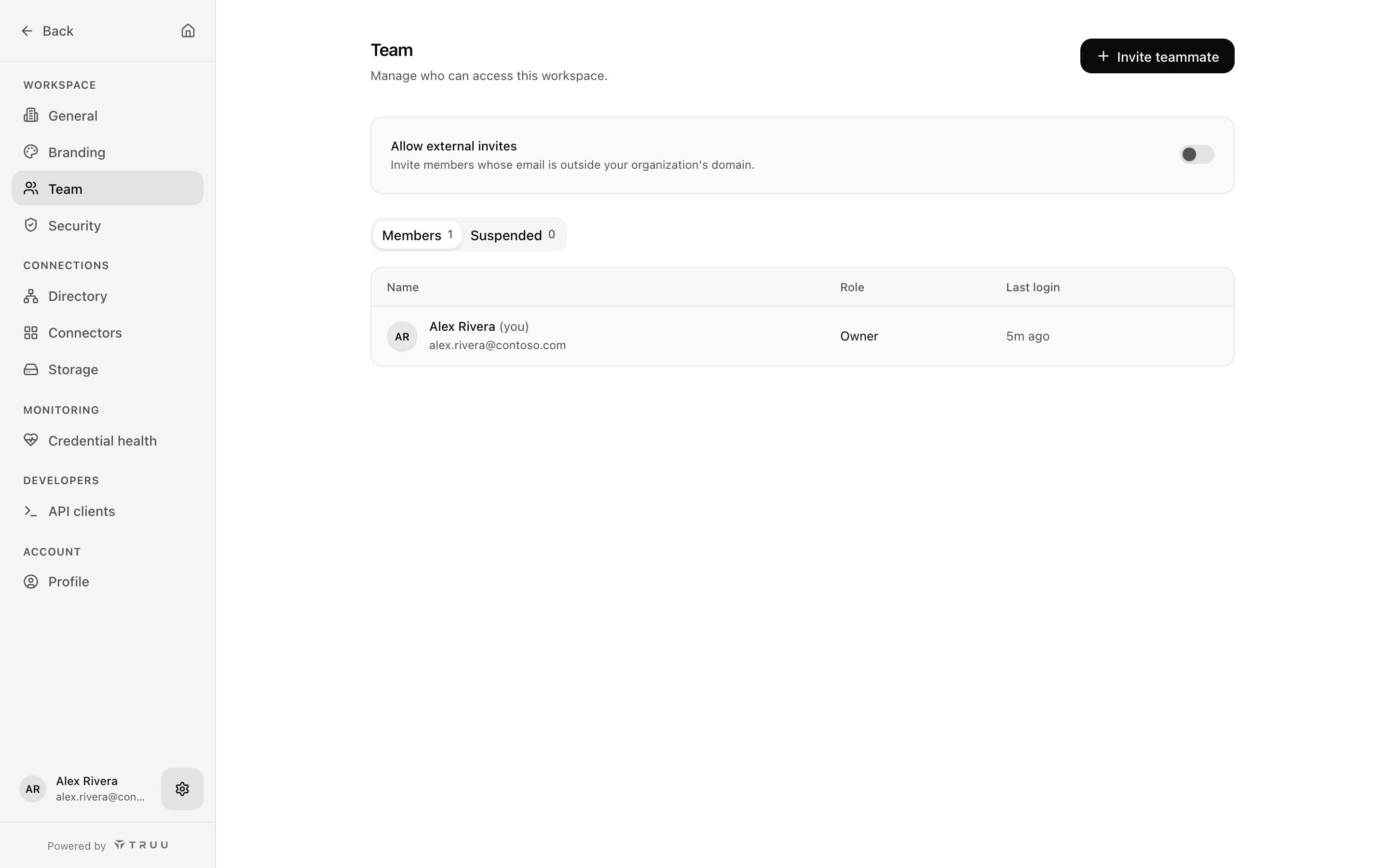
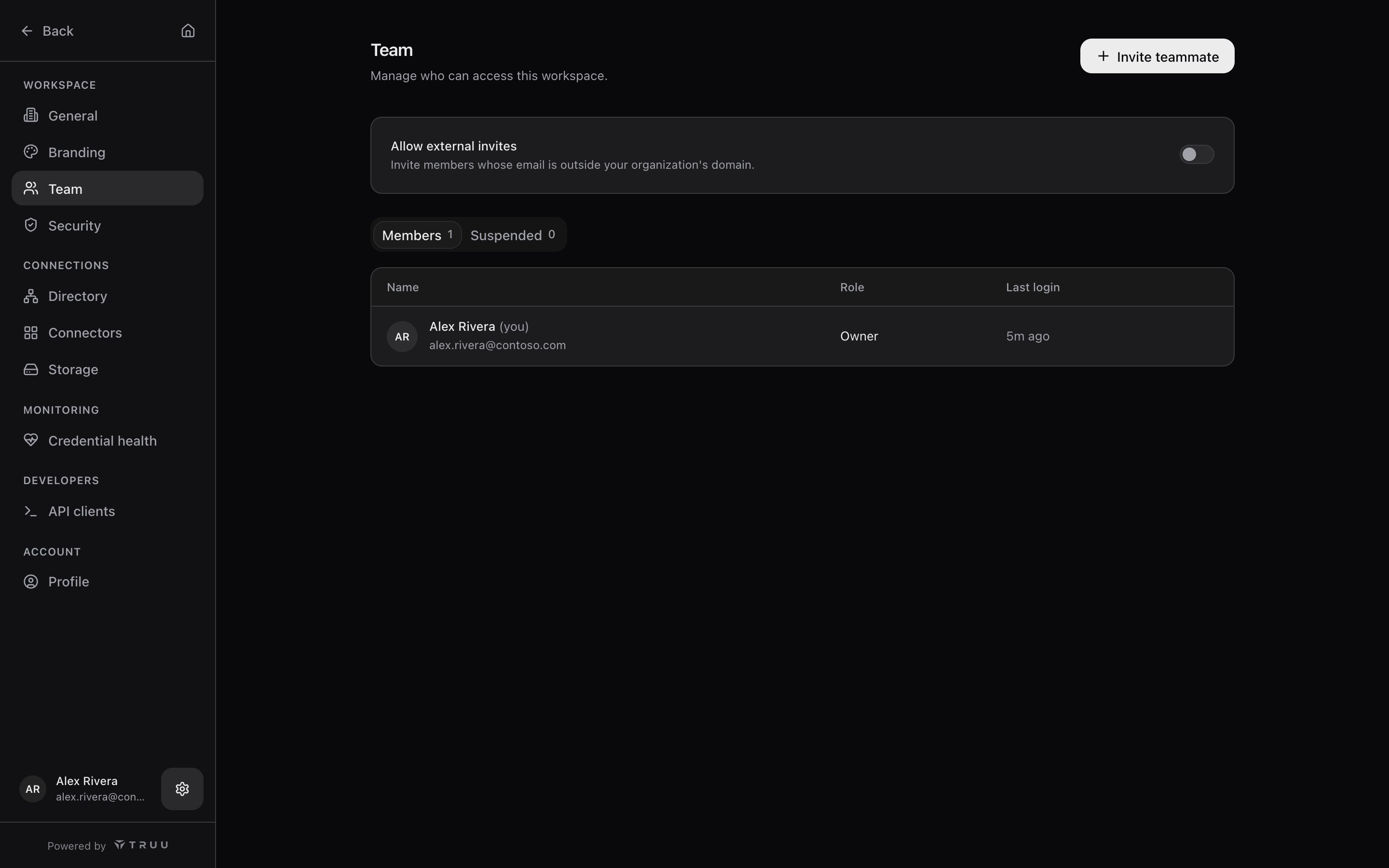
- Open Settings → Team and choose Invite teammate.
- Enter their work email and pick a seat.
- They get an email with a link that’s valid for 14 days. Pending invites show when they expire and can be resent.
Change and remove members
- Change a member’s seat from their row at any time.
- Suspend a member to block their access while keeping their history. Suspended members appear under Suspended, where you can restore them or delete them permanently.
- A workspace’s only Owner can’t be demoted or removed. Make someone else an Owner first.
- Last login shows when each member last signed in, which helps with access reviews.