

- Navigate to the Integrations > Key Store page in the admin console.
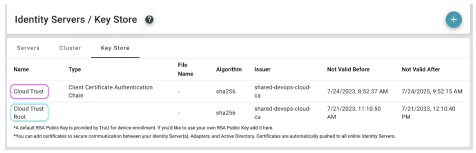
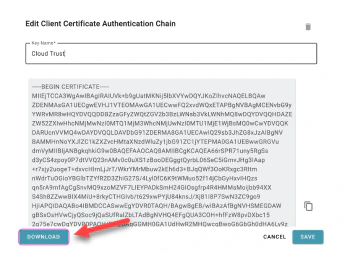
- Click on the “Cloud Trust” entry and download file “client_certificate_auth_chain_pem” this represents the cloud trust issuing ca certificate. Save it to a location on your domain controller.
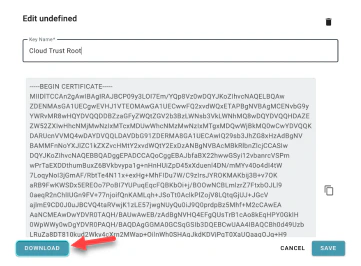
- Click on the “Cloud Trust Root” entry and download file “cloud_ca_root.pem” this represents the cloud trust root ca certificate. Save it to a location on your domain controller.
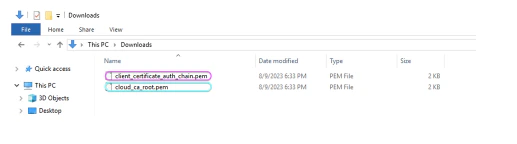
- Locate the downloaded .pem files and follow the next steps in the link below.
TruU Cloud Trust
Download Cloud Trust certs from TruU Cloud
Note: Cloud Trust must first be activated in your TruU Tenant before following any of the next sequence of steps. Talk to your TruU CSR to get more information on activating TruU Cloud Trust options.
Was this page helpful?