Overview
MacOS 26.4 introduced a change to user’s keychains the prevented TruU from accessing information stored there. Following an upgrade to this version of macOS, the Mac Authentictor may initiate a repair process to restore normal access to the user’s keychain. Only users who have already upgraded to macOS 26.4 and are running TruU v26.1.1 will be affected.Steps to Complete the Repair
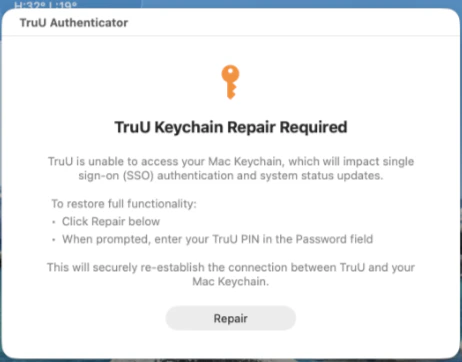
- When prompted, click Repair
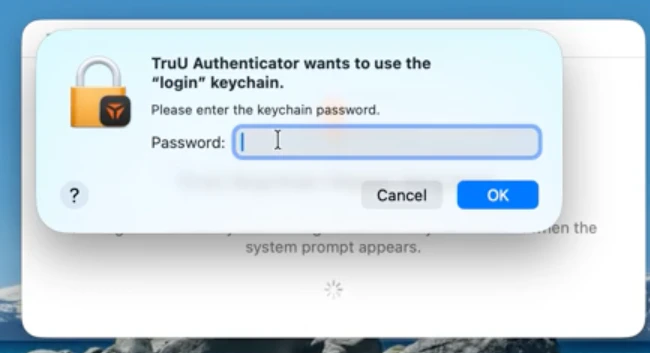
- Enter your PIN and click OK
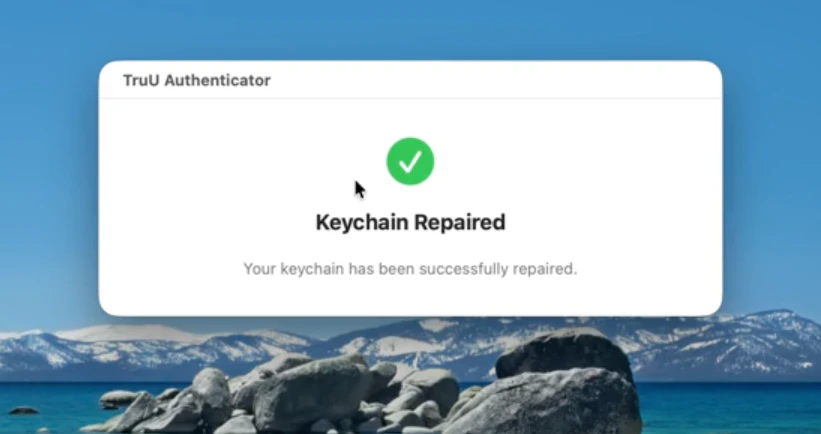
- Confirm you see the Keychain Repaired screen