

Highlights
- Improved CyberArk (fka Venafi) Adapter
- Enrollment/Authentication Lock-Out After Too Many Failed Attempts
- Bug Fixes
Enhancements
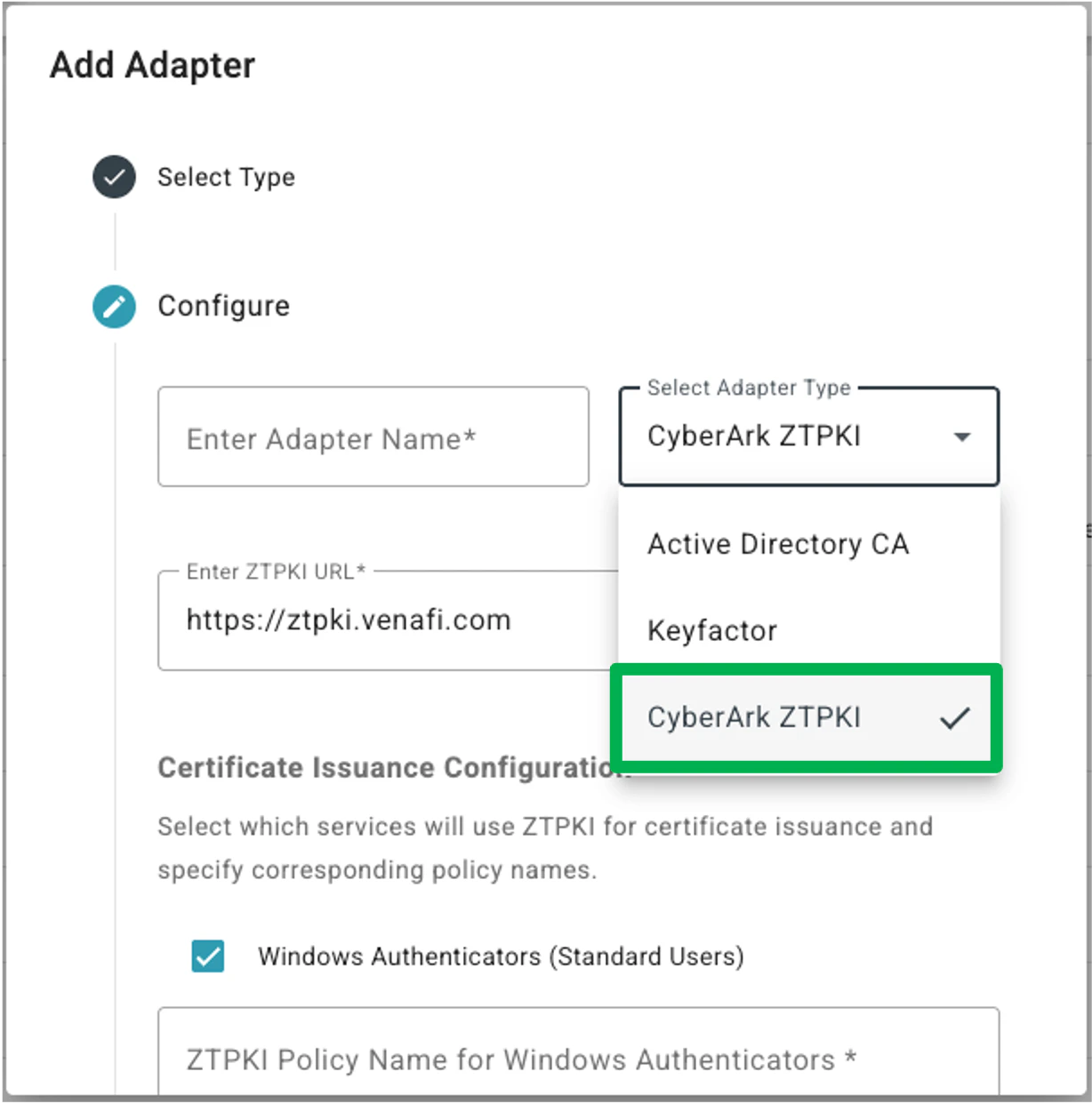
Improved CyberArk (fka Venafi) Adapter
The former Venafi ZTPKI Adapter has been updated in two ways:- The adapter name has been changed to CyberArk ZTPKI.
-
The adapter now allows Admins to specify the use cases that they are issuing certificates for, and which certificates (CyberArk Policies) to use for each. This change allows a single adapter to be used for both standard Windows Authenticators and Shared Workstations with different certificate validity periods for both.

Enrollment/Authentication Lock-Out After Too Many Failed Attempts
We have improved security with this release to prevent brute-force attacks by imposing a lock-out period for enrollment and authentication after too many failed attempts.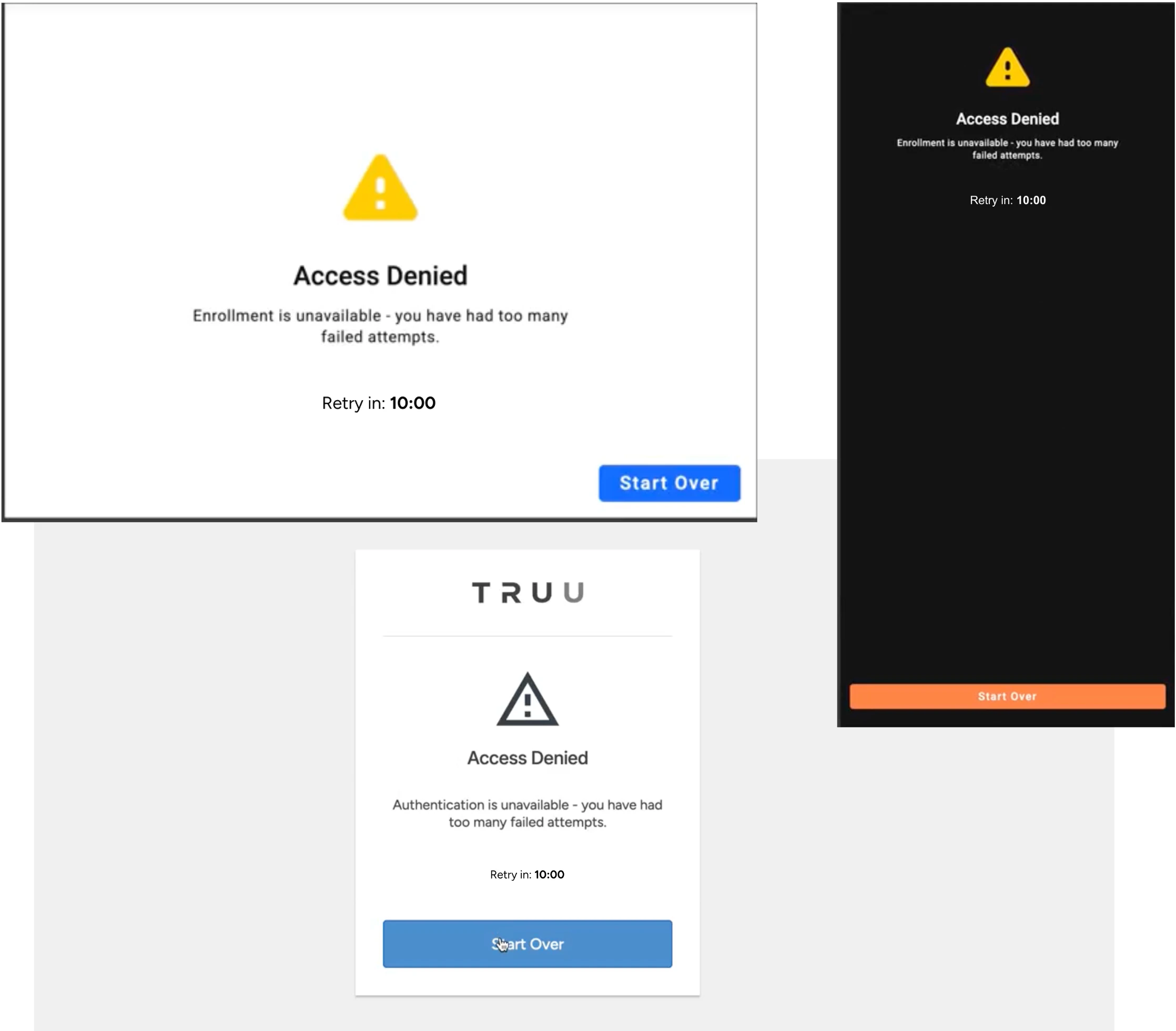
Bug Fixes
- We have fixed a UI issue with workflow-based authentication where the help text and the field name would occasionally overlap making the text difficult to read.
- We have fixed an issue where SSO authentication would not complete using a Mac Authenticator if the user ignores an authentication prompt and lets the session expire.
- We have fixed an issue that prevented users from being able to login to the User Portal using a resent authentication code as part of an authentication workflow.
- We have fixed an issue that prevented users from being able to save the configuration for Entra ID as a directory without enabling the feature to automatically remove devices based on changes to user status in the directory.
Known Issues
PLAT 26.198 Release Notes PLAT 25.192 Release Notes